


PHIPA-conforme e-handtekeningen voor de gezondheidszorg in Ontario
Bescherm persoonlijke gezondheidsgegevens in elke ondertekeningsworkflow
Verzamel juridisch bindende toestemmingen, machtigingen en zorgformulieren van patiënten met veilige, op PHIPA afgestemde e-handtekeningworkflows. Beschikbaar bij Enterprise met Advanced Security Controls en een ondertekende PHIPA-agentovereenkomst.
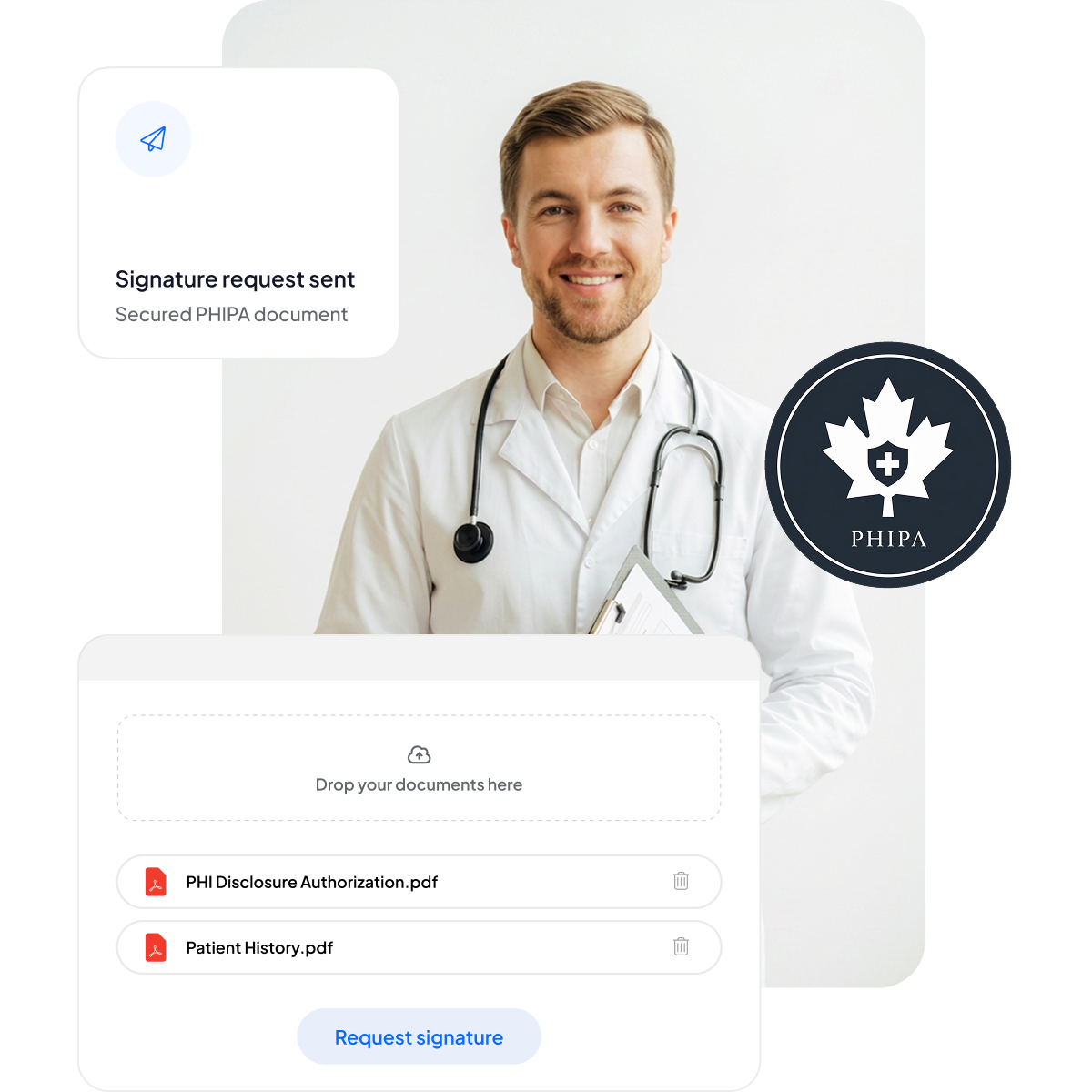






Moderniseer toestemmingsformulieren en zorgformulieren voor patiënten
Bied patiënten en medewerkers een veilige, mobielvriendelijke ondertekenervaring zonder extra papierwerk en zonder de zorg te vertragen.
Geen klembordjes: Minder papierwerk en kortere wachttijden.
Mobielvriendelijk ondertekenen: Handig voor patiënten op elk apparaat.
Minder fouten: Elektronische formulieren verminderen typefouten.
Snellere facturering: Snel verwerkt, voor tijdige betalingen.



PHIPA-naleving en beveiliging: een diepgaande blik
Ingebouwde, op PHIPA afgestemde controles, waaronder een ondertekende PHIPA-agentovereenkomst bij in aanmerking komende Enterprise-abonnementen, een onbeperkt aantal veilige formuliersjablonen, geavanceerde hashtechnologie die manipulatie van documenten detecteerbaar maakt, uitgebreide audittrails voor volledige transparantie en opties voor gegevenslocatie in Canada.

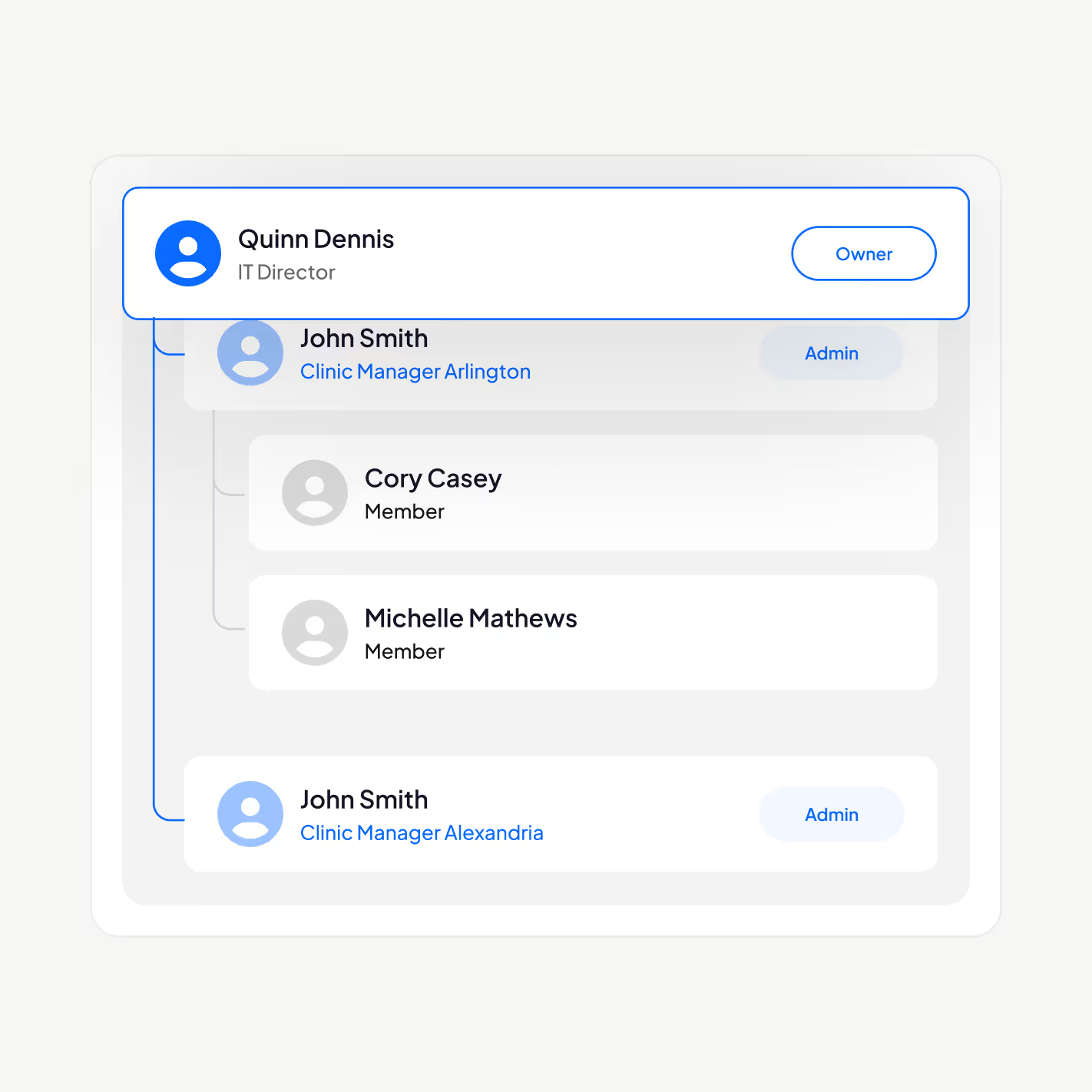
Alleen de juiste medewerkers hebben toegang tot PHI
Beheer uw zorgpersoneel met ons op PHIPA afgestemde e-handtekeningplatform: voeg gebruikers toe of verwijder ze, stel managementhiërarchieën in, dwing tweefactorauthenticatie af, schakel Single Sign-On (SSO) in en beperk persoonlijke gezondheidsgegevens op basis van de rol tot bevoegd personeel.
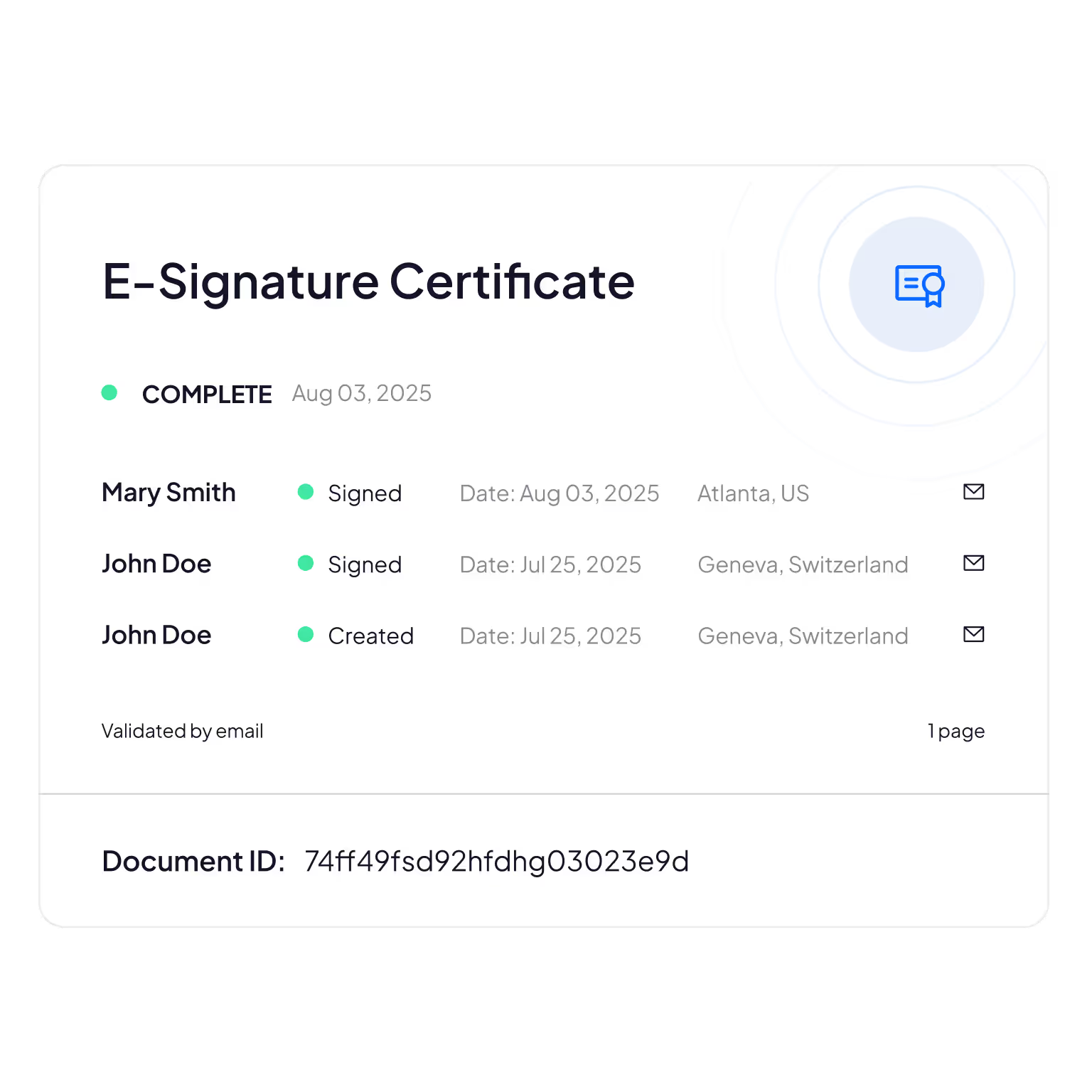
Manipulatiebestendige audittrails
Uitgebreide registratie van wie patiëntgegevens bekijkt, bewerkt of opent, voor verantwoording en nalevingscontrole.
Sign.Plus gebruikt cryptografische methoden om de integriteit van documenten te bevestigen, zodat uw elektronische formulieren aantoonbaar niet zijn gewijzigd of gemanipuleerd.
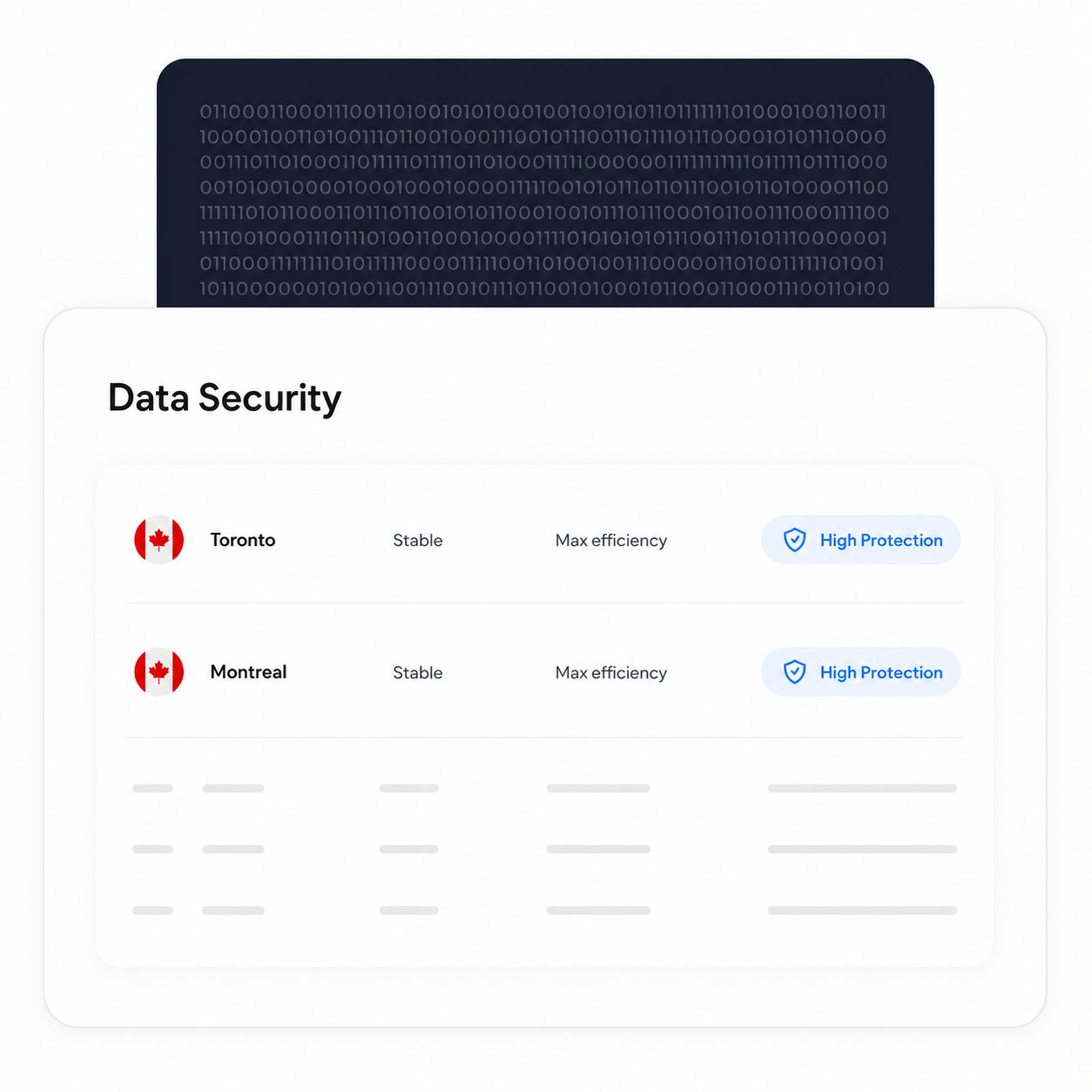
Houd verwerking en opslag in Canada
In aanmerking komende Enterprise-klanten kunnen een Canadese gegevenslocatie kiezen, waaronder Toronto. PHIPA vereist niet dat persoonlijke gezondheidsgegevens in Ontario blijven, dus dit is een configuratiekeuze die organisaties kunnen maken op basis van hun eigen vereisten.
Back-up- en herstelprocessen blijven van kracht, ongeacht de gekozen gegevenslocatie.
Verifieer de identiteit van elke ondertekenaar
Voeg een extra authenticatielaag toe die de identiteit van elke ondertekenaar bevestigt voordat deze uw document kan bekijken, zodat onbevoegde toegang wordt geblokkeerd en frauduleuze goedkeuringen worden voorkomen.
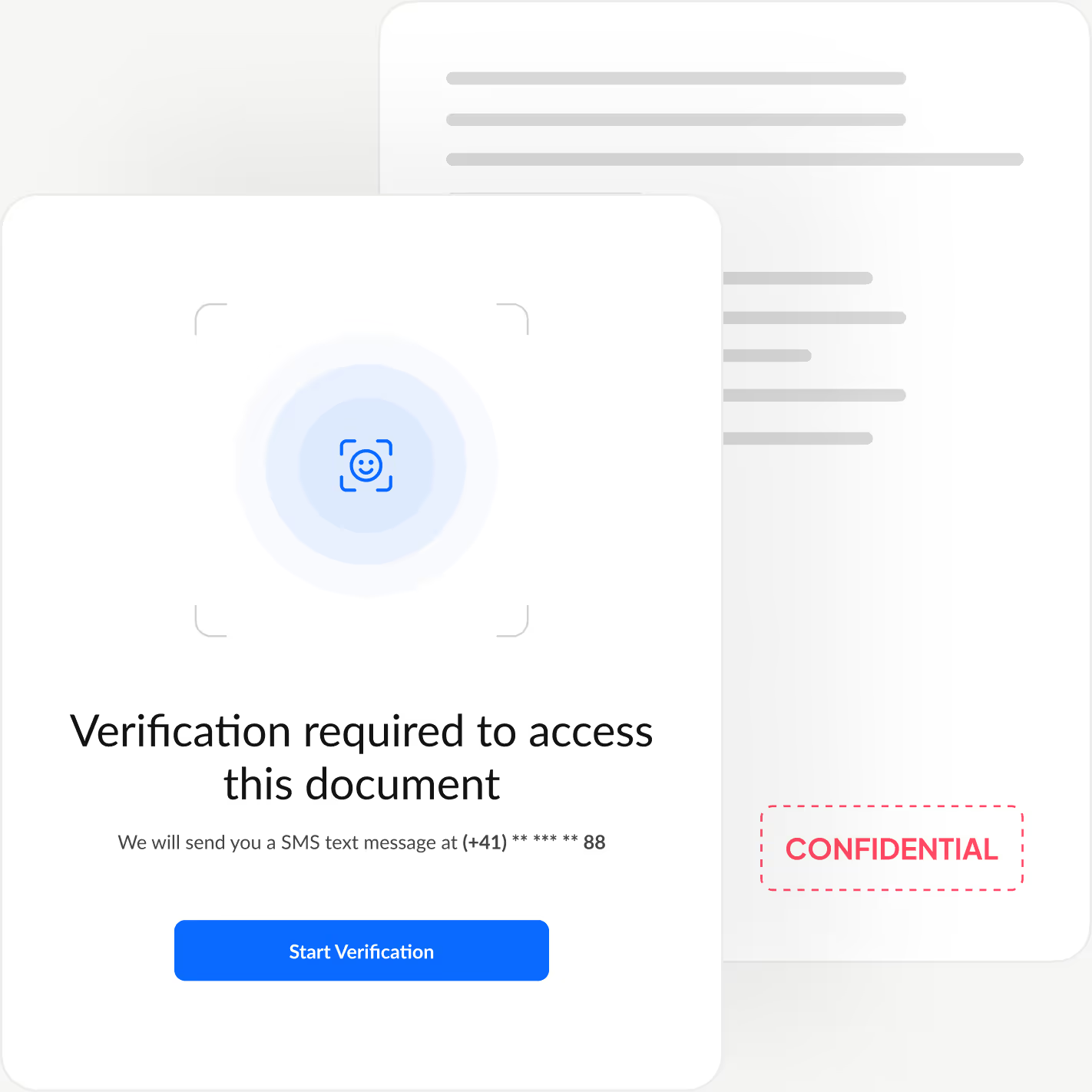
Sign.Plus biedt u drie flexibele verificatieopties: identiteitscontrole met gezichtsvergelijking, een door de afzender bepaalde toegangscode of een eenmalige sms-code. Zo stemt u de beveiliging af op elke workflow, terwijl het ondertekenen snel en moeiteloos blijft.
Zo schakelt u PHIPA-afstemming in Sign.Plus in
Voor PHIPA-afstemming worden Advanced Security Controls gecombineerd met een PHIPA-agentovereenkomst voor in aanmerking komende Enterprise-accounts.
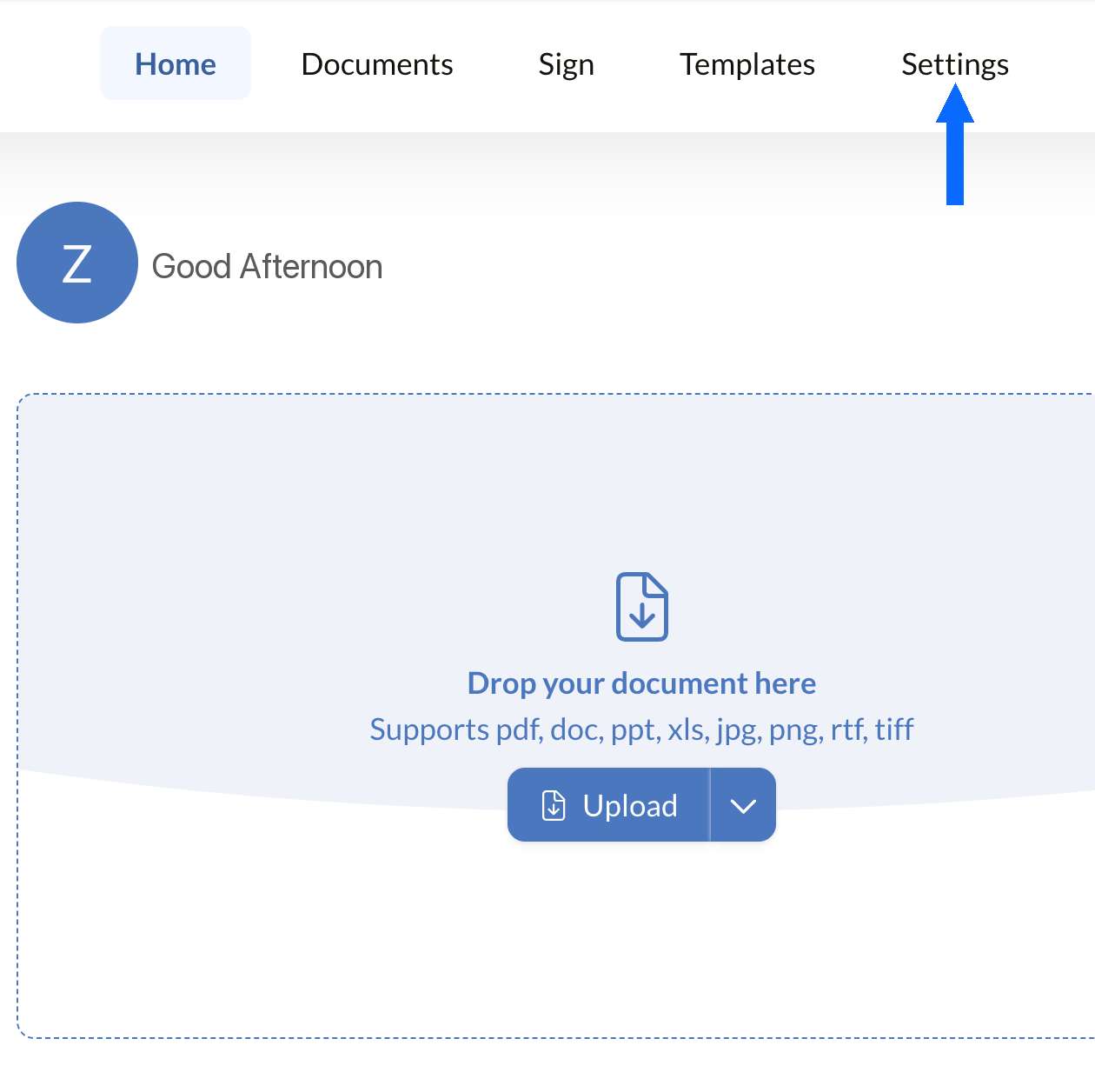
Instellingen openen
Meld u aan bij uw Sign.Plus-dashboard en open vervolgens Instellingen om te beginnen met het configureren van de PHIPA-compliancecontroles van uw organisatie.
PHIPA-afstemming is alleen beschikbaar voor in aanmerking komende Enterprise-accounts waarvoor Advanced Security Controls zijn ingeschakeld.
Beveiliging openen
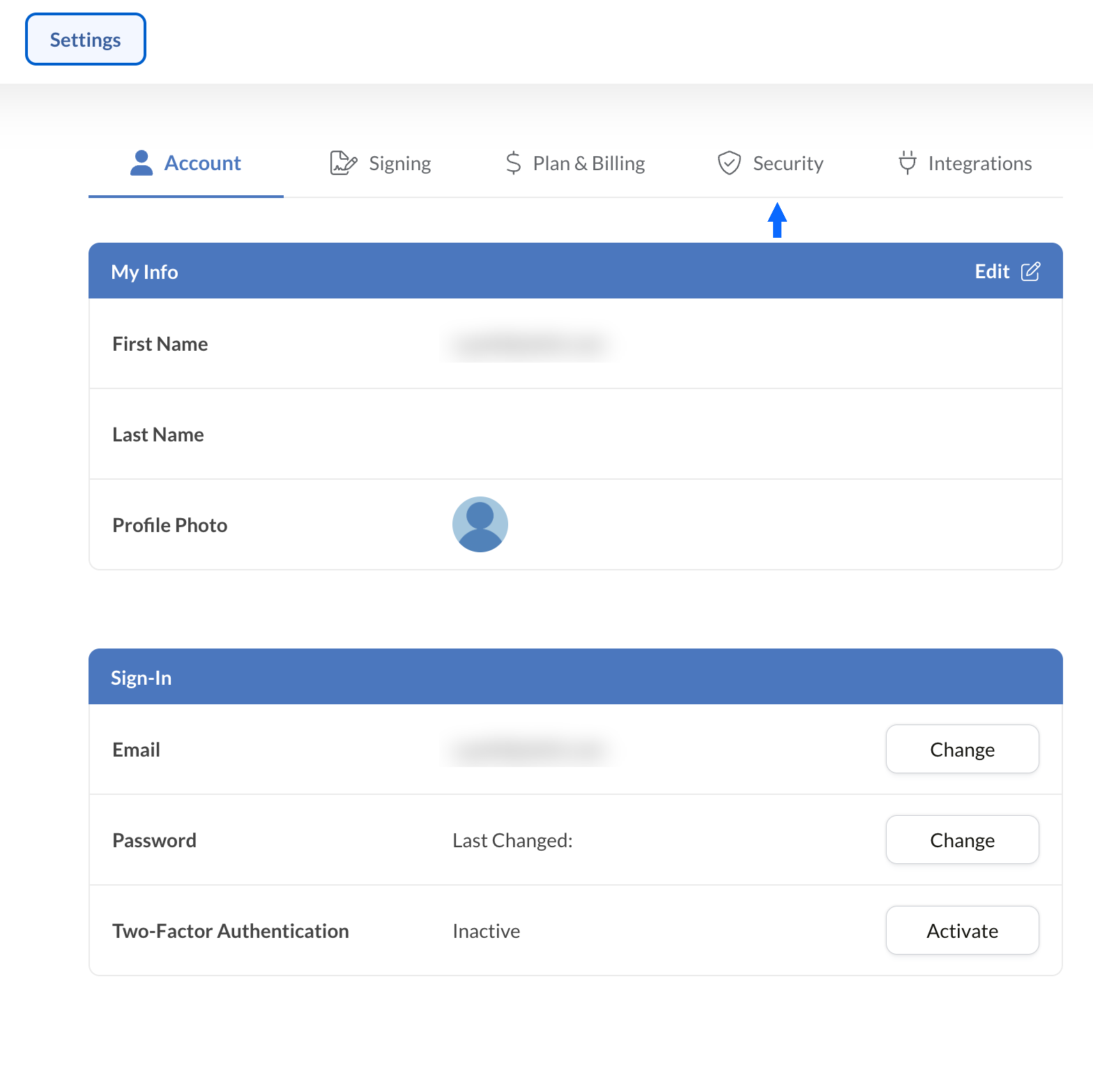
Selecteer in Instellingen het tabblad Beveiliging om toegang te krijgen tot de compliancecontroles van uw organisatie.
Vraag de PHIPA-overeenkomst aan
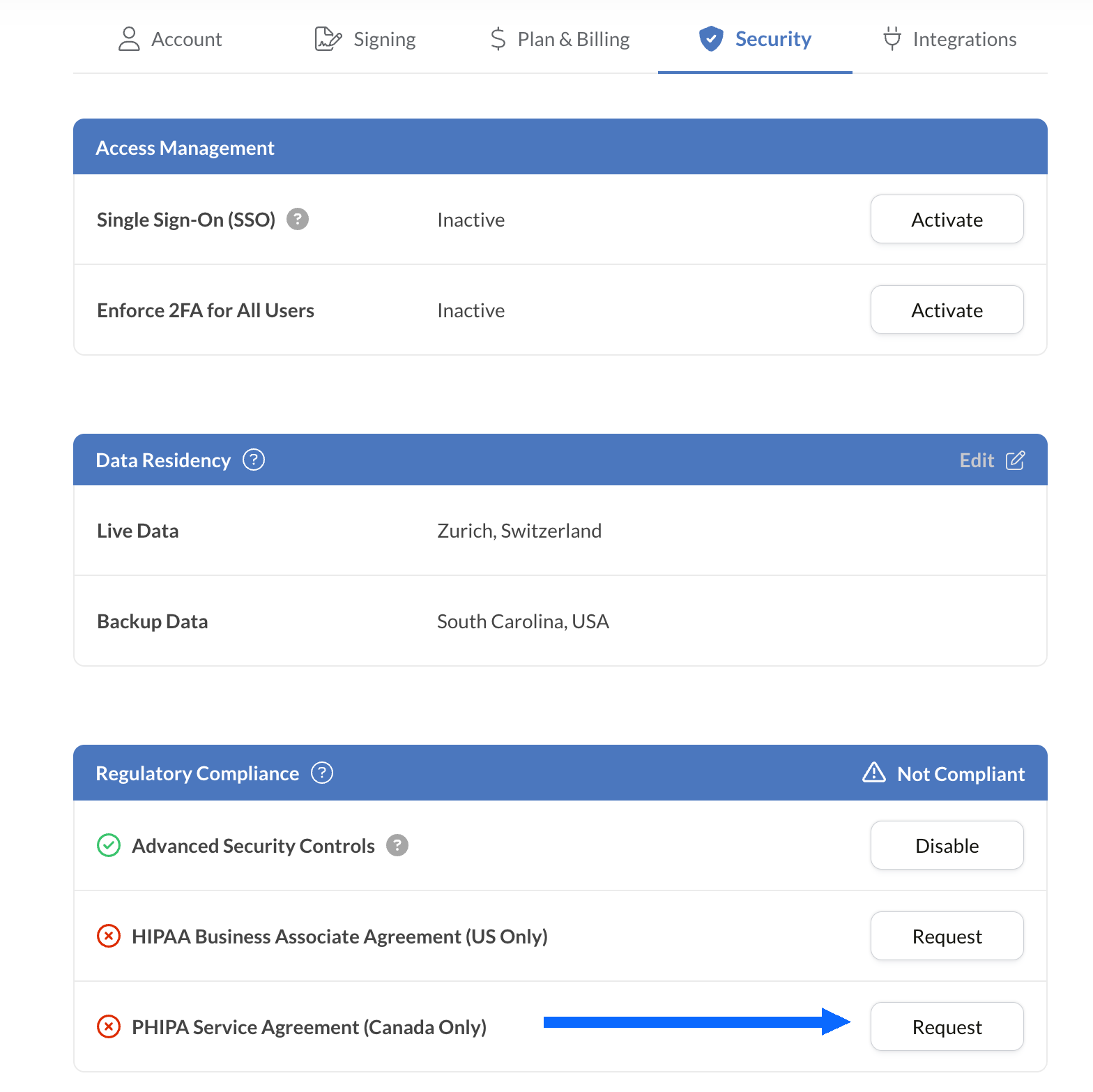
Het paneel Naleving van regelgeving toont alle compliance-opties voor de gezondheidszorg die beschikbaar zijn voor uw account, waaronder PHIPA.
Selecteer Aanvragen naast PHIPA-agentovereenkomst (alleen Canada).
Vul de overeenkomst in en dien deze in ter validatie. Zodra de overeenkomst is gevalideerd, wordt de PHIPA-status weergegeven in het paneel Naleving van regelgeving.
Integreer elektronische handtekeningen in uw bestaande tools
Sign.Plus biedt ook een robuuste API die speciaal voor de zorg is ontworpen. Integreer veilige elektronische handtekeningfunctionaliteit in uw bestaande zorgtoepassingen, stroomlijn workflows en verbeter de naleving met minimale inspanning.


Toepassingen van PHIPA-e-handtekeningen in de gezondheidszorg in Ontario

Beheer van toestemming van patiënten
Toestemming en machtigingen voor telegeneeskunde
Verzekeringsclaims en machtigingen
Behandel- en receptmachtigingen
Personeelsbeleid en bevestigingen van training
Toestemming voor medische ingrepen
Veelgestelde vragen over PHIPA-e-handtekeningen
Wat is PHIPA?

PHIPA, de Personal Health Information Protection Act, is de privacywet voor gezondheidsgegevens van Ontario. Deze wet regelt hoe persoonlijke gezondheidsgegevens worden verzameld, gebruikt, verstrekt en beschermd.
Is Sign.Plus PHIPA-conform?
Ja, Sign.Plus ondersteunt op PHIPA afgestemde workflows voor in aanmerking komende Enterprise-organisaties die Advanced Security Controls inschakelen en een PHIPA-agentovereenkomst ondertekenen.
Hoe activeer ik PHIPA-compliance in Sign.Plus?
Kies een Enterprise-abonnement, activeer Advanced Security Controls, vraag de PHIPA-agentovereenkomst aan en onderteken deze via de instellingen voor Naleving van regelgeving, en doorloop vervolgens het validatieproces van de overeenkomst. Na validatie wordt de PHIPA-status weergegeven in uw account.
Heb ik een BAA nodig voor PHIPA?
Nee. Een Business Associate Agreement (BAA) wordt gebruikt voor HIPAA. Voor PHIPA ondertekenen in aanmerking komende klanten in plaats daarvan een PHIPA-agentovereenkomst, die de rol van Sign.Plus als agent op grond van artikel 17 van PHIPA weergeeft.
Biedt Sign.Plus Canadese gegevenslocatie?
Ja. In aanmerking komende Enterprise-klanten kunnen voor Sign.Plus een Canadese gegevenslocatie kiezen, waaronder Toronto. PHIPA vereist over het algemeen niet dat persoonlijke gezondheidsgegevens in Ontario blijft, dus organisaties dienen de instellingen voor gegevenslocatie te kiezen op basis van hun eigen vereisten.
Moderniseer de administratie in de gezondheidszorg in Ontario met PHIPA-conforme, veilige e-handtekeningen
Enterprise
Oplossing op maat
Begin vandaag nog met PHIPA-conforme elektronische handtekeningen
Maak een Enterprise-account aan, activeer Advanced Security Controls, vraag uw PHIPA-agentovereenkomst aan en onderteken deze, en begin met het veilig beheren van ondertekeningsworkflows in de gezondheidszorg.




Confédération Suisse
Confederazione Svizzera
Confederaziun Svizra
Zwitserse Bondsstaat
Innosuisse - Zwitsers innovatieagentschap



