


Podpisy elektroniczne zgodne z PHIPA dla ochrony zdrowia w Ontario
Chroń dane o stanie zdrowia w każdym procesie podpisywania
Zbieraj prawnie wiążące zgody pacjentów, upoważnienia i formularze medyczne w bezpiecznych procesach podpisu elektronicznego dostosowanych do wymogów PHIPA. Dostępne w planie Enterprise z Advanced Security Controls oraz podpisaną umową agenta PHIPA (PHIPA Agent Agreement).
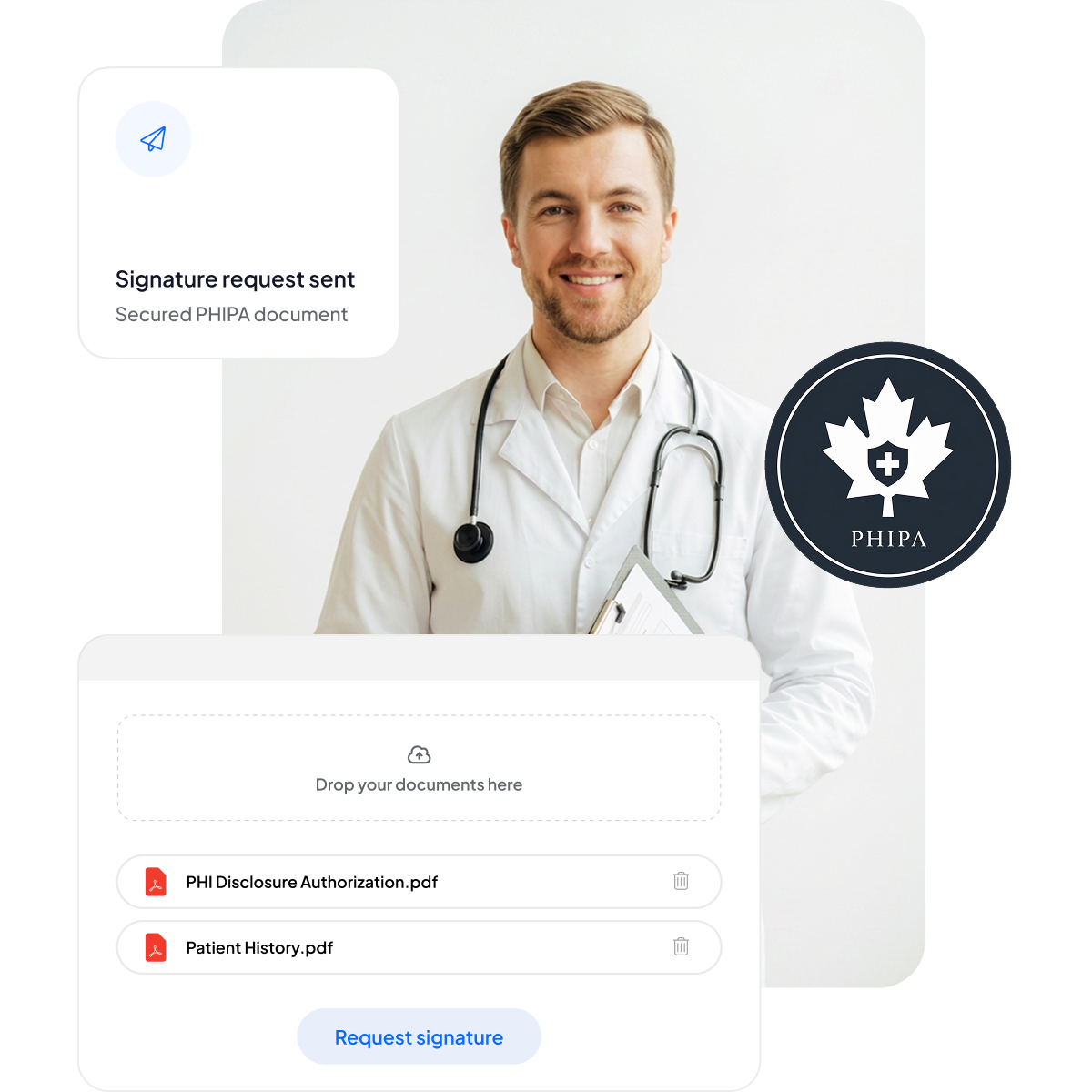






Zmodernizuj zgody pacjentów i formularze medyczne
Zapewnij pacjentom i personelowi bezpieczne podpisywanie na urządzeniach mobilnych, bez dodatkowej papierologii i bez spowalniania opieki.
Bez podkładek z papierami: mniej papierkowej roboty i krótszy czas oczekiwania.
Podpisywanie na urządzeniach mobilnych: wygoda dla pacjentów na każdym urządzeniu.
Mniej błędów: formularze elektroniczne ograniczają literówki.
Szybsze rozliczenia: sprawne przetwarzanie zapewnia terminowe płatności.



Zgodność z PHIPA i bezpieczeństwo – szczegółowy przegląd
Wbudowane mechanizmy kontroli dostosowane do wymogów PHIPA, w tym podpisana umowa agenta PHIPA (PHIPA Agent Agreement) w kwalifikujących się planach Enterprise, nieograniczona liczba bezpiecznych szablonów formularzy, zaawansowana technologia haszowania zapewniająca odporność dokumentów na manipulacje, kompleksowe ścieżki audytu dla pełnej przejrzystości oraz opcje lokalizacji danych w Kanadzie.

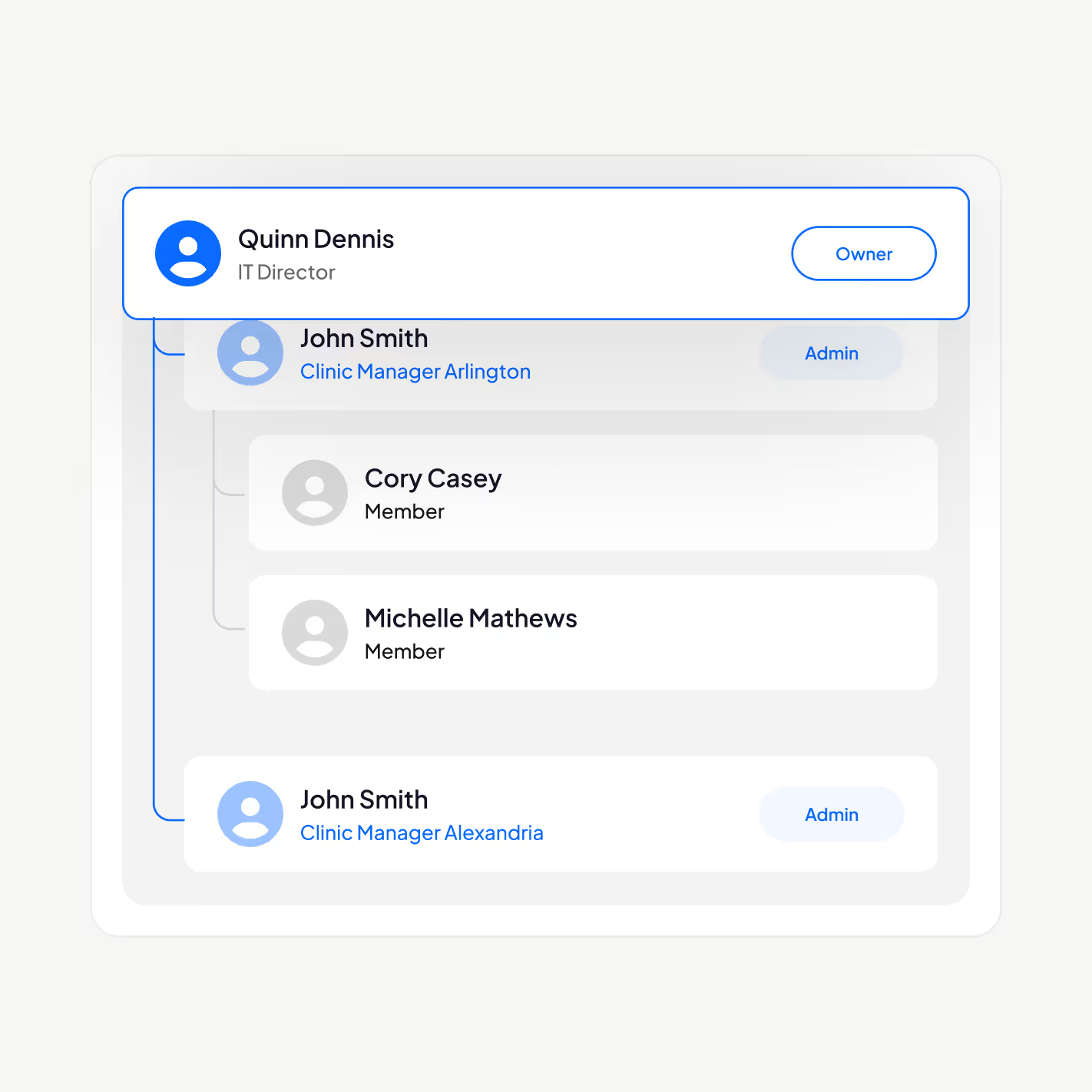
Dostęp do PHI tylko dla właściwego personelu
Zarządzaj personelem medycznym za pomocą platformy podpisu elektronicznego dostosowanej do wymogów PHIPA: dodawaj lub usuwaj użytkowników, twórz hierarchie kierownicze, wymuszaj uwierzytelnianie dwuskładnikowe, włączaj jednokrotne logowanie (SSO) i ograniczaj dostęp do danych o stanie zdrowia wyłącznie do upoważnionych osób na podstawie ich roli.
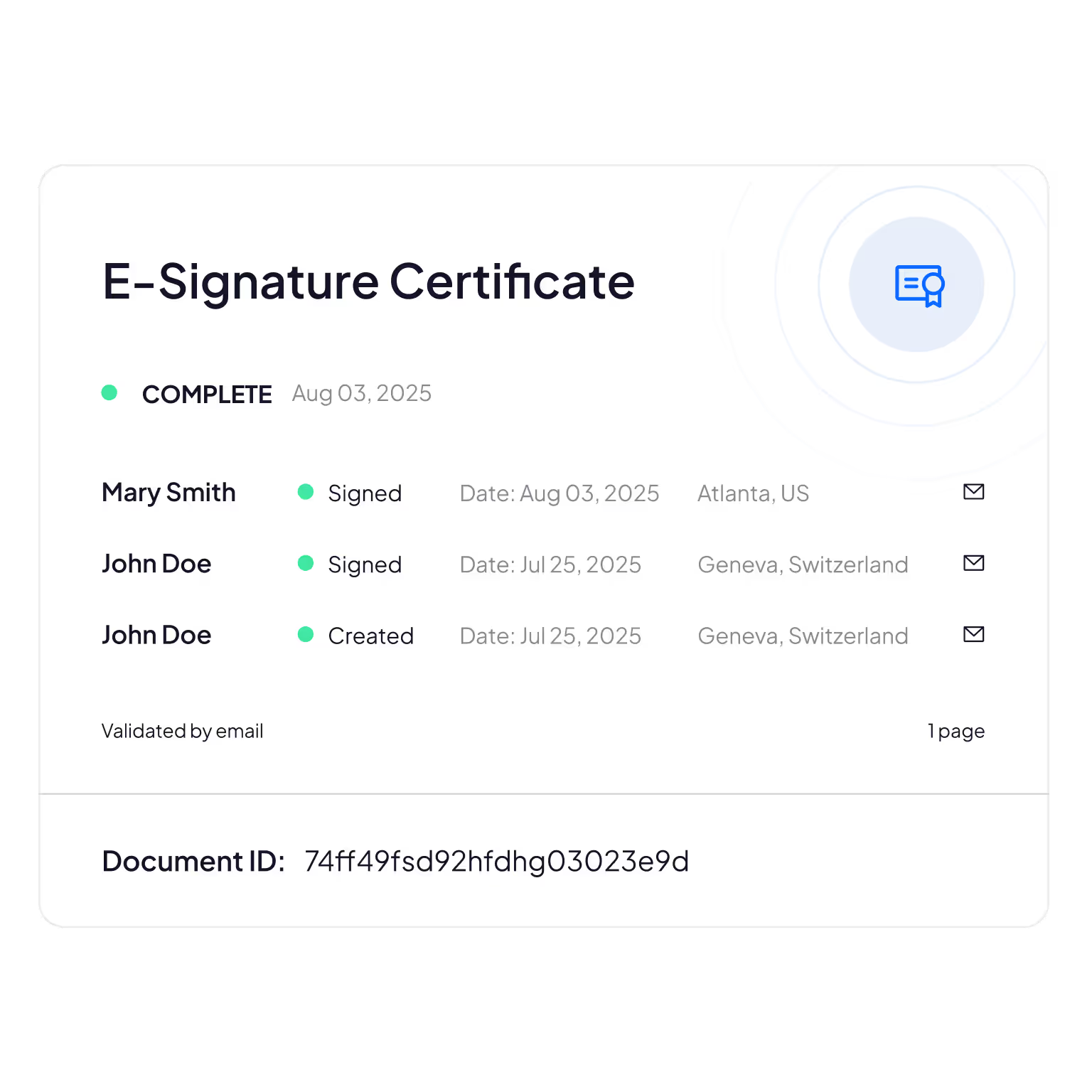
Zabezpieczone przed manipulacją ścieżki audytu
Kompleksowe śledzenie, kto przegląda, edytuje lub uzyskuje dostęp do informacji o pacjentach, zapewniające rozliczalność i możliwość weryfikacji zgodności.
Sign.Plus wykorzystuje metody kryptograficzne do potwierdzania integralności dokumentów, dzięki czemu masz pewność, że Twoje formularze elektroniczne nie zostały zmienione ani sfałszowane.
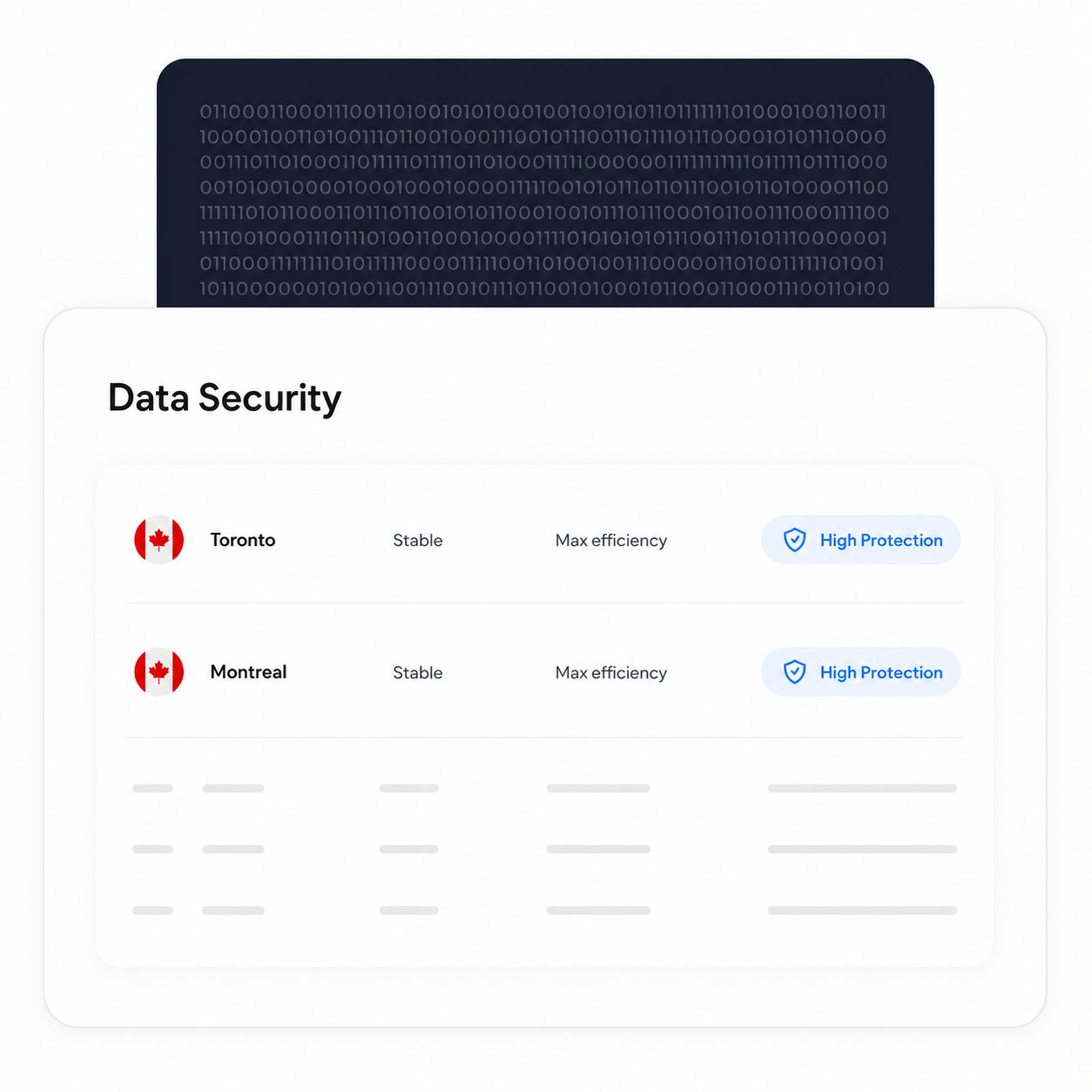
Przetwarzaj i przechowuj dane w Kanadzie
Kwalifikujący się klienci Enterprise mogą wybrać kanadyjską lokalizację danych, w tym Toronto. PHIPA nie wymaga, aby dane o stanie zdrowia pozostawały w Ontario, dlatego jest to opcja konfiguracji, którą organizacje mogą wybrać zgodnie z własnymi wymaganiami.
Procesy tworzenia kopii zapasowych i odzyskiwania danych pozostają aktywne niezależnie od wybranej lokalizacji danych.
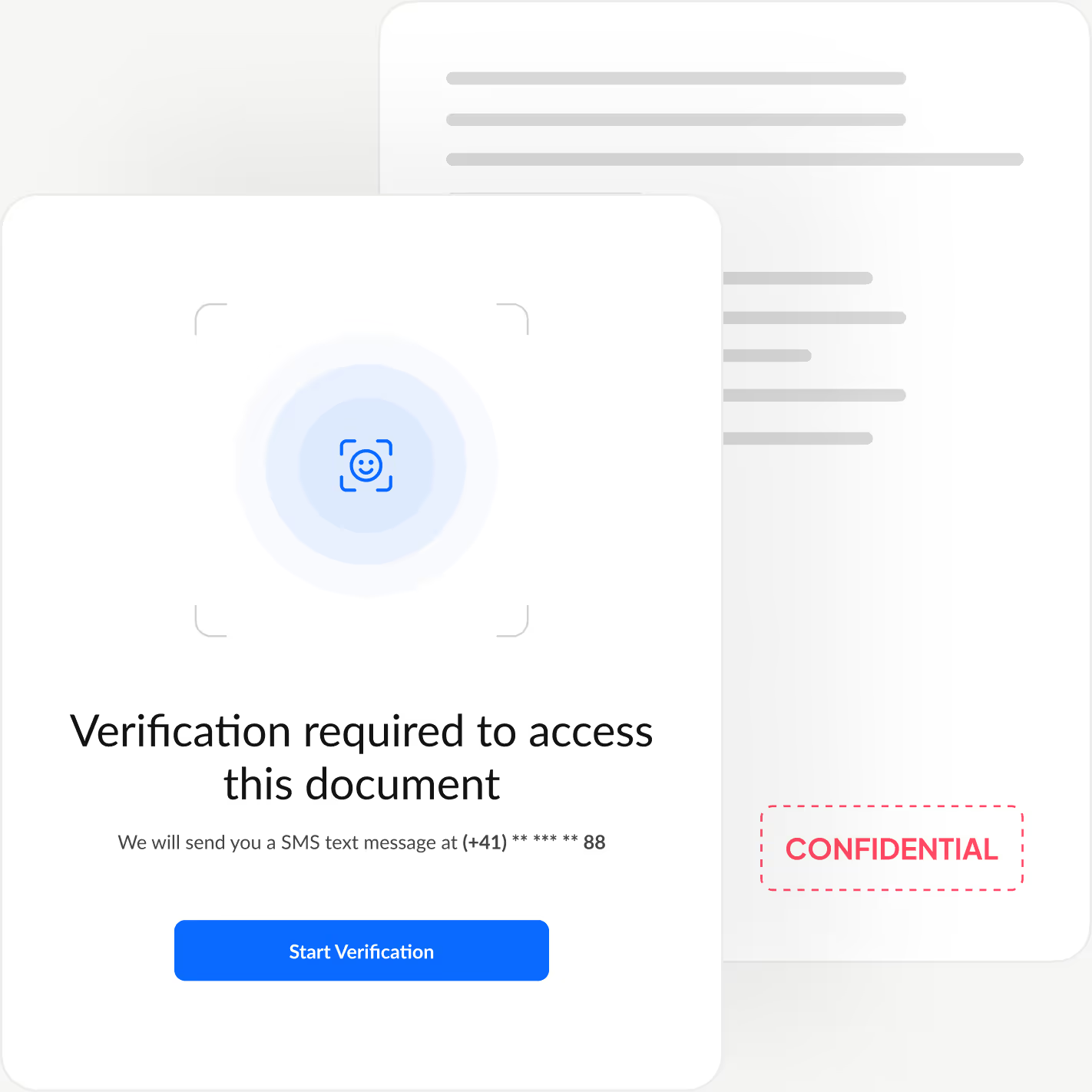
Weryfikuj tożsamość każdego podpisującego
Dodaj dodatkową warstwę uwierzytelniania, która potwierdza tożsamość każdej osoby podpisującej, zanim w ogóle zobaczy dokument, blokując nieautoryzowany dostęp i zapobiegając fałszywym zatwierdzeniom.
Sign.Plus oferuje trzy elastyczne opcje weryfikacji: sprawdzenie dokumentu tożsamości z dopasowaniem twarzy, kod dostępu ustawiony przez nadawcę lub jednorazowy kod SMS, dzięki czemu dopasujesz poziom zabezpieczeń do każdego procesu, zachowując szybkie i bezwysiłkowe podpisywanie.
Jak włączyć zgodność z PHIPA w Sign.Plus
Dostosowanie do PHIPA wymaga Advanced Security Controls oraz umowy agenta PHIPA (PHIPA Agent Agreement) dla kwalifikujących się kont Enterprise.
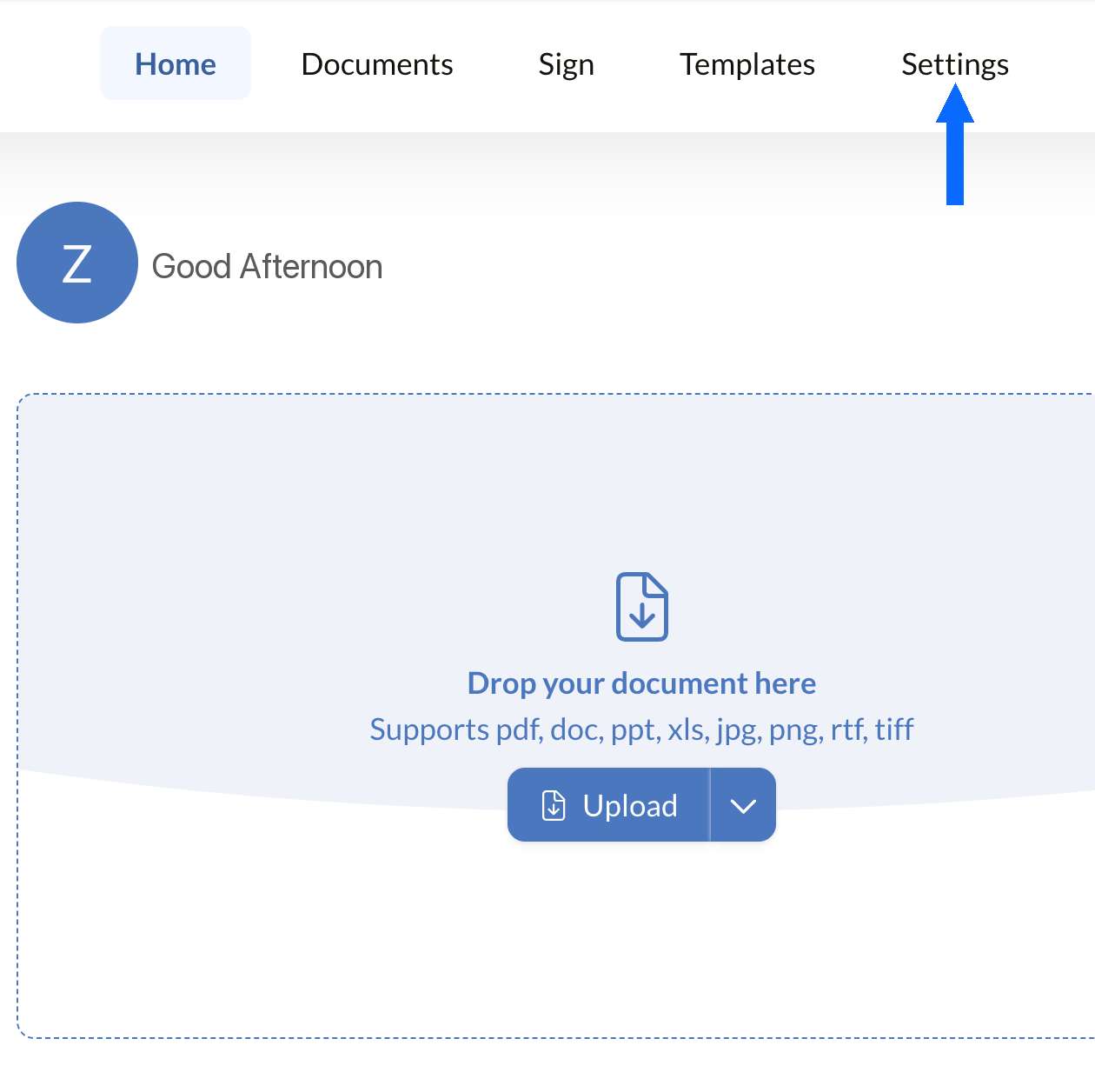
Otwórz Ustawienia
Zaloguj się do panelu Sign.Plus, a następnie otwórz Ustawienia, aby rozpocząć konfigurację mechanizmów zgodności z PHIPA w swojej organizacji.
Dostosowanie do PHIPA jest dostępne wyłącznie na kwalifikujących się kontach Enterprise z włączoną funkcją Advanced Security Controls.
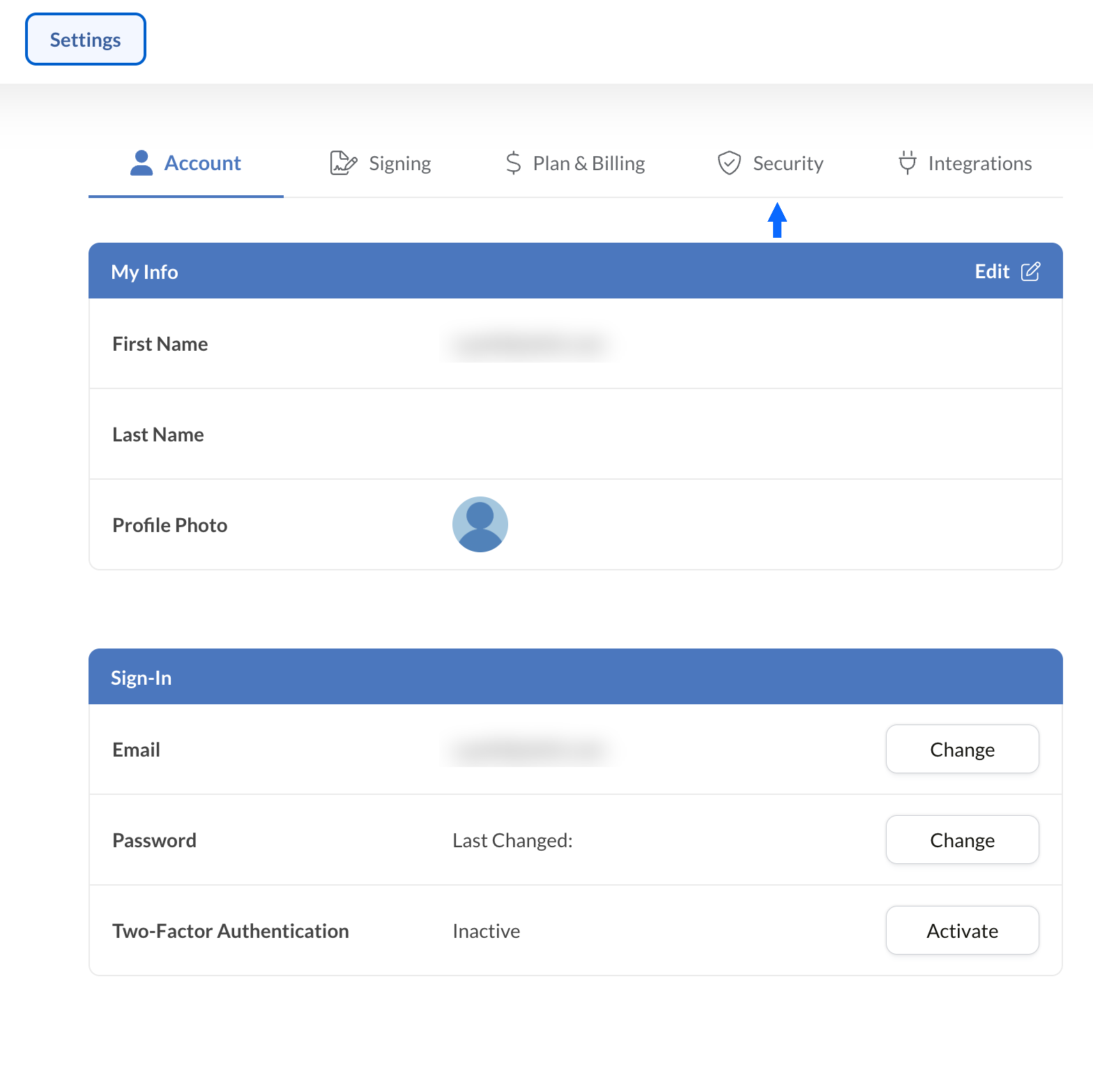
Otwórz Bezpieczeństwo
W sekcji Ustawienia wybierz kartę Bezpieczeństwo, aby przejść do mechanizmów zgodności w swojej organizacji.
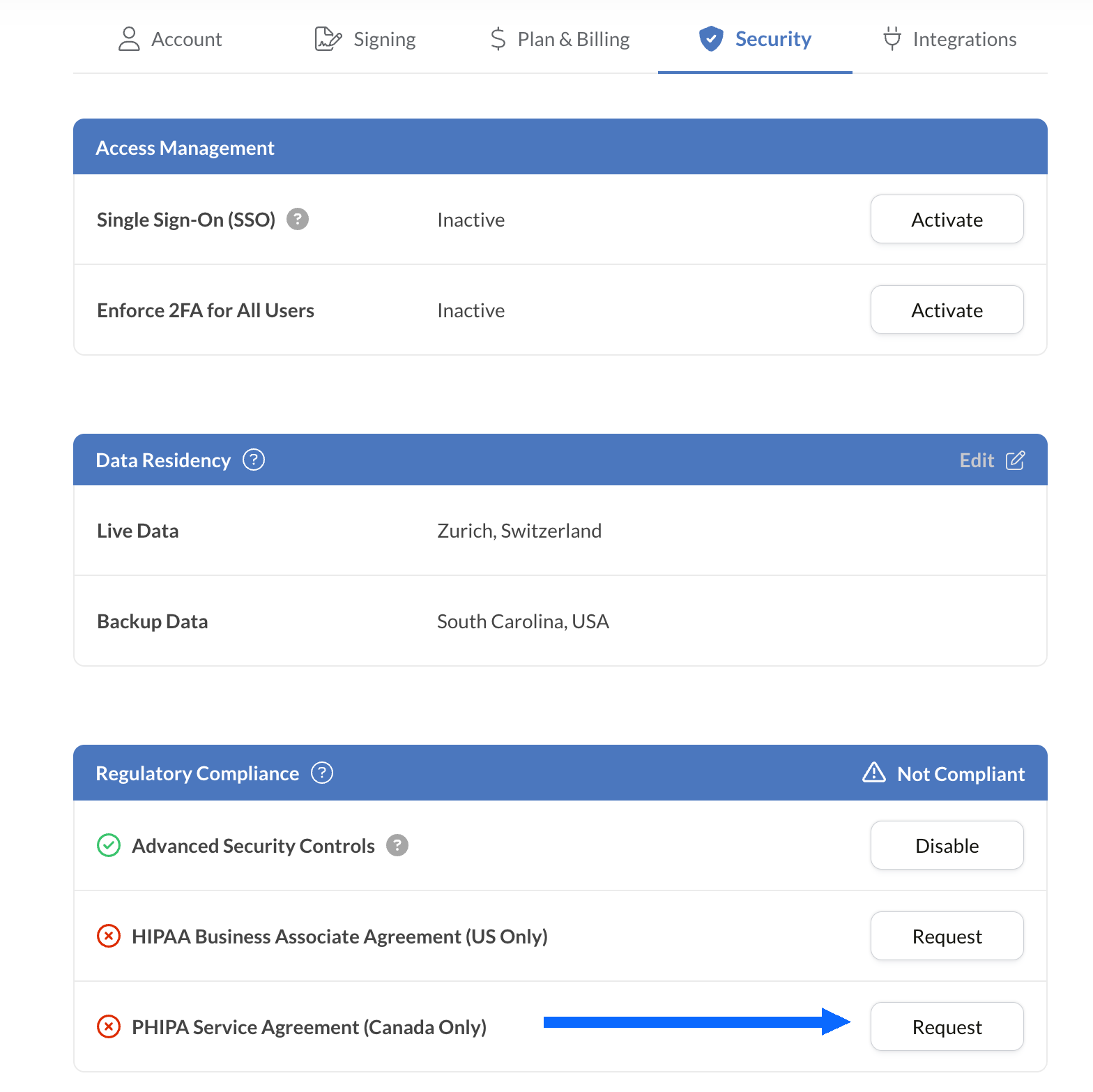
Poproś o umowę PHIPA
Panel „Zgodność z przepisami” wyświetla wszystkie opcje zgodności dla sektora ochrony zdrowia dostępne na Twoim koncie, w tym PHIPA.
Wybierz opcję „Poproś” obok pozycji Umowa agenta PHIPA (tylko Kanada).
Wypełnij umowę i prześlij ją do weryfikacji. Po zatwierdzeniu status PHIPA zostanie wyświetlony w panelu „Zgodność z przepisami”.
Osadź podpisy elektroniczne w swoich dotychczasowych narzędziach
Sign.Plus udostępnia również niezawodne API zaprojektowane specjalnie dla ochrony zdrowia. Zintegruj bezpieczne funkcje podpisu elektronicznego z istniejącymi aplikacjami medycznymi, usprawniając procesy i zwiększając zgodność przy minimalnym wysiłku.


Zastosowania podpisu elektronicznego PHIPA w ochronie zdrowia w Ontario

Zarządzanie zgodami pacjentów
Zgody i upoważnienia w telemedycynie
Roszczenia i autoryzacje ubezpieczeniowe
Zgody na leczenie i upoważnienia dotyczące recept
Polityki dla personelu i potwierdzenia ukończenia szkoleń
Zgoda na zabiegi medyczne
Najczęstsze pytania o podpis elektroniczny PHIPA
Czym jest PHIPA?

PHIPA, czyli Personal Health Information Protection Act, to prawo prowincji Ontario dotyczące prywatności danych zdrowotnych, określające zasady gromadzenia, wykorzystywania, ujawniania i ochrony danych o stanie zdrowia.
Czy Sign.Plus jest zgodny z PHIPA?
Tak, Sign.Plus obsługuje procesy dostosowane do wymogów PHIPA dla kwalifikujących się organizacji z planem Enterprise, które włączą Advanced Security Controls i podpiszą umowę agenta PHIPA (PHIPA Agent Agreement).
Jak aktywować zgodność z PHIPA w Sign.Plus?
Wybierz plan Enterprise, aktywuj Advanced Security Controls, poproś o umowę agenta PHIPA (PHIPA Agent Agreement) w panelu „Zgodność z przepisami” i podpisz ją, a następnie przejdź proces weryfikacji umowy. Po zatwierdzeniu status PHIPA będzie widoczny na Twoim koncie.
Czy potrzebuję BAA w przypadku PHIPA?
Nie. Umowa Business Associate Agreement (BAA) jest stosowana w przypadku HIPAA. W przypadku PHIPA uprawnieni klienci zamiast niej podpisują umowę agenta PHIPA (PHIPA Agent Agreement), która odzwierciedla rolę Sign.Plus jako agenta na podstawie sekcji 17 PHIPA.
Czy Sign.Plus oferuje kanadyjską lokalizację danych?
Tak. Uprawnieni klienci Enterprise mogą wybrać kanadyjską lokalizację danych dla Sign.Plus, w tym Toronto. PHIPA zasadniczo nie wymaga, aby dane osobowe o stanie zdrowia pozostawały w Ontario, dlatego organizacje powinny wybierać ustawienia lokalizacji danych zgodnie z własnymi wymaganiami.
Zmodernizuj dokumentację w ochronie zdrowia w Ontario dzięki bezpiecznym podpisom elektronicznym zgodnym z PHIPA
Enterprise
Rozwiązanie niestandardowe
Zacznij korzystać z podpisów elektronicznych zgodnych z PHIPA już dziś
Utwórz konto Enterprise, aktywuj Advanced Security Controls, poproś o umowę agenta PHIPA (PHIPA Agent Agreement) i podpisz ją, a następnie zacznij bezpiecznie zarządzać procesami podpisywania w ochronie zdrowia.




Confédération Suisse
Confederazione Svizzera
Confederaziun Svizra
Konfederacja Szwajcarska
Innosuisse – Szwajcarska Agencja Innowacji



