


面向安大略省医疗行业的符合 PHIPA 的电子签名
在每个签名工作流程中保护个人健康信息
通过符合 PHIPA 要求的安全电子签名工作流程,收集具有法律约束力的患者同意书、授权书和医疗表单。适用于启用 Advanced Security Controls 并签署 PHIPA 代理协议的 Enterprise 套餐。







实现患者同意书和医疗表单的现代化
为患者和员工提供安全、适合移动设备的签名体验,既不增加纸质工作,也不拖慢诊疗。
告别写字板:减少纸质工作,缩短等待时间。
适合移动设备的签名:患者可在任何设备上便捷签署。
减少错误:电子表单可减少录入错误。
更快结算:快速处理,确保及时回款。



PHIPA 合规与安全深度解析
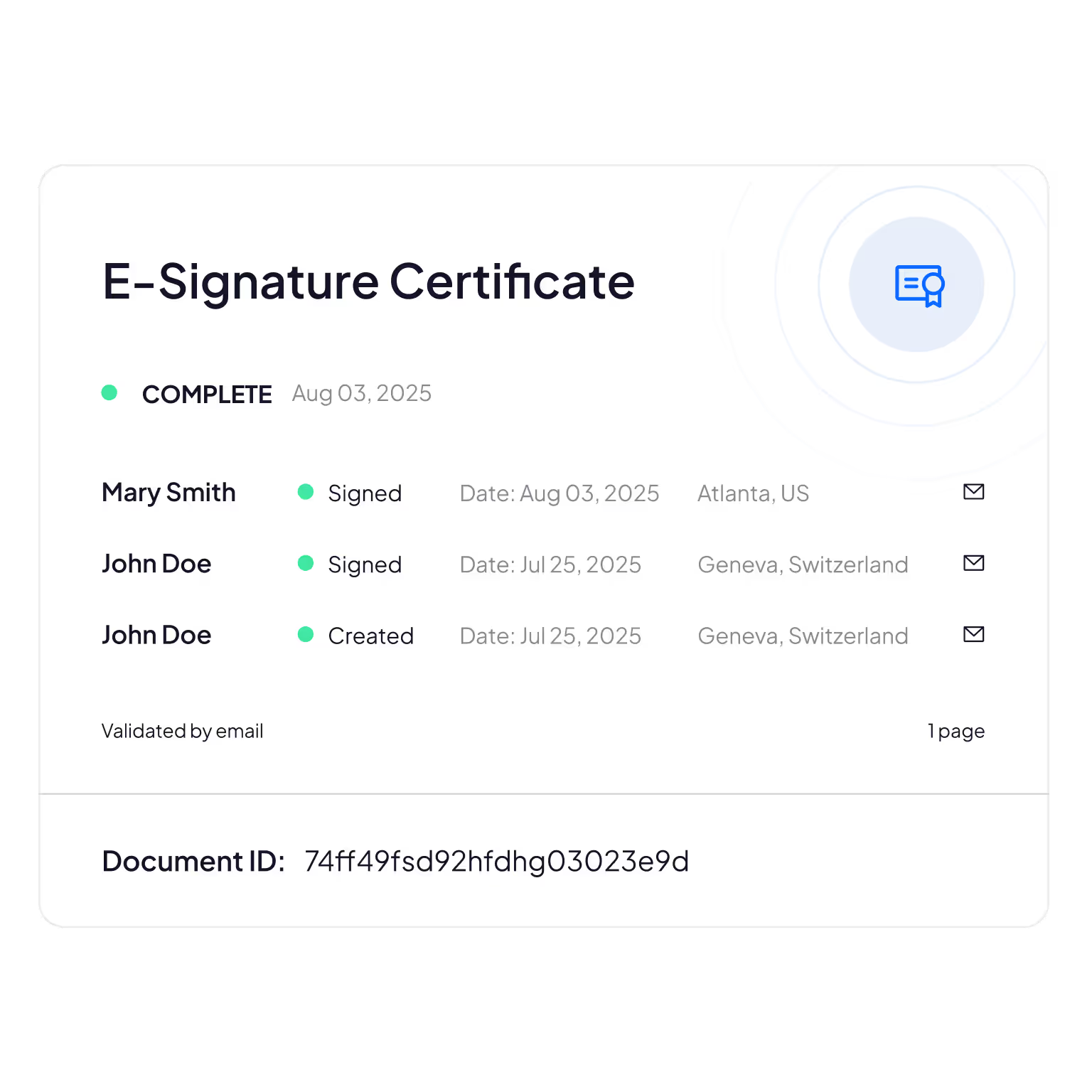
内置符合 PHIPA 要求的控制措施,包括符合条件的 Enterprise 套餐提供的已签署 PHIPA 代理协议、无限量安全表单模板、确保文档防篡改的先进哈希技术、实现完全透明的全面审计追踪,以及加拿大数据驻留选项。

仅限合适的员工访问 PHI
借助我们符合 PHIPA 要求的电子签名平台管理您的医疗团队:添加或移除用户、建立管理层级、强制启用双重身份验证、启用单点登录 (SSO),并根据角色将个人健康信息限制为仅授权人员可访问。

防篡改审计追踪
全面追踪谁查看、编辑或访问了患者信息,提供问责依据和合规验证。
Sign.Plus 采用加密方法确认文档完整性,确保您的电子表单未被更改或篡改。
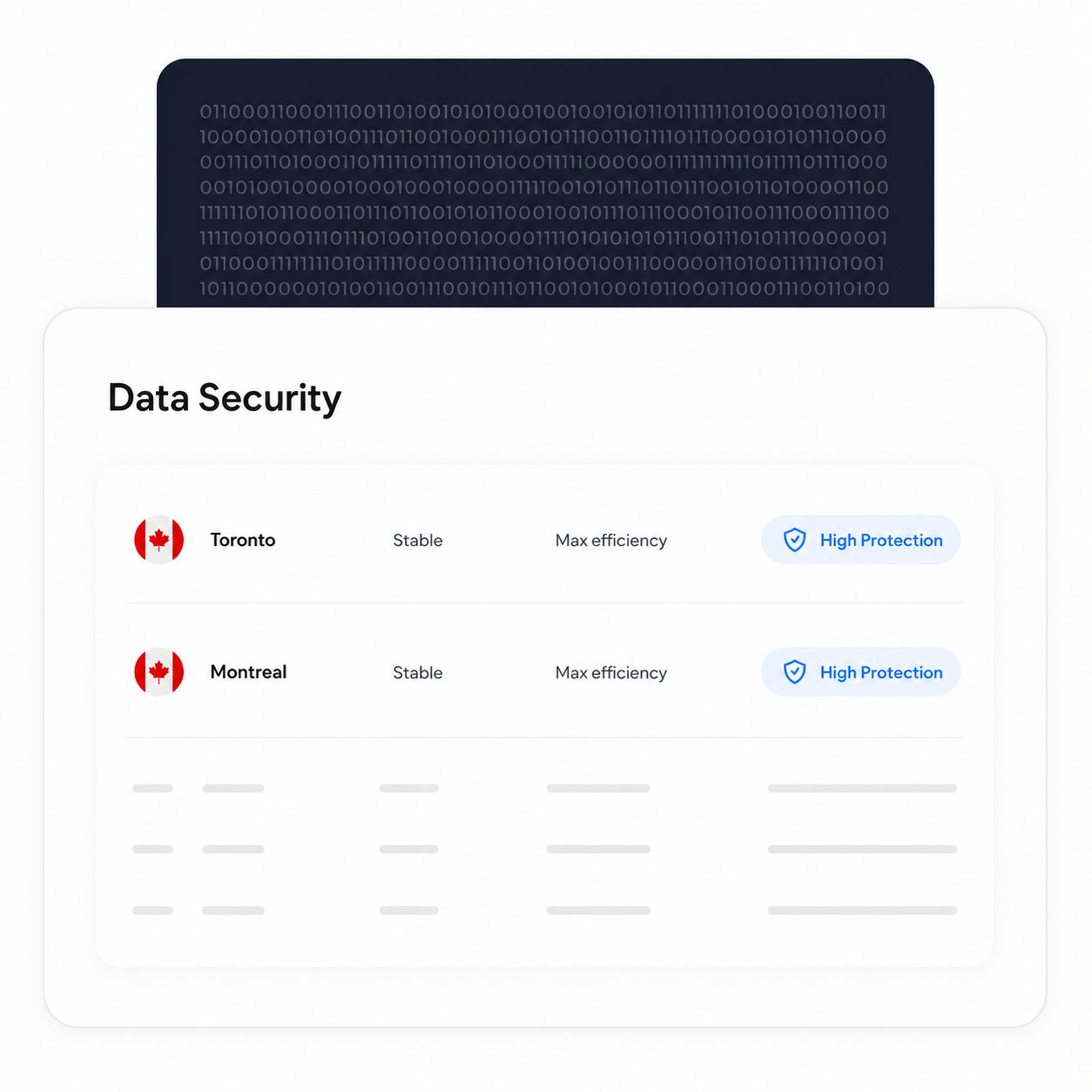
将数据处理和存储保留在加拿大
符合条件的 Enterprise 客户可以选择加拿大的数据驻留位置,包括多伦多。PHIPA 并不要求个人健康信息必须保留在安大略省内,因此这是各组织可根据自身要求做出的配置选择。
无论选择哪个驻留位置,备份和恢复流程均照常运行。
验证每位签署人的身份
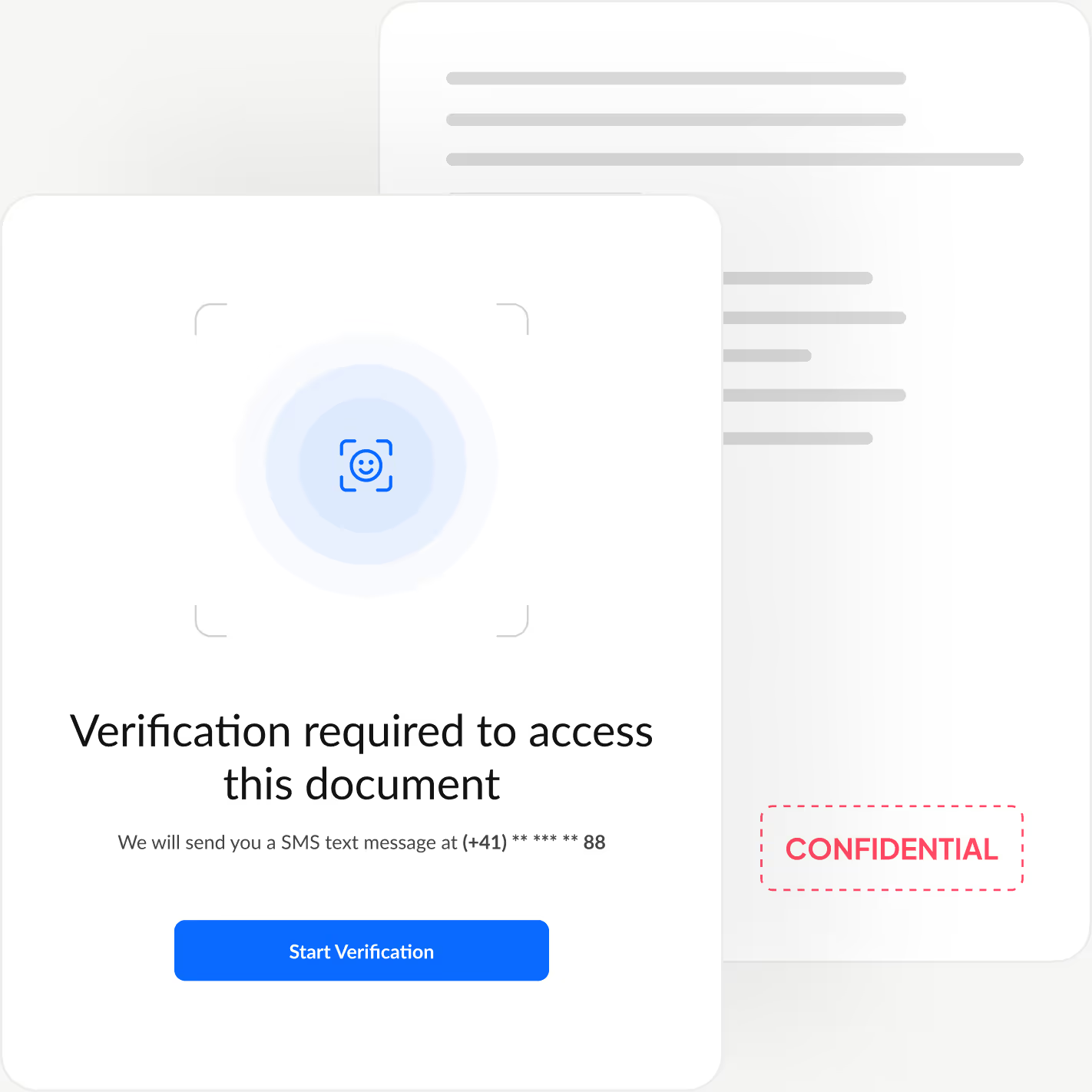
增加一层额外的身份验证,在签署人查看您的文档之前确认其身份,阻止未经授权的访问并防止欺诈性批准。
Sign.Plus 为您提供三种灵活的验证方式:带人脸比对的身份证件核验、发送方设定的口令,或一次性短信验证码,让您可以根据每个工作流程定制安全措施,同时保持快速、轻松的签署体验。
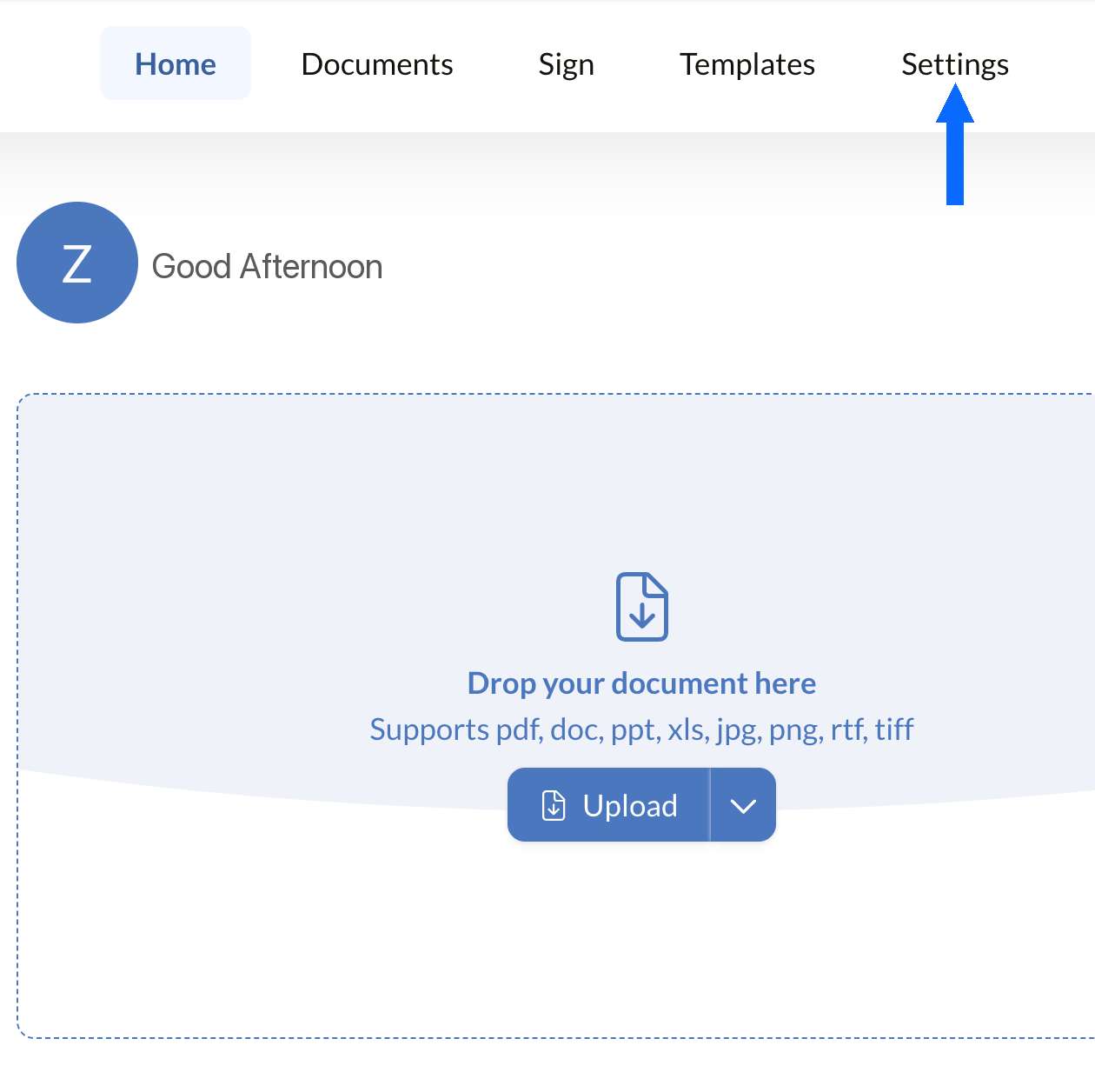
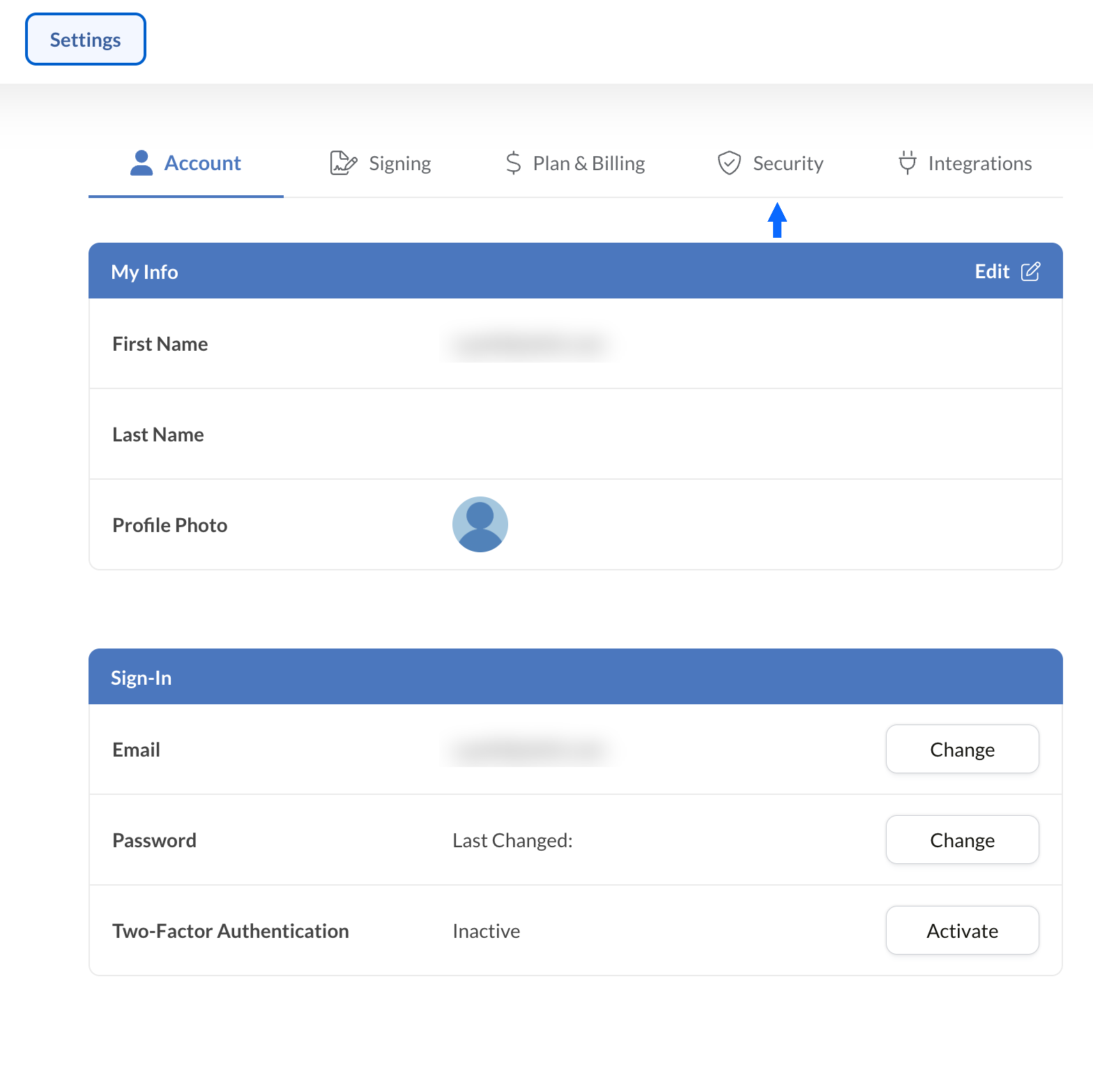
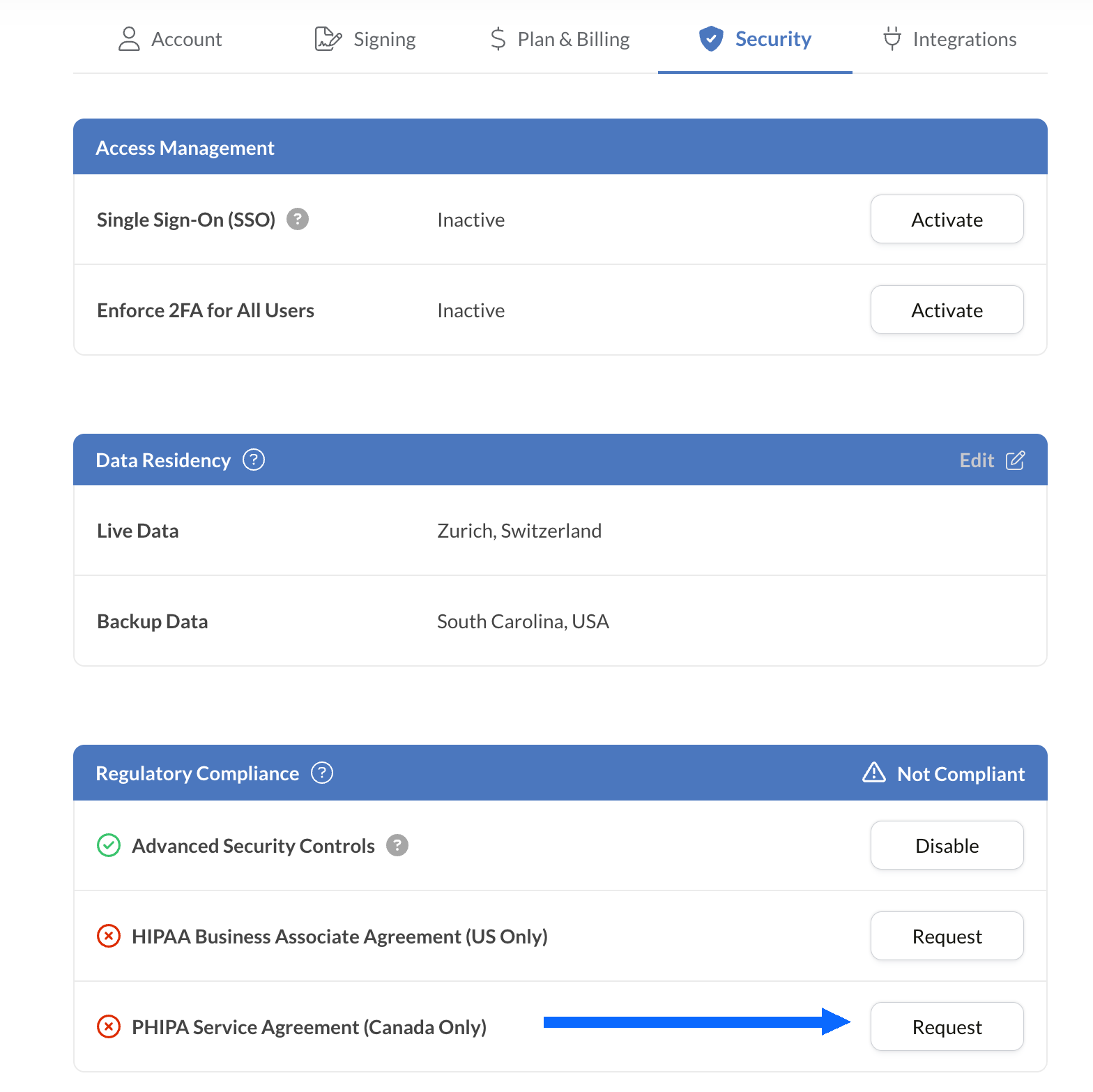
如何在 Sign.Plus 中启用 PHIPA 合规支持
符合条件的 Enterprise 账户通过 Advanced Security Controls 与 PHIPA 代理协议配合使用,实现 PHIPA 合规支持。
将电子签名嵌入您现有的工具
Sign.Plus 还提供专为医疗行业设计的强大 API。您可以将安全的电子签名功能集成到现有的医疗应用中,以最少的投入简化工作流程并增强合规性。


安大略省医疗行业的 PHIPA 电子签名应用场景

患者同意管理
远程医疗同意书与授权
保险理赔与授权
治疗与处方授权
员工政策与培训确认
医疗程序同意书
PHIPA 电子签名常见问题
什么是 PHIPA?

PHIPA(《个人健康信息保护法》)是安大略省的健康数据隐私法律,规范个人健康信息的收集、使用、披露和保护。
Sign.Plus 符合 PHIPA 要求吗?
是的,对于启用 Advanced Security Controls 并签署 PHIPA 代理协议的符合条件的 Enterprise 组织,Sign.Plus 支持符合 PHIPA 要求的工作流程。
如何在 Sign.Plus 中启用 PHIPA 合规?
选择 Enterprise 套餐,启用 Advanced Security Controls,在“法规合规”设置中申请并签署 PHIPA 代理协议,然后完成协议验证流程。验证通过后,PHIPA 状态将显示在您的账户中。
PHIPA 需要 BAA 吗?
不需要。Business Associate Agreement(BAA)适用于 HIPAA。对于 PHIPA,符合条件的客户需改为签署 PHIPA 代理协议,以体现 Sign.Plus 根据 PHIPA 第 17 条所承担的代理人角色。
Sign.Plus 提供加拿大数据驻留吗?
提供。符合条件的 Enterprise 客户可以为 Sign.Plus 选择加拿大的数据驻留地点,包括多伦多。PHIPA 通常并不要求个人健康信息必须保留在安大略省内,因此各组织应根据自身要求选择数据驻留设置。
借助符合 PHIPA 要求的安全电子签名,实现安大略省医疗文书工作现代化
Enterprise
定制方案
立即开始使用符合 PHIPA 要求的电子签名
创建 Enterprise 账户,启用 Advanced Security Controls,申请并签署您的 PHIPA 代理协议,即可安全地管理医疗签名工作流程。




Confédération Suisse
Confederazione Svizzera
Confederaziun Svizra
Swiss Confederation
Innosuisse - 瑞士创新署



