


Ontario Sağlık Hizmetleri için PHIPA Uyumlu e-İmzalar
Her İmza İş Akışında Kişisel Sağlık Bilgilerini Koruyun
PHIPA ile uyumlu, güvenli e-imza iş akışlarıyla yasal olarak bağlayıcı hasta onamlarını, yetkilendirmelerini ve sağlık formlarını toplayın. Enterprise planında Advanced Security Controls ve imzalanmış bir PHIPA Temsilci Sözleşmesi ile kullanılabilir.
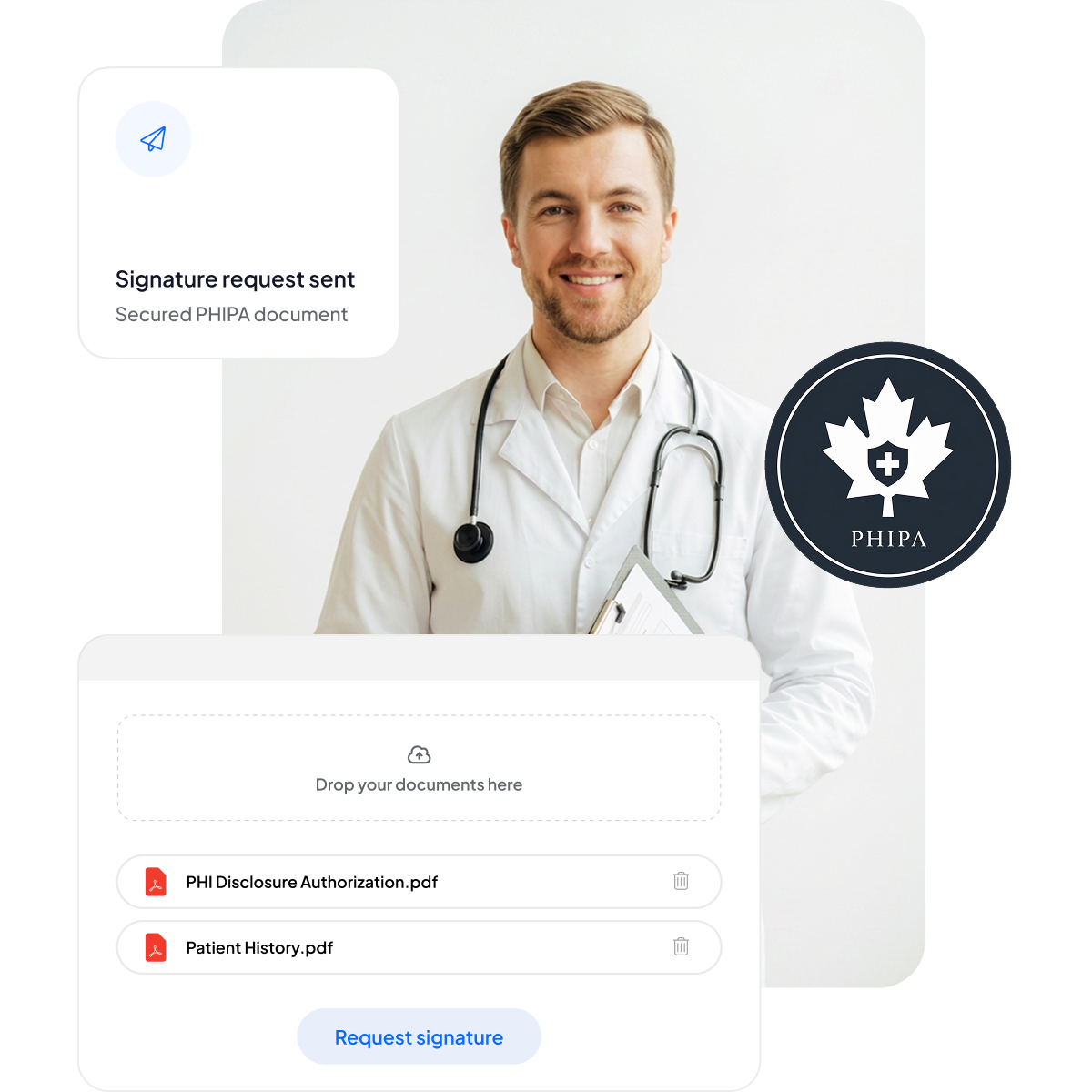






Hasta Onamını ve Sağlık Formlarını Modernleştirin
Evrak işlerini artırmadan ve bakımı yavaşlatmadan hastalara ve personele güvenli, mobil uyumlu bir imza deneyimi sunun.
Kâğıt tutucu yok: Daha az evrak işi ve daha kısa bekleme süreleri.
Mobil uyumlu imza: Her cihazdaki hastalar için kolaylık sağlar.
Daha az hata: Elektronik formlar yazım hatalarını azaltır.
Daha hızlı faturalandırma: Hızla işlenir ve zamanında ödeme alınmasını sağlar.



PHIPA Uyumluluğu ve Güvenliğine Derinlemesine Bakış
Uygun Enterprise planlarında imzalanmış bir PHIPA Temsilci Sözleşmesi, sınırsız güvenli form şablonu, belgelerin değiştirilmesini tespit edilebilir kılan gelişmiş karma teknolojisi, tam şeffaflık için kapsamlı denetim kayıtları ve Kanada'da veri yerleşimi seçenekleri dahil, yerleşik PHIPA ile uyumlu kontroller.

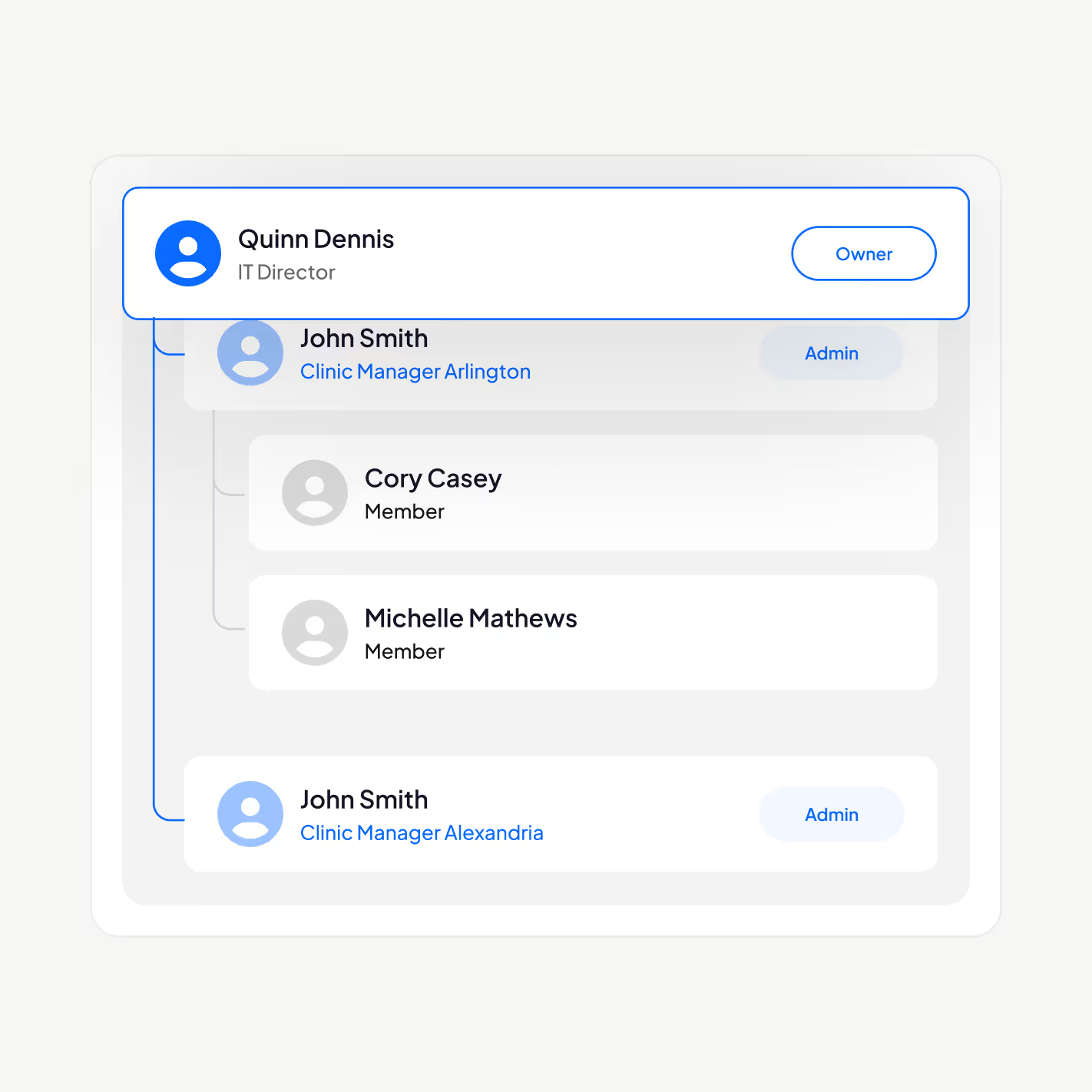
PHI'ye yalnızca yetkili personel erişsin
PHIPA ile uyumlu e-imza platformumuzla sağlık çalışanlarınızı yönetin: kullanıcı ekleyin veya kaldırın, yönetici hiyerarşileri oluşturun, iki faktörlü kimlik doğrulamayı zorunlu kılın, Tek Oturum Açma'yı (SSO) etkinleştirin ve kişisel sağlık bilgilerine erişimi role göre yalnızca yetkili personelle sınırlayın.
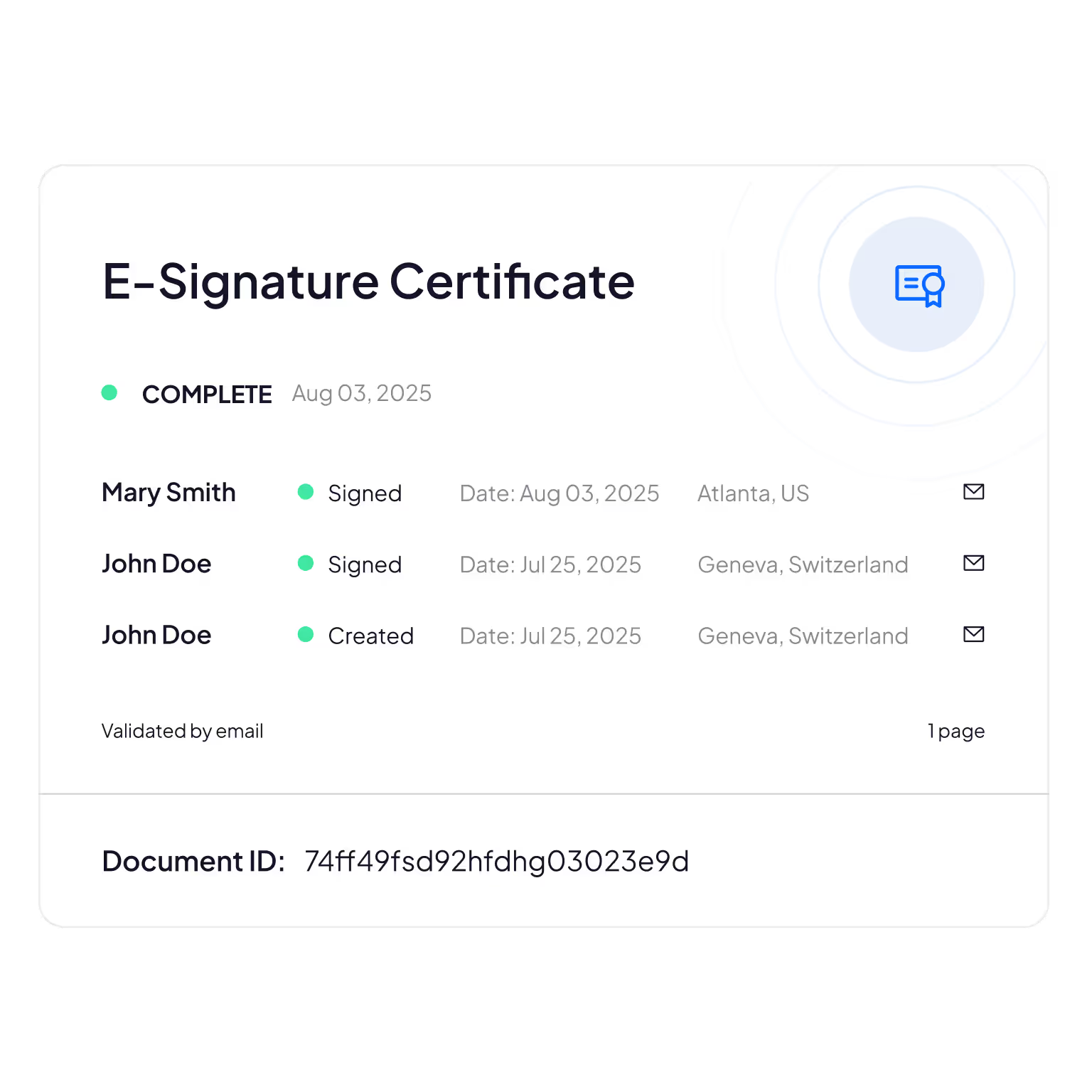
Değiştirilemez Denetim Kayıtları
Hasta bilgilerini kimin görüntülediğinin, düzenlediğinin veya bunlara eriştiğinin kapsamlı takibi; hesap verebilirlik ve uyumluluk doğrulaması sağlar.
Sign.Plus, belge bütünlüğünü doğrulamak için kriptografik yöntemler kullanır; böylece elektronik formlarınızın değiştirilmediğinden veya üzerinde oynanmadığından emin olursunuz.
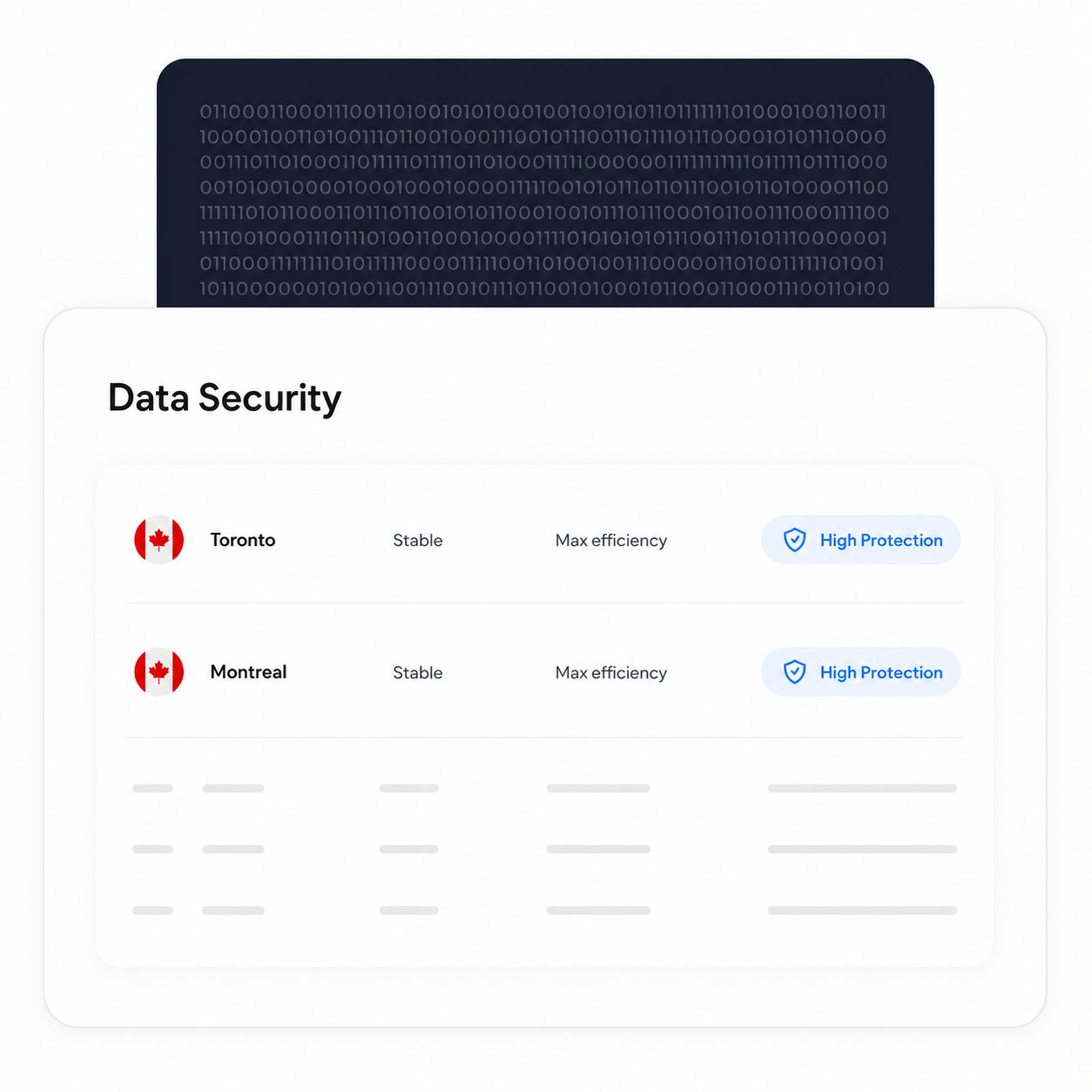
İşleme ve Depolamayı Kanada'da Tutun
Uygun Enterprise müşterileri, Toronto dahil olmak üzere bir Kanada veri yerleşimi konumu seçebilir. PHIPA, kişisel sağlık bilgilerinin Ontario'da kalmasını zorunlu kılmaz; dolayısıyla bu, kuruluşların kendi gereksinimlerine göre yapabileceği bir yapılandırma tercihidir.
Yedekleme ve kurtarma süreçleri, seçilen yerleşim konumundan bağımsız olarak geçerliliğini korur.
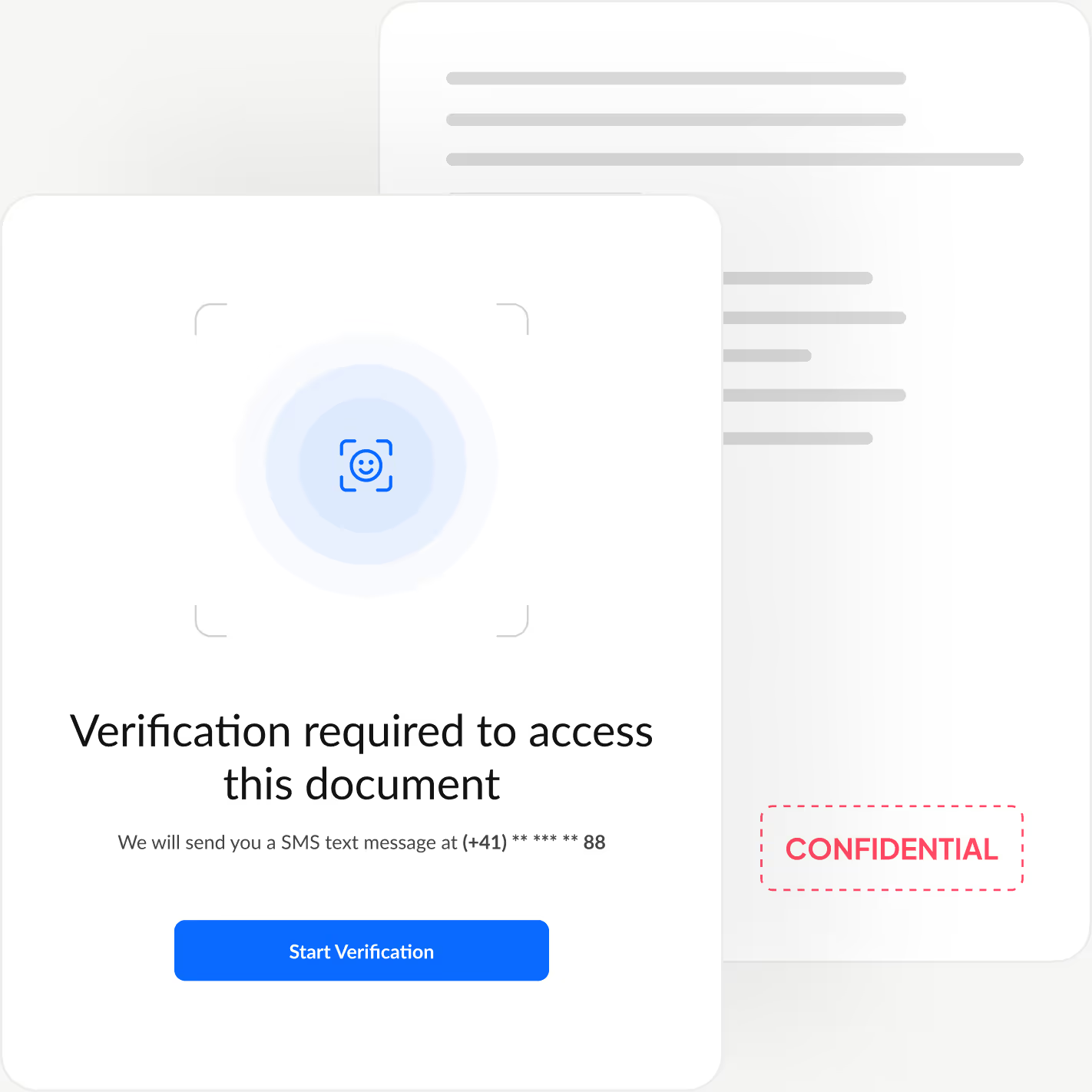
Her imzalayanın kimliğini doğrulayın
Her imzalayanın kimliğini belgenizi görüntülemeden önce doğrulayan ek bir kimlik doğrulama katmanı ekleyin; yetkisiz erişimi engelleyin ve sahte onayları önleyin.
Sign.Plus size üç esnek doğrulama seçeneği sunar: yüz eşleştirmeli kimlik kontrolü, gönderenin belirlediği bir parola veya tek kullanımlık SMS kodu. Böylece imza deneyimini hızlı ve zahmetsiz tutarken güvenliği her iş akışına göre uyarlayabilirsiniz.
Sign.Plus'ta PHIPA Uyumu Nasıl Etkinleştirilir
PHIPA uyumu, uygun Enterprise hesapları için Advanced Security Controls ile birlikte bir PHIPA Temsilci Sözleşmesi kullanır.
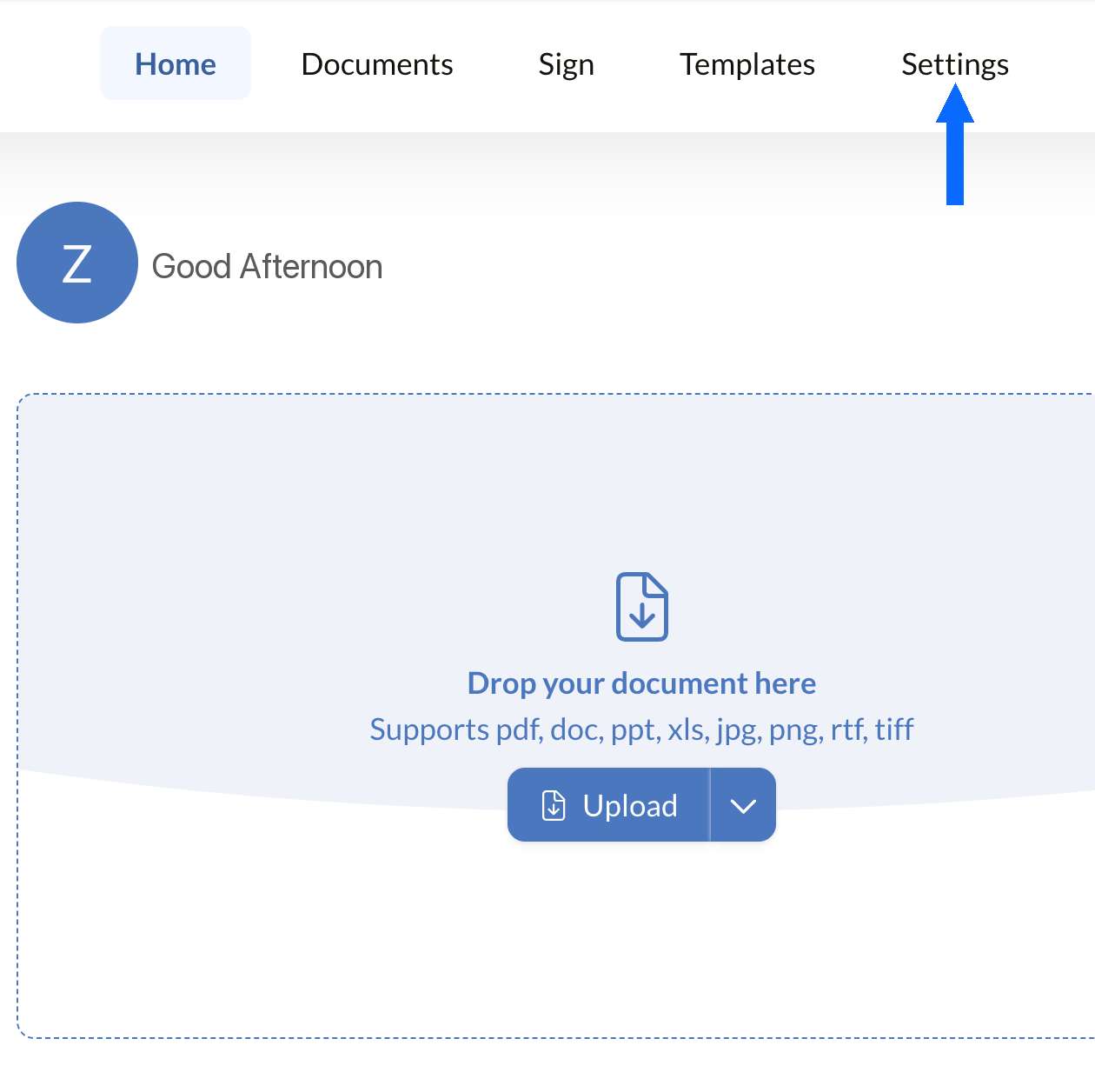
Ayarlar'ı Açın
Sign.Plus panonuzda oturum açın, ardından kuruluşunuzun PHIPA uyumluluk kontrollerini yapılandırmaya başlamak için Ayarlar'ı açın.
PHIPA uyumu yalnızca Advanced Security Controls etkinleştirilmiş uygun Enterprise hesaplarında kullanılabilir.
Güvenlik'i Açın
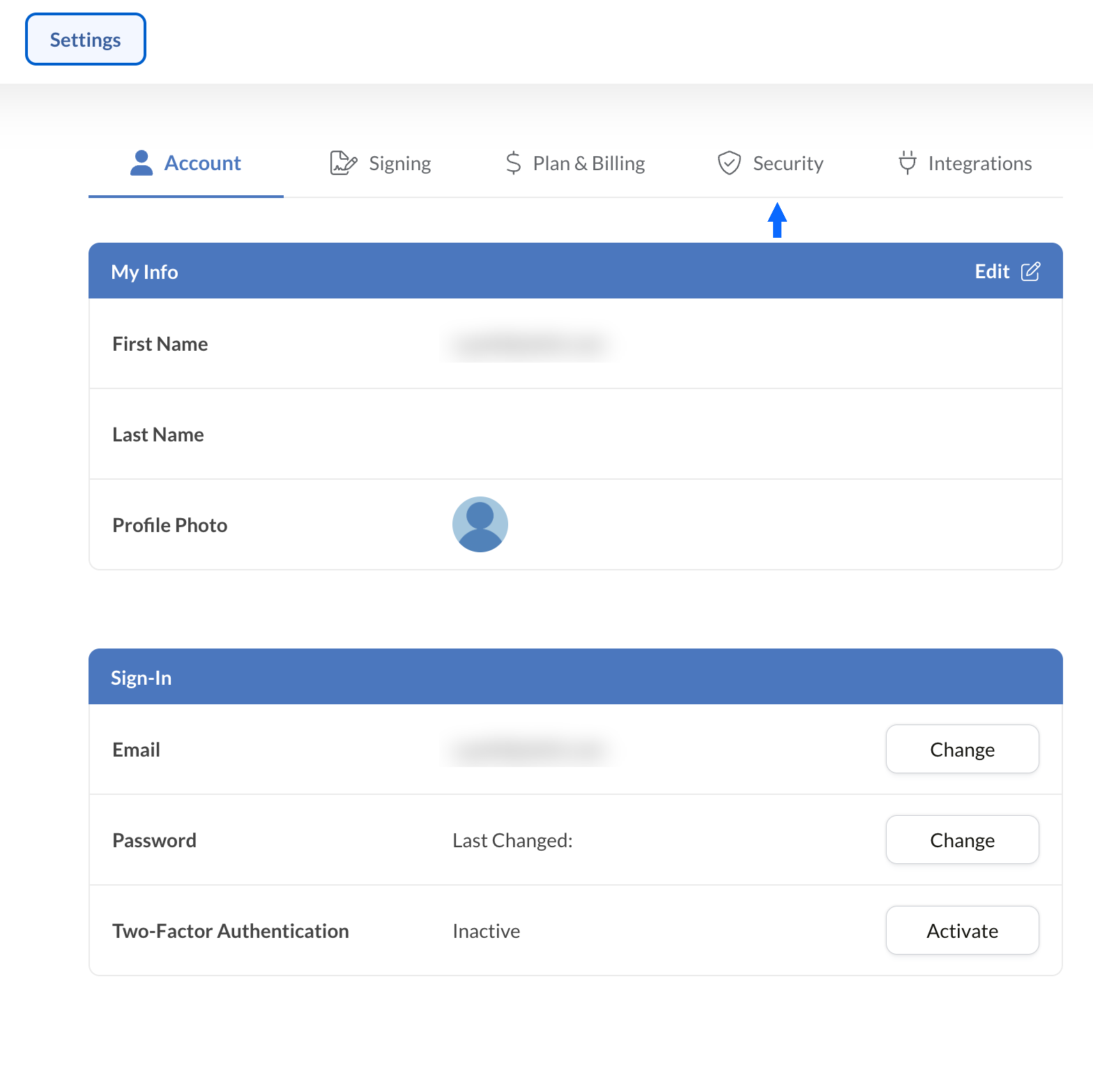
Kuruluşunuzun uyumluluk kontrollerine erişmek için Ayarlar'dan Güvenlik sekmesini seçin.
PHIPA Sözleşmesini Talep Edin
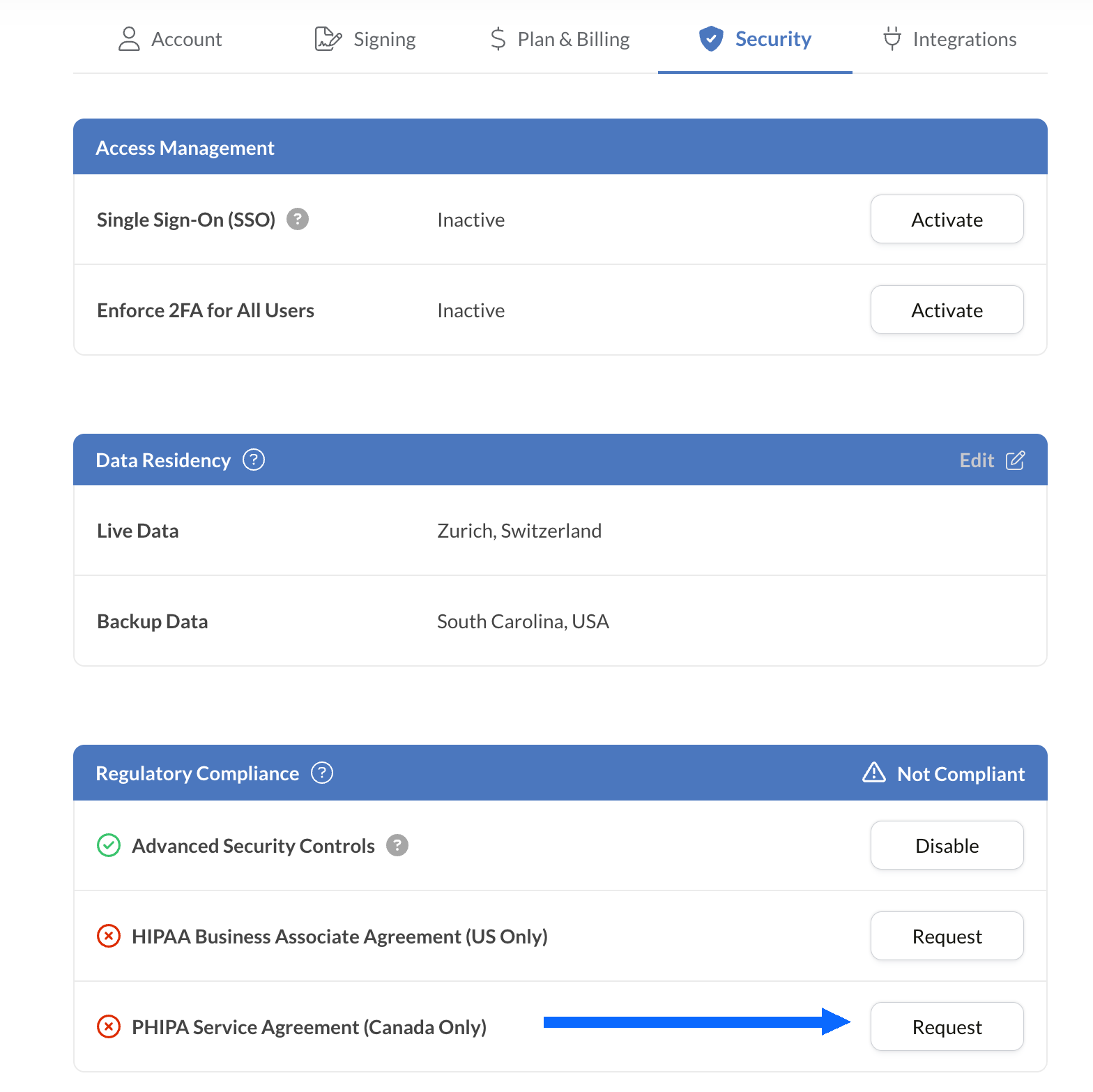
Mevzuata Uyum paneli, PHIPA dahil hesabınız için kullanılabilen tüm sağlık uyumluluğu seçeneklerini listeler.
PHIPA Temsilci Sözleşmesi (Yalnızca Kanada) yanındaki Talep Et seçeneğini belirleyin.
Sözleşmeyi doldurun ve doğrulama için gönderin. Doğrulandıktan sonra PHIPA durumu Mevzuata Uyum panelinde görüntülenir.
E-İmzaları Mevcut Araçlarınıza Entegre Edin
Sign.Plus ayrıca özellikle sağlık hizmetleri için tasarlanmış güçlü bir API sunar. Güvenli elektronik imza işlevlerini mevcut sağlık uygulamalarınıza entegre ederek iş akışlarınızı kolaylaştırın ve uyumluluğu en az çabayla güçlendirin.


Ontario Sağlık Hizmetleri için PHIPA e-İmza Kullanım Senaryoları

Hasta onamı yönetimi
Tele sağlık onamları ve yetkilendirmeleri
Sigorta talepleri ve yetkilendirmeleri
Tedavi ve reçete yetkilendirmeleri
Personel politikaları ve eğitim onayları
Tıbbi işlemler için onam
PHIPA e-İmza SSS
PHIPA nedir?

Kişisel Sağlık Bilgilerini Koruma Yasası olan PHIPA, kişisel sağlık bilgilerinin nasıl toplanacağını, kullanılacağını, ifşa edileceğini ve korunacağını düzenleyen Ontario'nun sağlık verisi gizliliği yasasıdır.
Sign.Plus PHIPA uyumlu mu?
Evet, Sign.Plus; Advanced Security Controls özelliğini etkinleştiren ve bir PHIPA Temsilci Sözleşmesi imzalayan uygun Enterprise kuruluşları için PHIPA ile uyumlu iş akışlarını destekler.
Sign.Plus'ta PHIPA uyumluluğunu nasıl etkinleştiririm?
Bir Enterprise planı seçin, Advanced Security Controls özelliğini etkinleştirin, Mevzuata Uyum ayarlarından PHIPA Temsilci Sözleşmesini talep edip imzalayın ve sözleşme doğrulama sürecini tamamlayın. Doğrulandıktan sonra PHIPA durumu hesabınızda görüntülenir.
PHIPA için BAA'ya ihtiyacım var mı?
Hayır. Business Associate Agreement (BAA) HIPAA için kullanılır. PHIPA için uygun müşteriler, Sign.Plus'ın PHIPA 17. bölümü kapsamındaki temsilci rolünü yansıtan bir PHIPA Temsilci Sözleşmesi imzalar.
Sign.Plus Kanada'da veri yerleşimi seçeneği sunuyor mu?
Evet. Uygun Enterprise müşterileri, Toronto dahil olmak üzere Sign.Plus için Kanada'daki bir veri yerleşimi konumunu seçebilir. PHIPA genel olarak kişisel sağlık bilgilerinin Ontario'da kalmasını zorunlu kılmaz; bu nedenle kuruluşlar veri yerleşimi ayarlarını kendi gereksinimlerine göre seçmelidir.
PHIPA uyumlu güvenli e-imzalarla Ontario sağlık hizmetleri evraklarını modernleştirin
Enterprise
Özel Çözüm
PHIPA uyumlu elektronik imzaları bugün kullanmaya başlayın
Bir Enterprise hesabı oluşturun, Advanced Security Controls özelliğini etkinleştirin, PHIPA Temsilci Sözleşmenizi talep edip imzalayın ve sağlık hizmetleri imza iş akışlarını güvenli bir şekilde yönetmeye başlayın.




Confédération Suisse
Confederazione Svizzera
Confederaziun Svizra
İsviçre Konfederasyonu
Innosuisse - İsviçre İnovasyon Ajansı



