


Электронная подпись, соответствующая PHIPA, для здравоохранения Онтарио
Защита данных о состоянии здоровья в каждом процессе подписания
Собирайте юридически значимые согласия пациентов, разрешения и медицинские формы с помощью защищённых процессов электронной подписи, соответствующих требованиям PHIPA. Доступно на тарифе Enterprise с Advanced Security Controls и подписанным соглашением об агенте PHIPA.
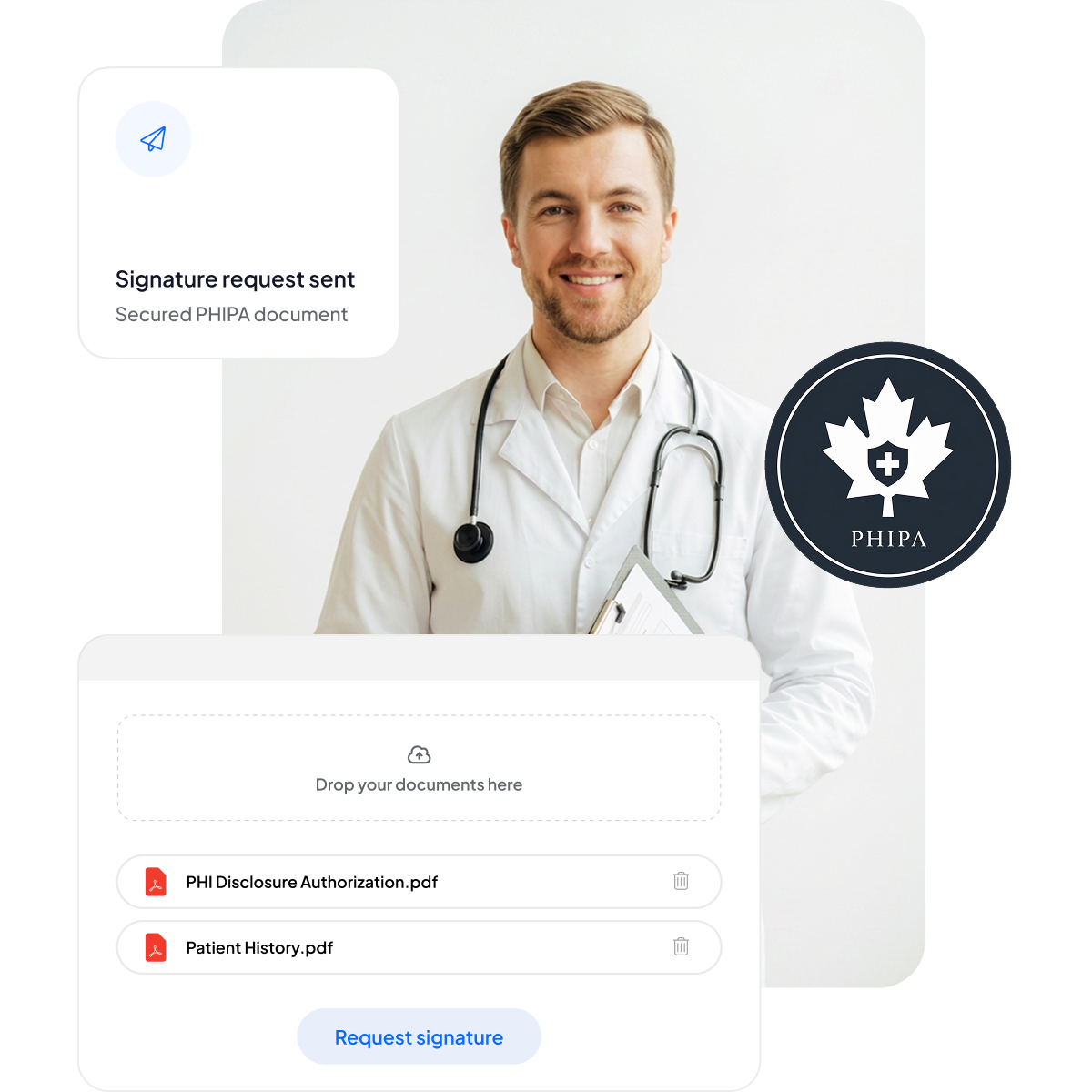






Современный подход к согласиям пациентов и медицинским формам
Предложите пациентам и сотрудникам безопасное подписание с мобильных устройств без лишней бумажной работы и задержек в оказании помощи.
Никаких бумажных планшетов: меньше бумажной работы и короче время ожидания.
Подписание с мобильных устройств: удобно для пациентов на любом устройстве.
Меньше ошибок: электронные формы сокращают число опечаток.
Более быстрое выставление счетов: документы обрабатываются оперативно, что обеспечивает своевременную оплату.



Соответствие PHIPA и безопасность: подробный обзор
Встроенные меры, соответствующие PHIPA: подписанное соглашение об агенте PHIPA на подходящих тарифах Enterprise, неограниченное число защищённых шаблонов форм, технология хеширования, защищающая документы от несанкционированных изменений, подробные журналы аудита для полной прозрачности и варианты хранения данных в Канаде.

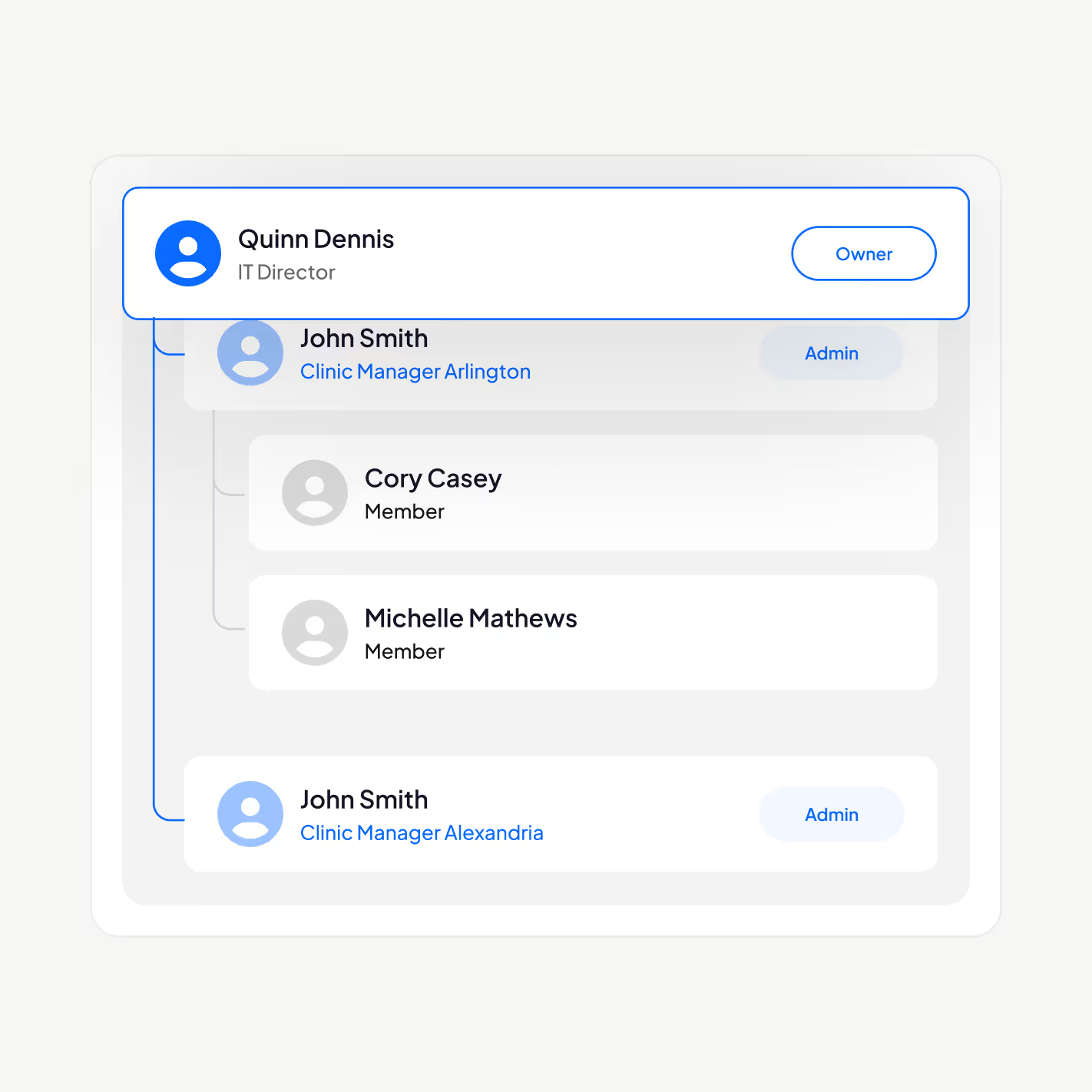
Доступ к PHI получают только нужные сотрудники
Управляйте сотрудниками медицинской организации на платформе электронной подписи, соответствующей PHIPA: добавляйте и удаляйте пользователей, выстраивайте иерархию руководителей, включайте двухфакторную аутентификацию, подключайте единый вход (SSO) и ограничивайте доступ к данным о состоянии здоровья в зависимости от роли.
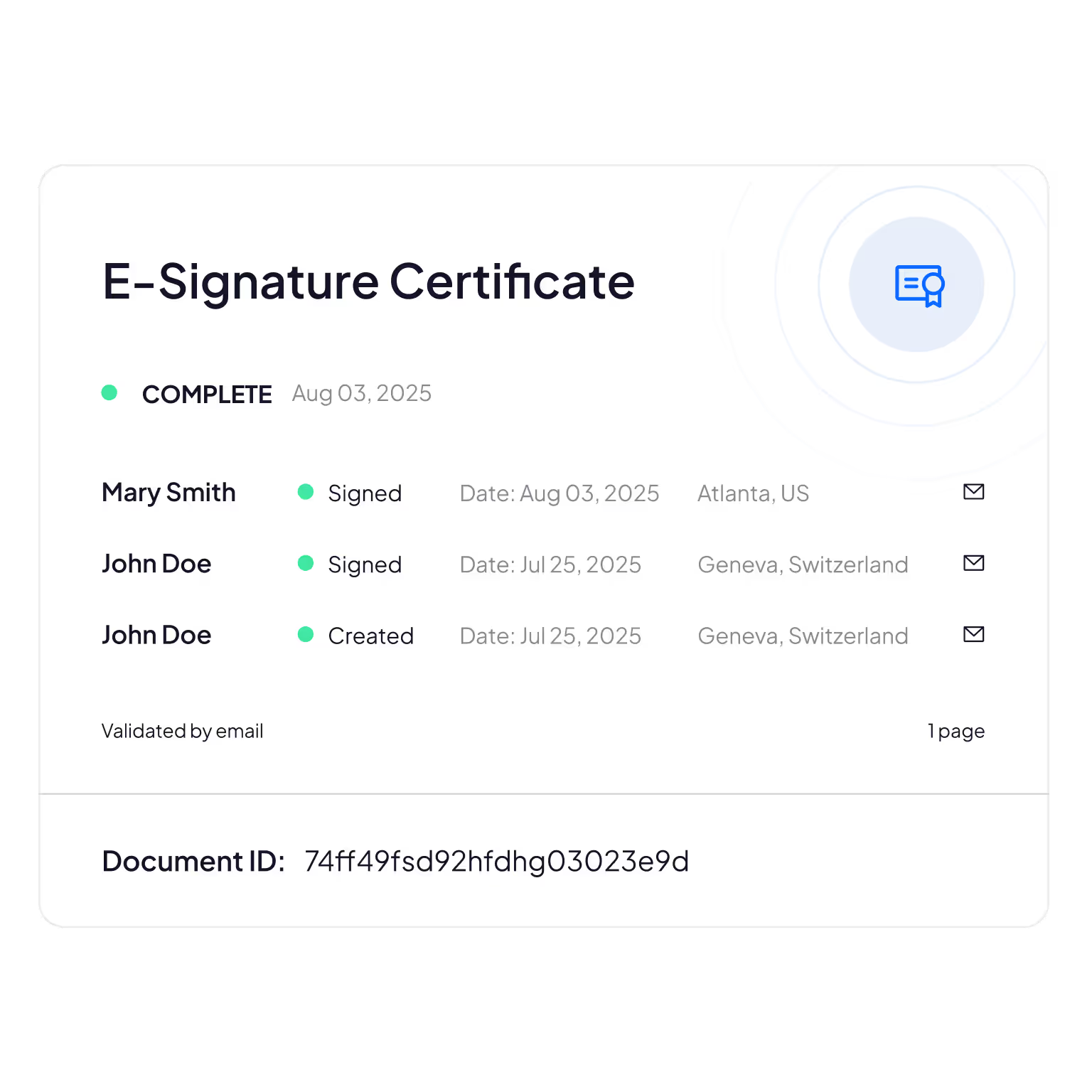
Журналы аудита, защищённые от изменений
Подробный учёт того, кто просматривает, редактирует или открывает данные пациентов, обеспечивает подотчётность и возможность проверки соответствия требованиям.
Sign.Plus использует криптографические методы для подтверждения целостности документов. Так вы можете убедиться, что ваши электронные формы не были изменены.
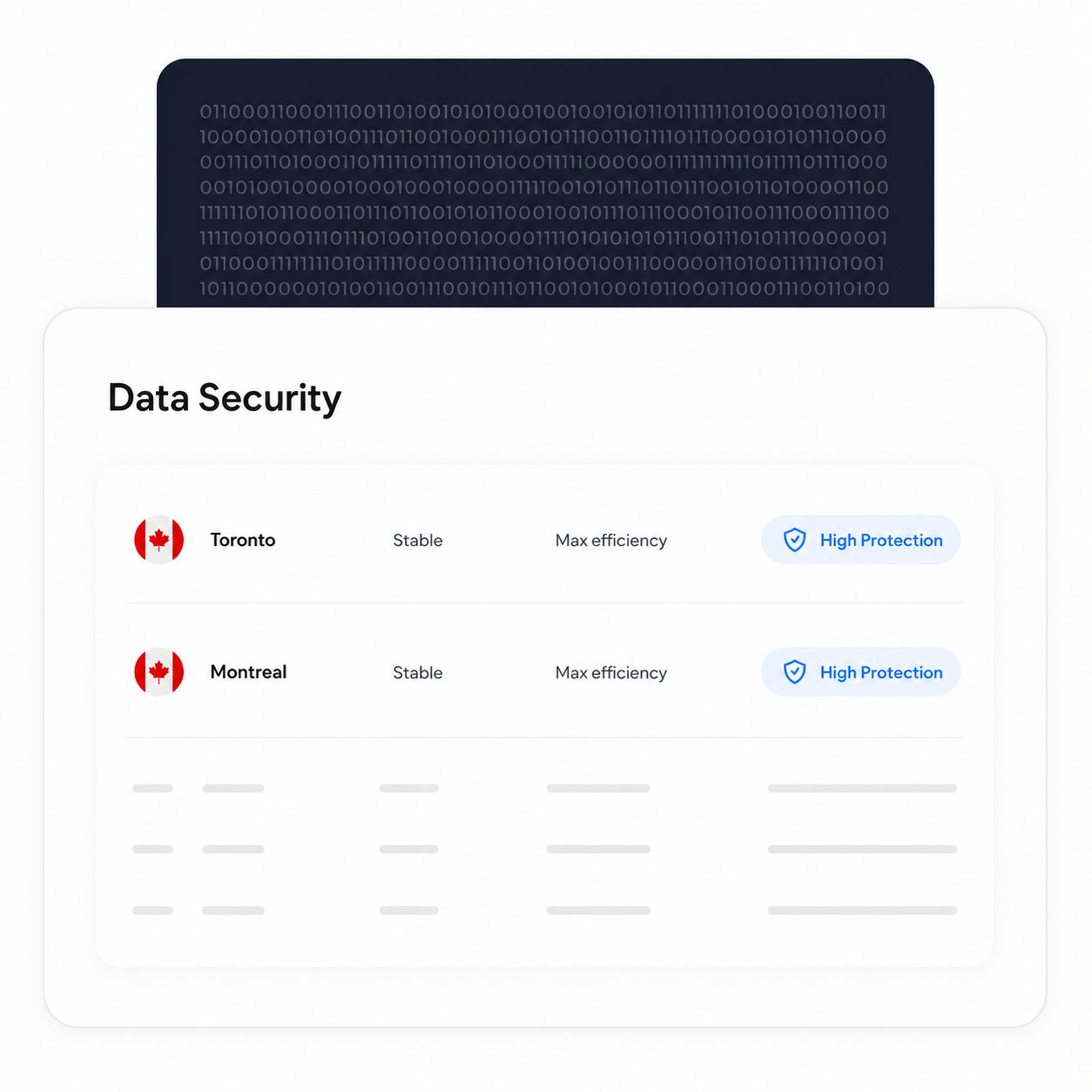
Обработка и хранение данных в Канаде
Подходящие клиенты Enterprise могут выбрать расположение данных в Канаде, включая Торонто. PHIPA не требует хранить данные о состоянии здоровья в Онтарио, поэтому это вопрос настройки: организация принимает решение в соответствии со своими требованиями.
Резервное копирование и восстановление данных работают независимо от выбранного расположения.
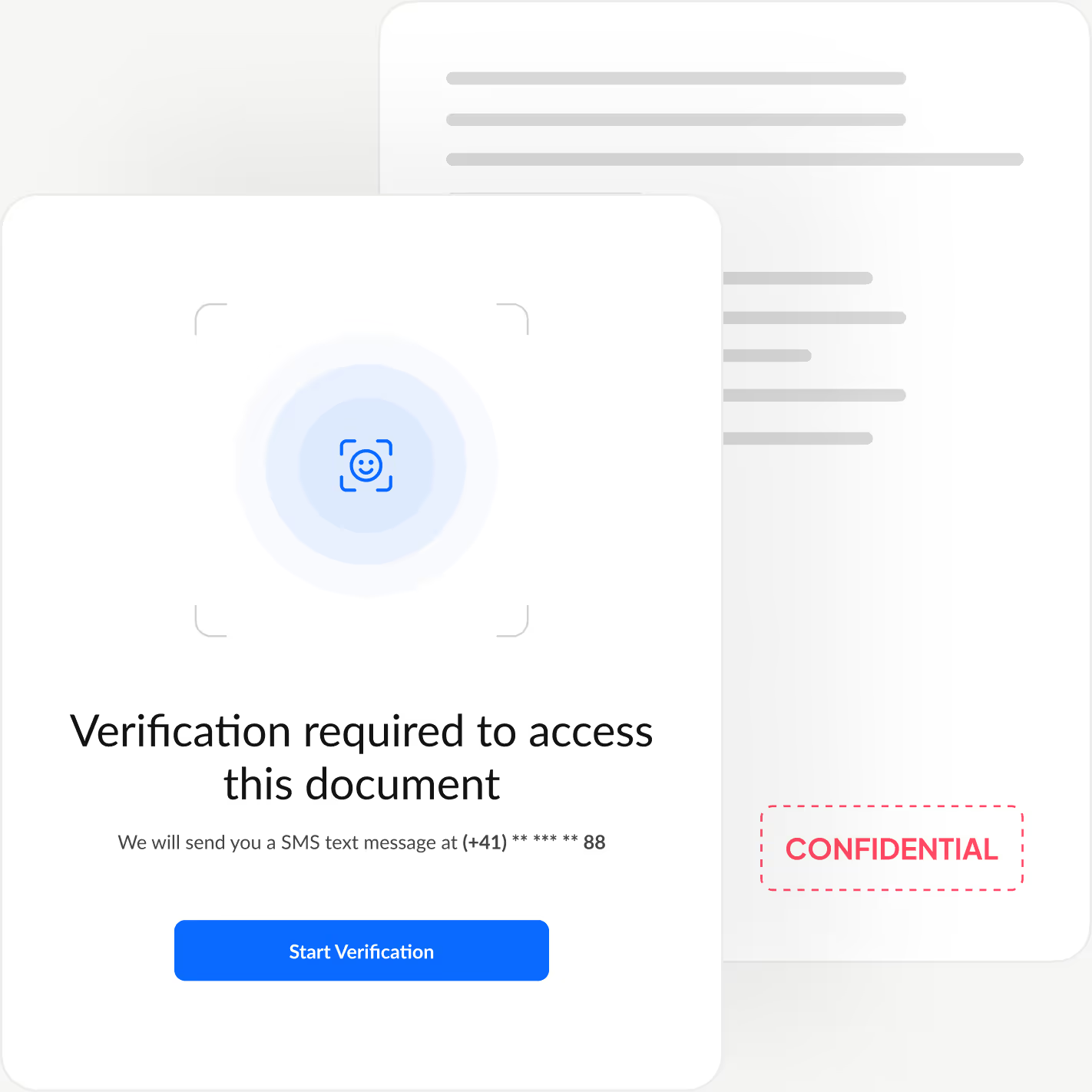
Проверяйте личность каждого подписанта
Добавьте дополнительный уровень аутентификации: личность каждого подписанта подтверждается до того, как будет открыт документ. Это блокирует несанкционированный доступ и предотвращает мошеннические подтверждения.
Sign.Plus предлагает три гибких способа проверки: проверка удостоверения личности с сопоставлением лица, пароль, заданный отправителем, или одноразовый SMS-код. Вы можете подобрать уровень защиты для каждого процесса, сохранив быстрое и простое подписание.
Как включить соответствие PHIPA в Sign.Plus
Соответствие PHIPA обеспечивается с помощью Advanced Security Controls и соглашения об агенте PHIPA для подходящих аккаунтов Enterprise.
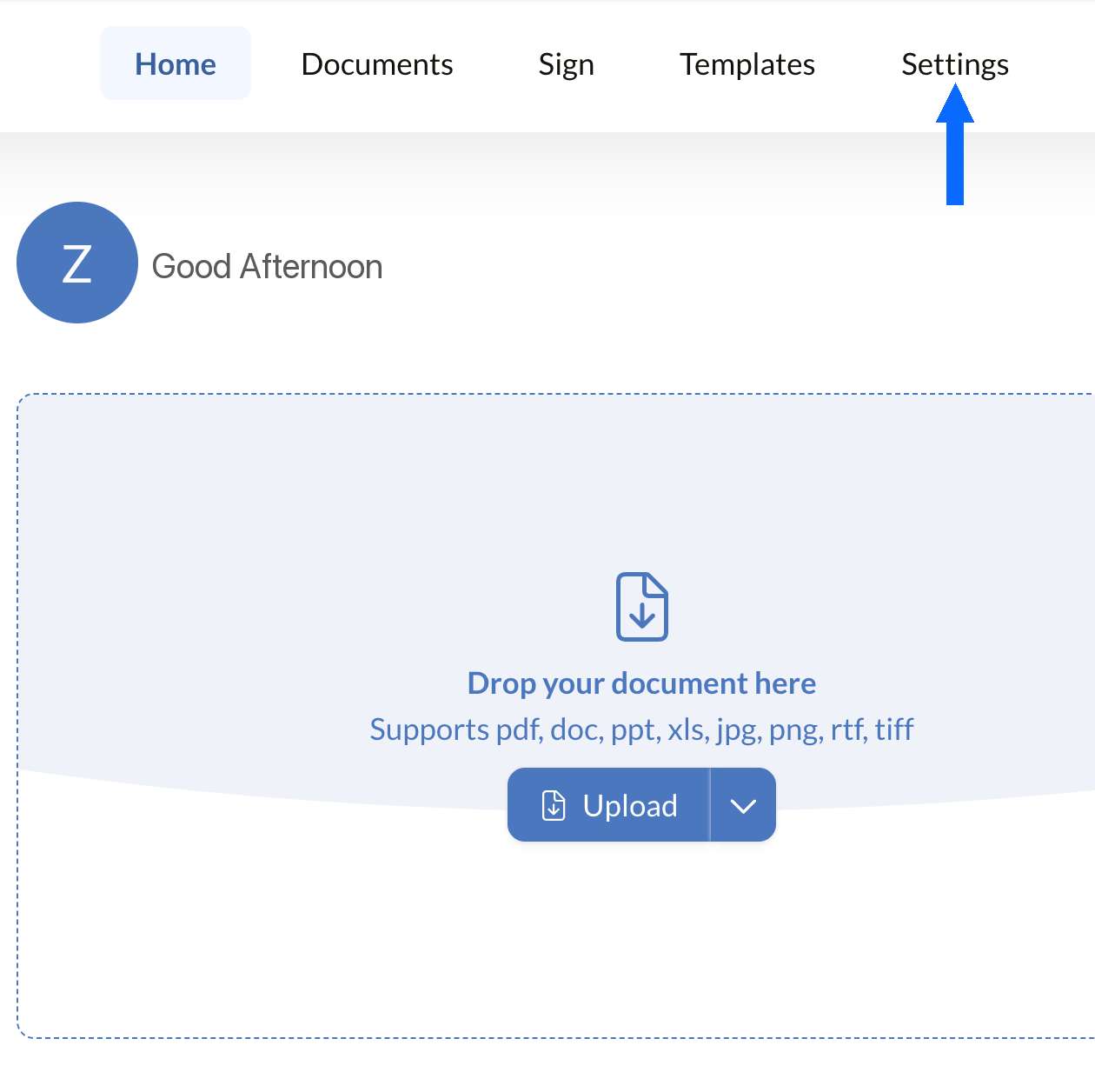
Открыть Настройки
Войдите в панель управления Sign.Plus и откройте Настройки, чтобы приступить к настройке мер соответствия PHIPA для вашей организации.
Соответствие PHIPA доступно только для подходящих аккаунтов Enterprise с включённым Advanced Security Controls.
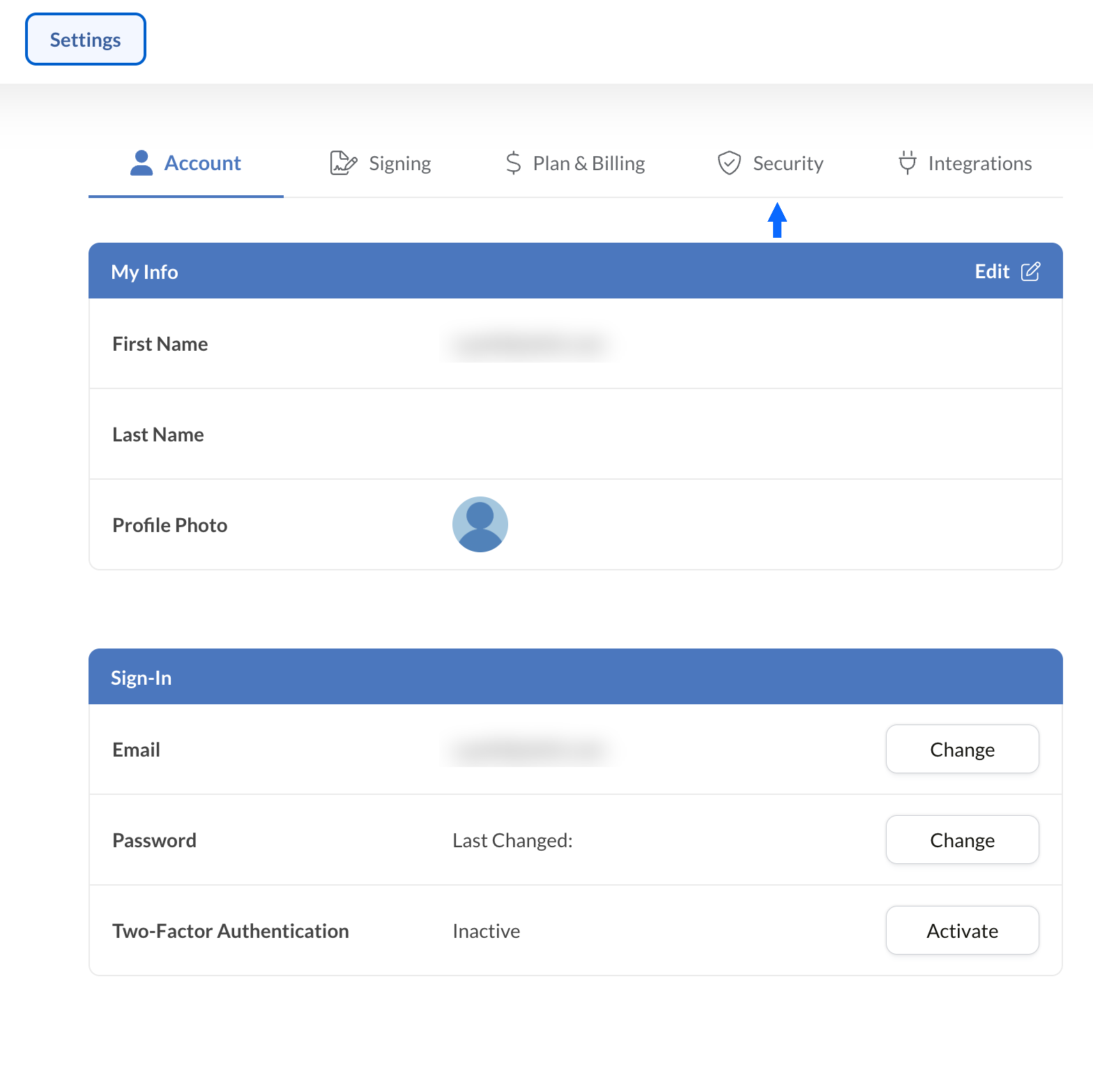
Открыть Безопасность
В разделе Настройки выберите вкладку Безопасность, чтобы перейти к мерам соответствия вашей организации.
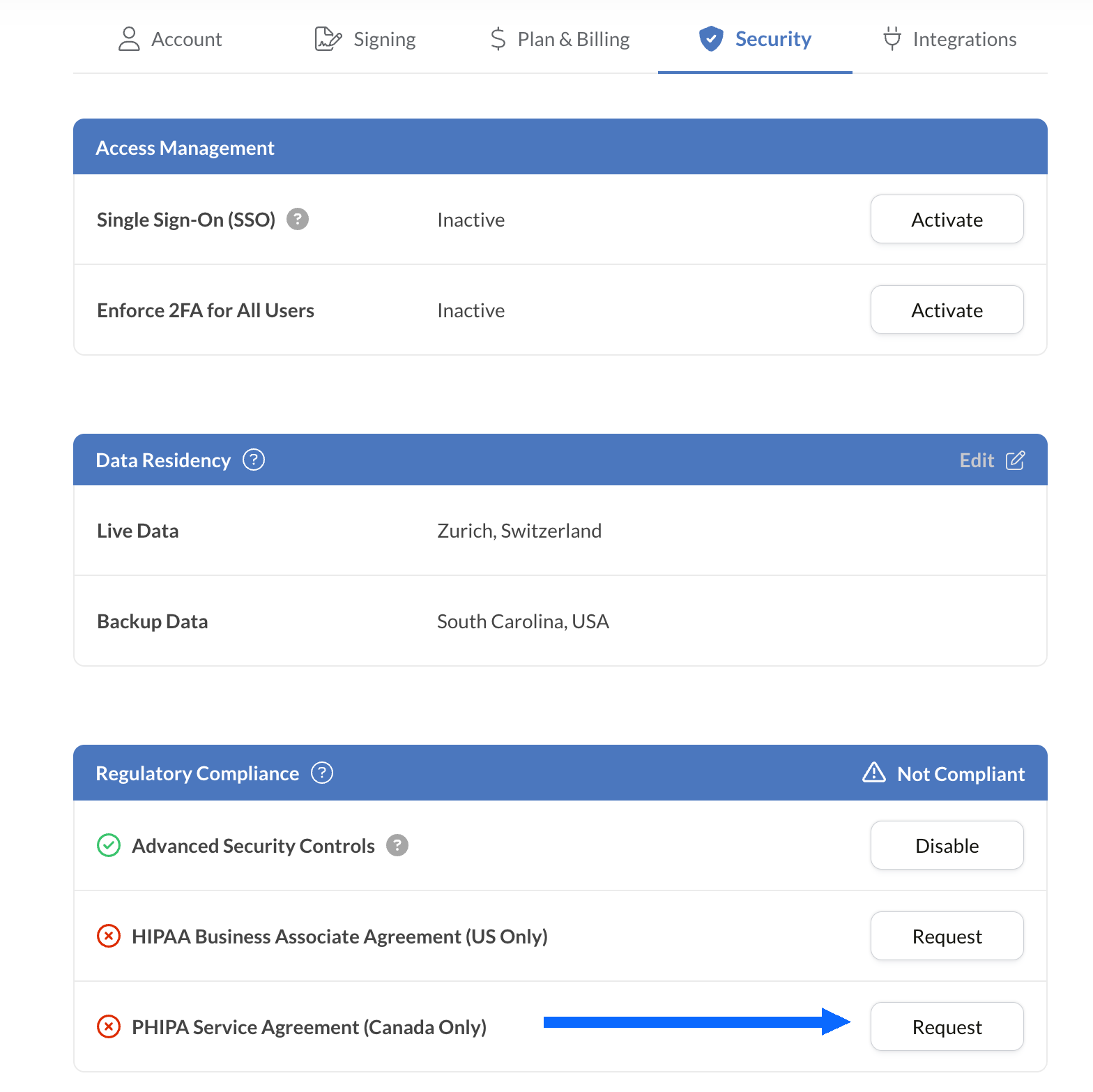
Запросить соглашение PHIPA
Панель «Соответствие нормативным требованиям» содержит все опции соответствия для здравоохранения, доступные для вашего аккаунта, включая PHIPA.
Нажмите «Запросить» рядом с соглашением об агенте PHIPA (только для Канады).
Заполните соглашение и отправьте его на проверку. После проверки статус PHIPA отобразится на панели «Соответствие нормативным требованиям».
Встройте электронные подписи в привычные инструменты
Sign.Plus также предоставляет надёжный API, разработанный специально для здравоохранения. Интегрируйте защищённые функции электронной подписи в используемые медицинские приложения. Это упрощает рабочие процессы и повышает уровень соответствия требованиям при минимальных усилиях.


Сценарии использования электронной подписи по PHIPA в здравоохранении Онтарио

Управление согласиями пациентов
Согласия и разрешения для телемедицины
Страховые заявления и разрешения
Разрешения на лечение и выписку рецептов
Подтверждения ознакомления сотрудников с политиками и обучением
Согласие на медицинские процедуры
Вопросы и ответы по электронной подписи и PHIPA
Что такое PHIPA?

PHIPA (Personal Health Information Protection Act) — закон Онтарио о конфиденциальности медицинских данных. Он регулирует порядок сбора, использования, раскрытия и защиты данных о состоянии здоровья.
Соответствует ли Sign.Plus требованиям PHIPA?
Да, Sign.Plus поддерживает рабочие процессы, согласованные с требованиями PHIPA, для организаций с подходящим тарифом Enterprise. Для этого нужно включить Advanced Security Controls и подписать соглашение об агенте PHIPA.
Как включить соответствие требованиям PHIPA в Sign.Plus?
Выберите тариф Enterprise и включите Advanced Security Controls. Затем запросите и подпишите соглашение об агенте PHIPA в настройках раздела «Соответствие нормативным требованиям» и пройдите проверку соглашения. После проверки статус PHIPA отобразится в вашем аккаунте.
Нужен ли BAA для PHIPA?
Нет. Business Associate Agreement (BAA) применяется в рамках HIPAA. Для PHIPA клиенты, соответствующие условиям, подписывают соглашение об агенте PHIPA. Оно отражает роль Sign.Plus как агента в соответствии со статьёй 17 PHIPA.
Предлагает ли Sign.Plus хранение данных в Канаде?
Да. Клиенты Enterprise, соответствующие условиям, могут выбрать для Sign.Plus место хранения данных в Канаде, включая Торонто. PHIPA, как правило, не требует хранить данные о состоянии здоровья в Онтарио. Поэтому организациям следует выбирать настройки хранения данных исходя из собственных требований.
Модернизируйте документооборот в здравоохранении Онтарио с помощью защищённых электронных подписей, соответствующих PHIPA
Enterprise
Индивидуальное решение
Начните использовать электронную подпись, соответствующую требованиям PHIPA, уже сегодня
Создайте аккаунт Enterprise, активируйте Advanced Security Controls, запросите и подпишите соглашение об агенте PHIPA и безопасно управляйте подписанием документов в сфере здравоохранения.




Confédération Suisse
Confederazione Svizzera
Confederaziun Svizra
Швейцарская Конфедерация
Innosuisse — Швейцарское агентство по содействию инновациям



