


온타리오 의료 기관을 위한 PHIPA 준수 전자서명
모든 서명 워크플로에서 개인 건강 정보를 보호하세요
PHIPA에 부합하는 안전한 전자서명 워크플로로 법적 효력이 있는 환자 동의서, 승인서 및 의료 양식을 수집하세요. Advanced Security Controls와 서명된 PHIPA 에이전트 계약이 포함된 Enterprise 요금제에서 이용할 수 있습니다.
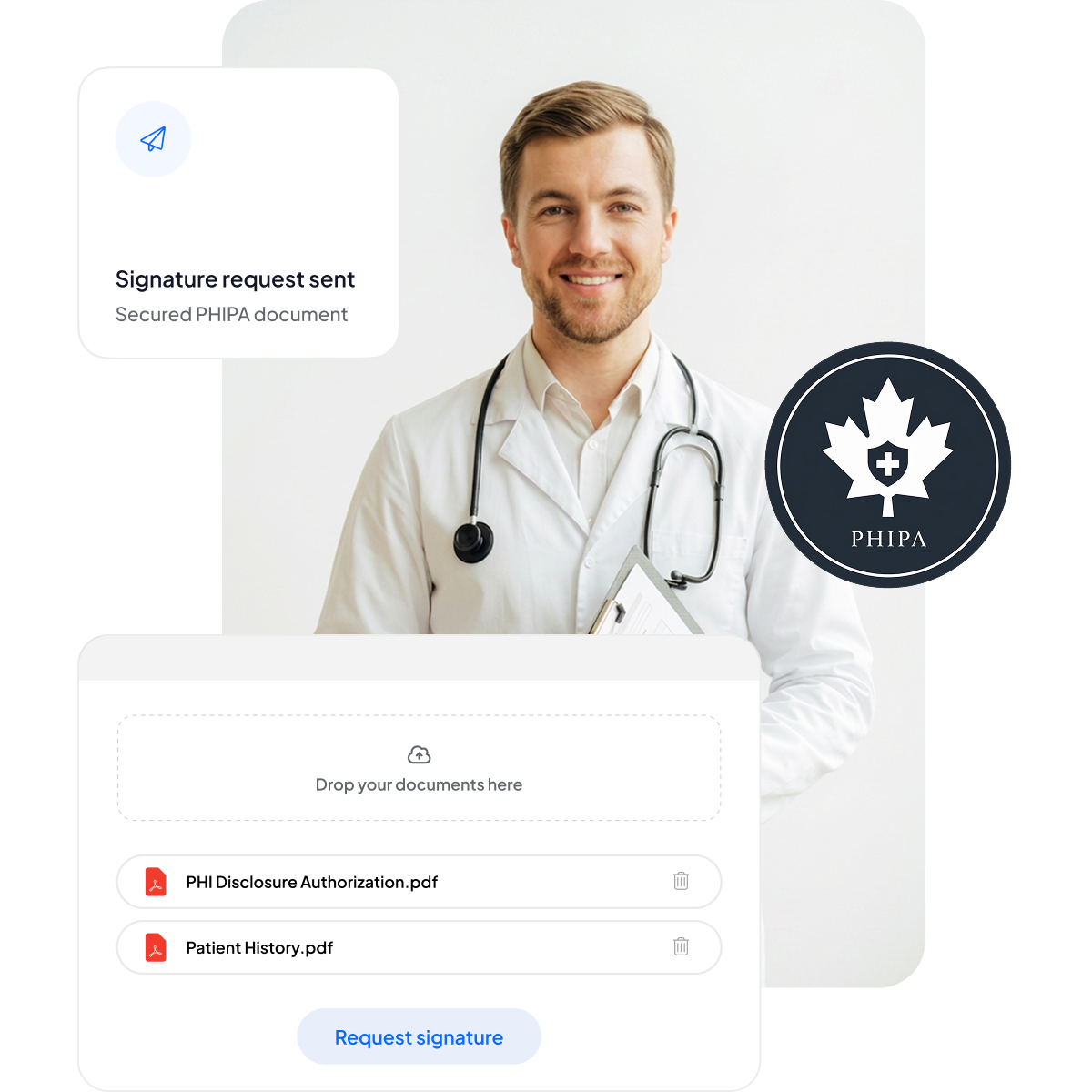






환자 동의서와 의료 양식을 현대화하세요
서류 작업을 늘리거나 진료를 지연시키지 않고, 환자와 직원에게 안전하고 모바일 친화적인 서명 환경을 제공하세요.
클립보드 없이: 서류 작업과 대기 시간이 줄어듭니다.
모바일 친화적인 서명: 환자가 어떤 기기에서든 편리하게 서명할 수 있습니다.
오류 감소: 전자 양식으로 입력 오류가 줄어듭니다.
더 빠른 청구: 신속하게 처리되어 제때 결제를 받을 수 있습니다.



PHIPA 준수 및 보안 심층 분석
적격한 Enterprise 요금제에서 제공되는 서명된 PHIPA 에이전트 계약을 비롯해 PHIPA에 부합하는 기본 제공 제어 기능, 무제한 보안 양식 템플릿, 문서 변조를 방지하는 고급 해싱 기술, 완벽한 투명성을 위한 포괄적인 감사 추적, 캐나다 데이터 상주 옵션을 제공합니다.

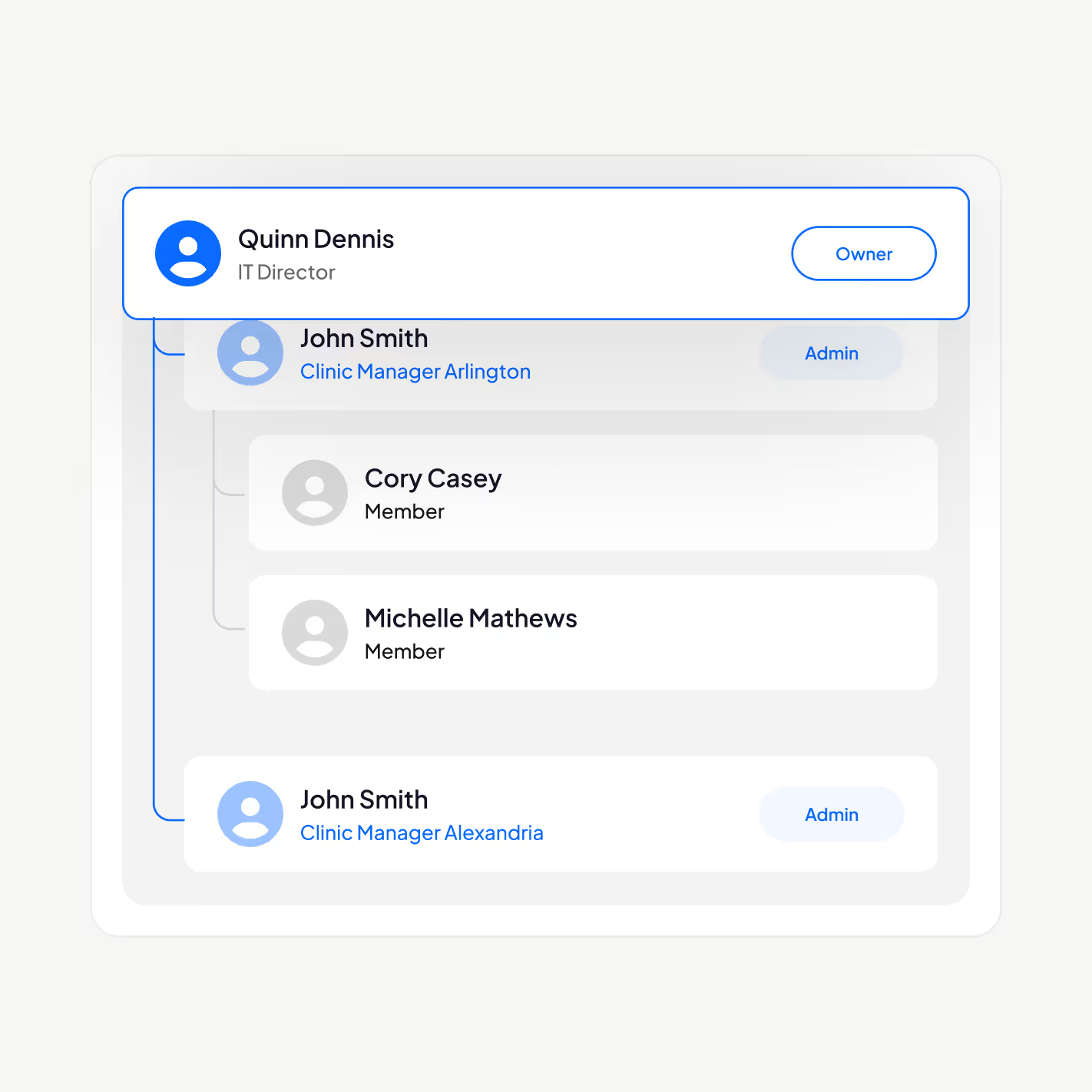
적합한 직원만 PHI에 접근할 수 있습니다
PHIPA에 부합하는 전자서명 플랫폼으로 의료 인력을 관리하세요. 사용자를 추가하거나 삭제하고, 관리 계층을 설정하고, 2단계 인증을 적용하고, 싱글 사인온(SSO)을 활성화하고, 역할에 따라 개인 건강 정보를 권한이 있는 직원으로만 제한할 수 있습니다.
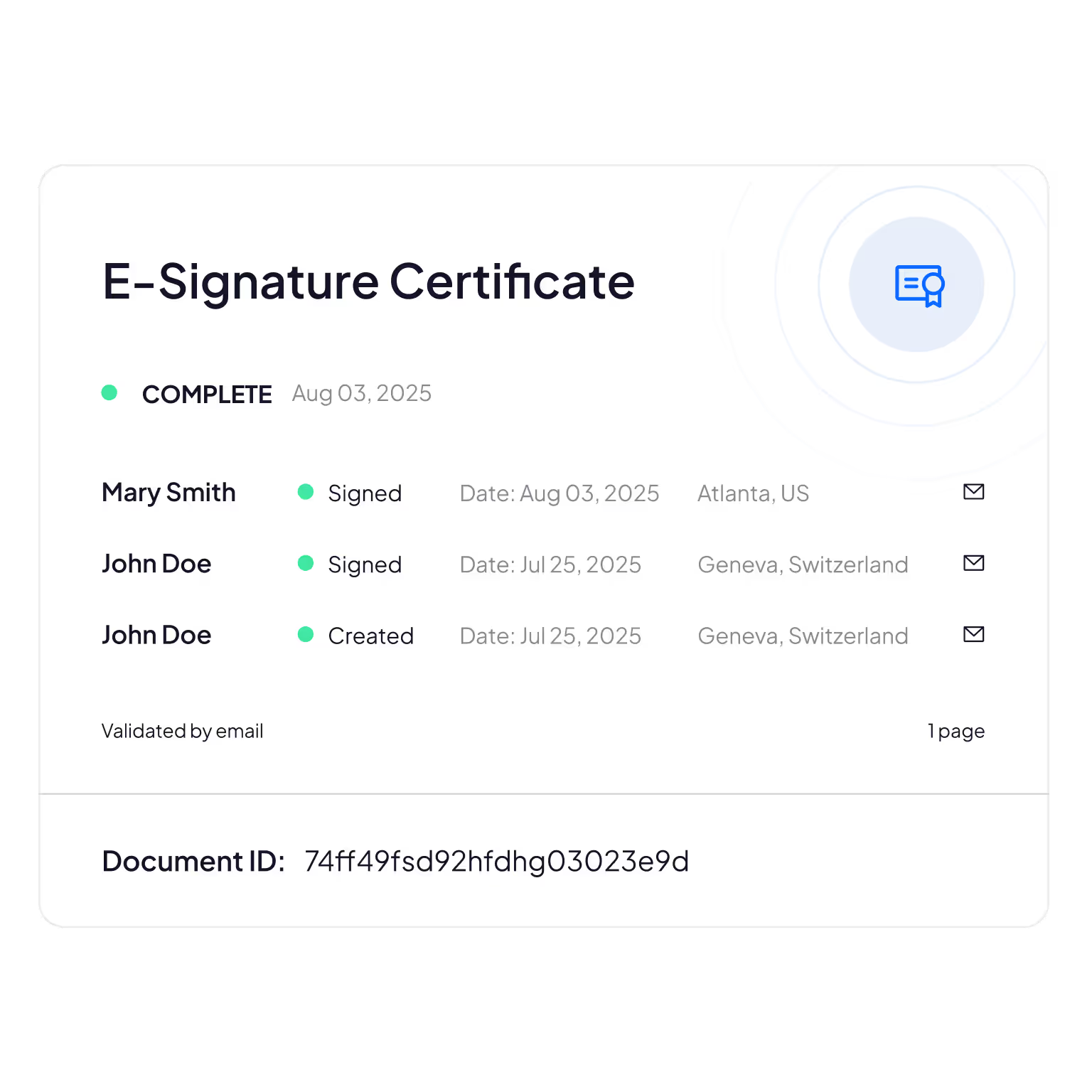
변조 방지 감사 추적
환자 정보를 누가 보고, 수정하고, 열람했는지 포괄적으로 추적하여 책임성과 규정 준수 검증을 제공합니다.
Sign.Plus는 암호화 방식을 사용해 문서 무결성을 확인하므로 전자 양식이 변경되거나 조작되지 않았음을 보장합니다.
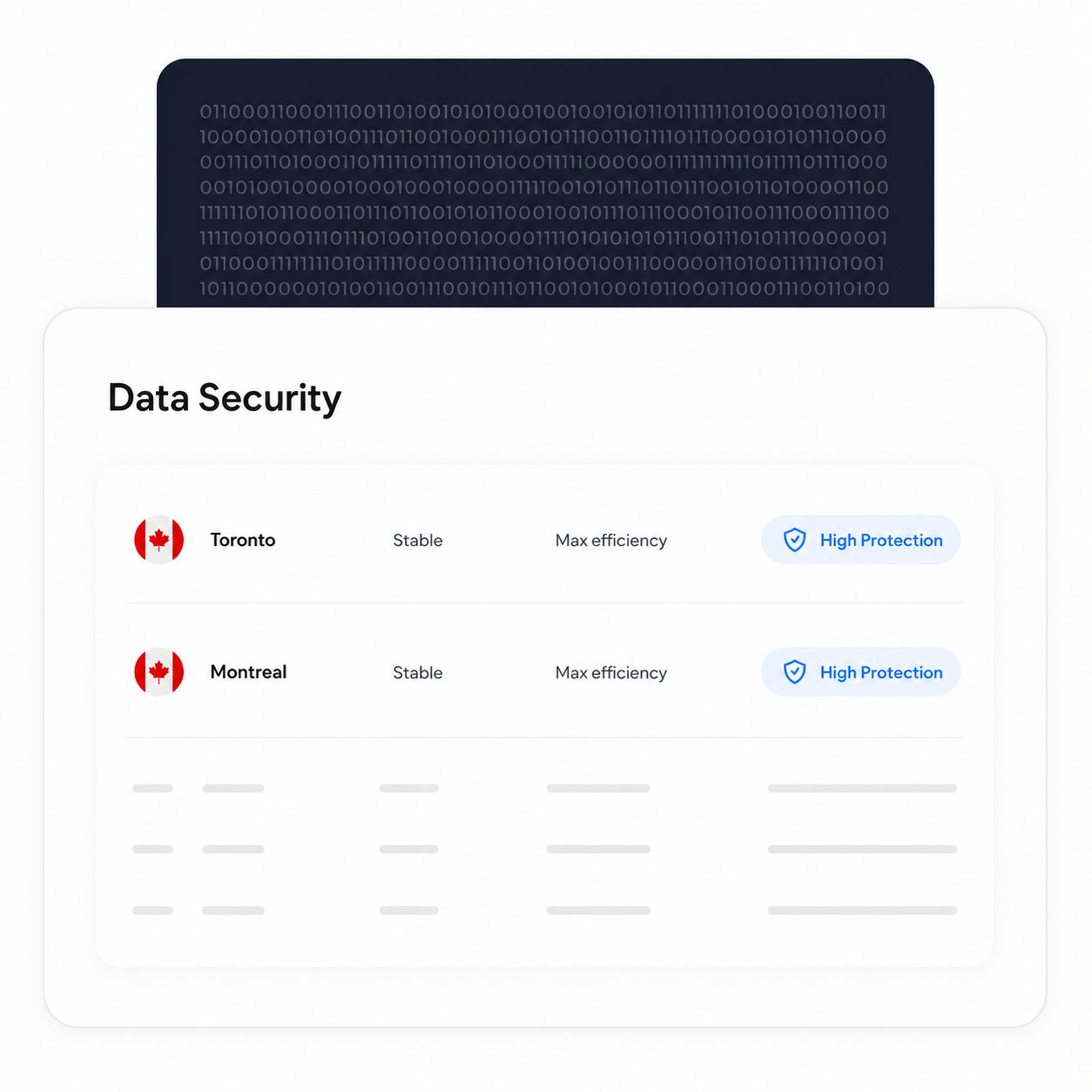
처리 및 저장을 캐나다 내에서 유지하세요
적격한 Enterprise 고객은 토론토를 포함한 캐나다 데이터 상주 위치를 선택할 수 있습니다. PHIPA는 개인 건강 정보를 온타리오 내에 보관하도록 요구하지 않으므로, 이는 조직이 자체 요구 사항에 따라 선택할 수 있는 구성 사항입니다.
선택한 상주 위치와 관계없이 백업 및 복구 프로세스는 계속 유지됩니다.
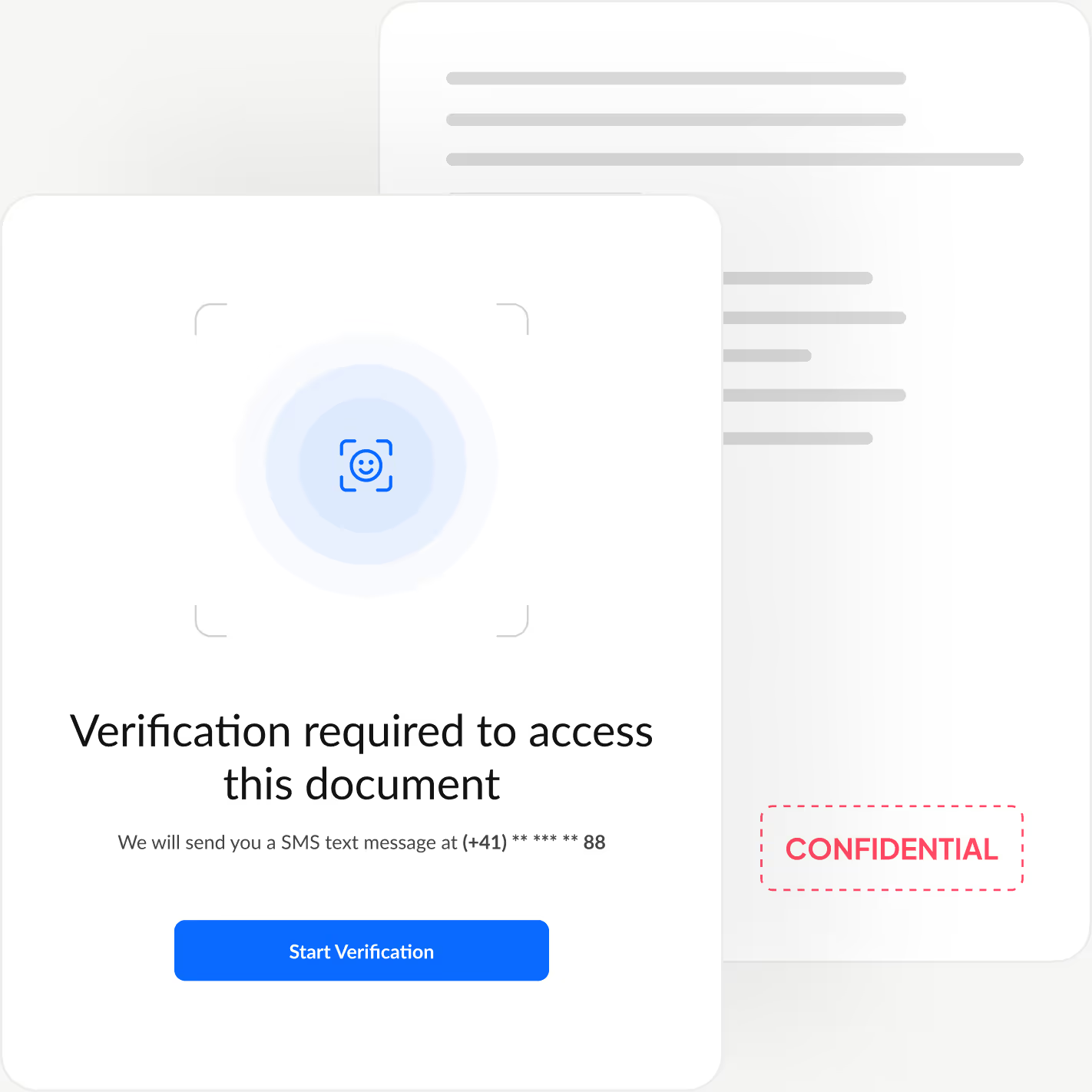
모든 서명자의 신원을 확인하세요
서명자가 문서를 열람하기 전에 신원을 확인하는 추가 인증 단계를 더해 무단 접근을 차단하고 부정 승인을 방지하세요.
Sign.Plus는 얼굴 대조를 통한 신분증 확인, 발신자가 설정하는 암호, 일회용 SMS 코드의 세 가지 유연한 인증 옵션을 제공하므로, 서명 과정은 빠르고 간편하게 유지하면서 모든 워크플로에 맞게 보안을 조정할 수 있습니다.
Sign.Plus에서 PHIPA 부합 기능을 활성화하는 방법
PHIPA 부합 기능은 적격한 Enterprise 계정에서 Advanced Security Controls와 PHIPA 에이전트 계약을 함께 사용합니다.
설정 열기
Sign.Plus 대시보드에 로그인한 다음 설정을 열어 조직의 PHIPA 준수 제어 구성을 시작하세요.
PHIPA 부합 기능은 Advanced Security Controls가 활성화된 적격한 Enterprise 계정에서만 이용할 수 있습니다.
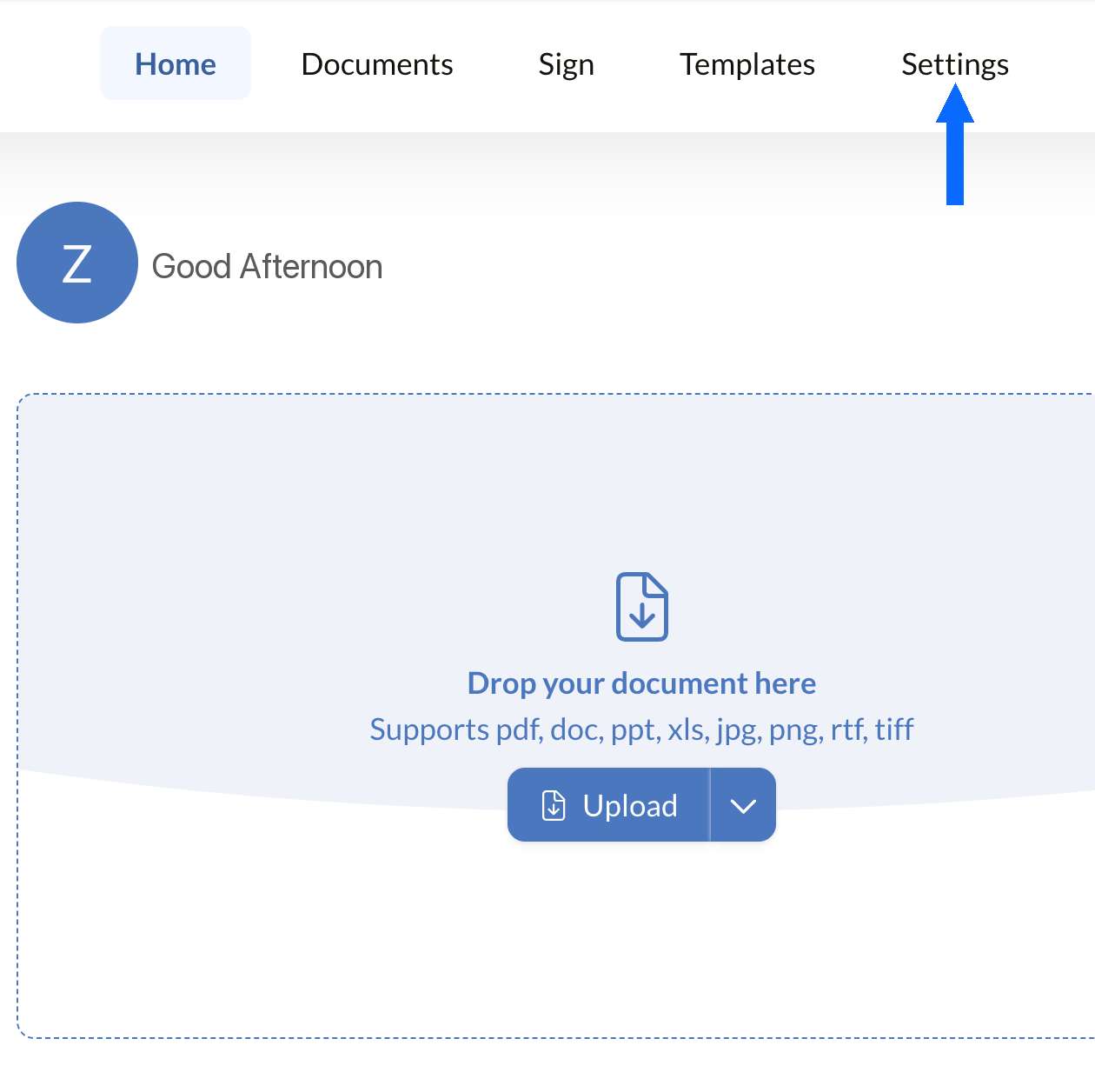
보안 열기
설정에서 보안 탭을 선택하여 조직의 준수 제어 기능에 액세스하세요.
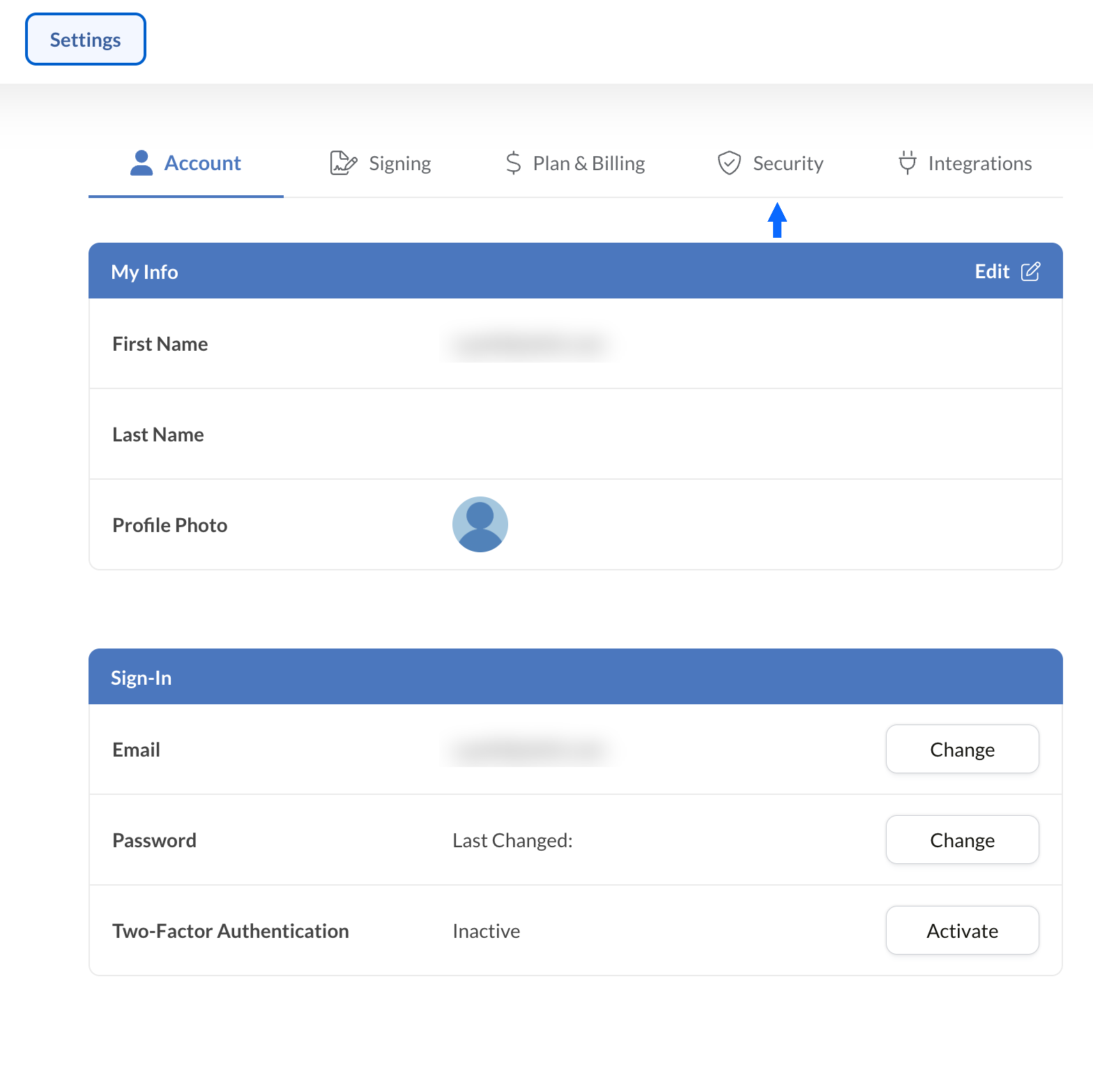
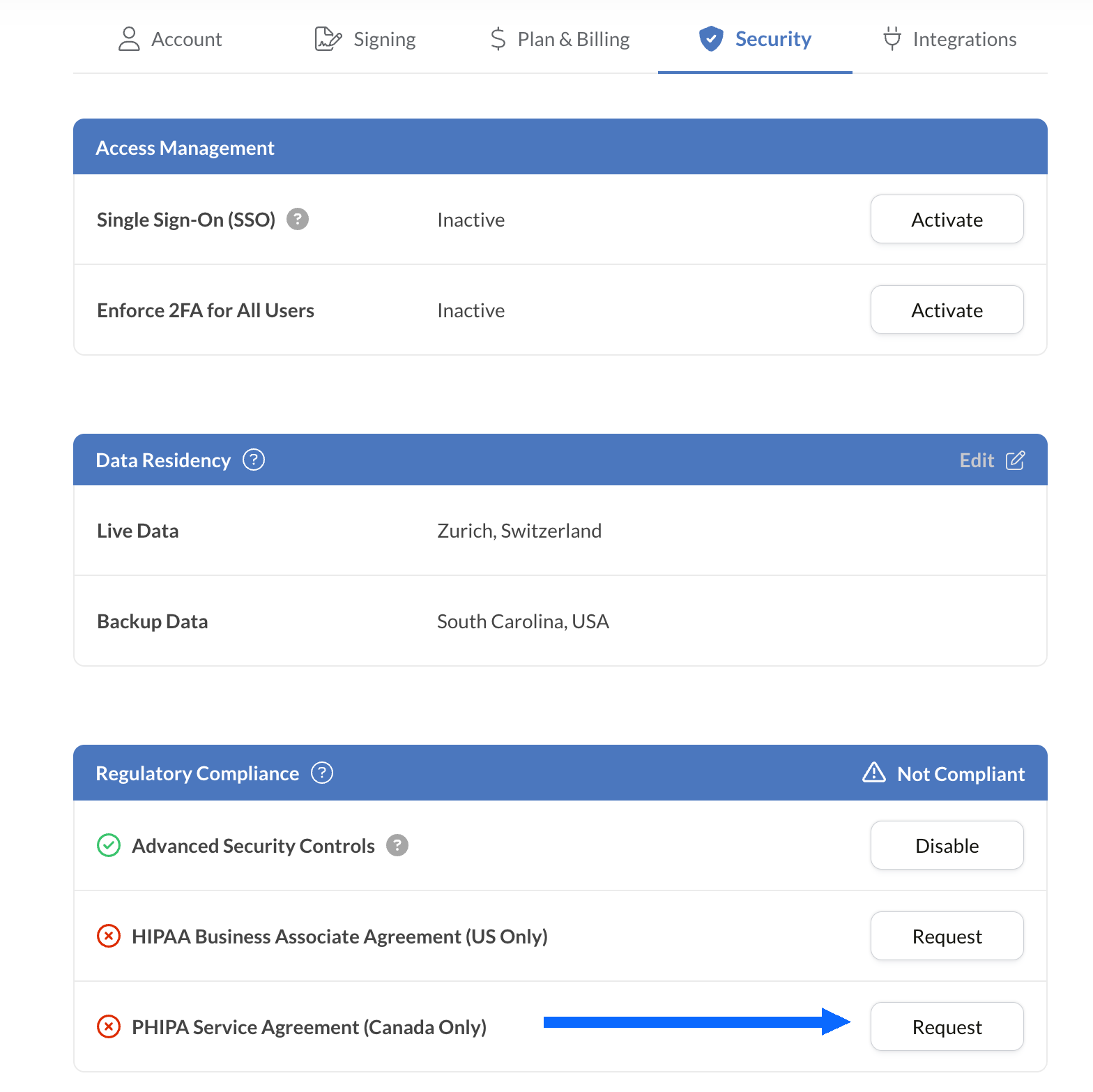
PHIPA 계약 요청
규정 준수 패널에는 PHIPA를 포함하여 계정에서 사용할 수 있는 모든 의료 규정 준수 옵션이 표시됩니다.
PHIPA Agent Agreement (Canada Only) 옆의 요청을 선택하세요.
계약서를 작성하여 제출하고 검증을 받으세요. 검증이 완료되면 PHIPA 상태가 규정 준수 패널에 반영됩니다.
기존 도구에 전자서명을 통합하세요
Sign.Plus는 의료 분야에 특화된 강력한 API도 제공합니다. 기존 의료 애플리케이션에 안전한 전자서명 기능을 통합하여 최소한의 노력으로 워크플로를 간소화하고 규정 준수를 강화하세요.


온타리오 의료 기관을 위한 PHIPA 전자서명 활용 사례

환자 동의서 관리
원격 의료 동의서 및 승인서
보험금 청구 및 승인
치료 및 처방 승인서
직원 정책 및 교육 확인서
의료 시술 동의서
PHIPA 전자서명 FAQ
PHIPA란 무엇인가요?

개인 건강 정보 보호법(Personal Health Information Protection Act)인 PHIPA는 개인 건강 정보의 수집, 사용, 공개 및 보호 방식을 규율하는 온타리오주의 건강 데이터 개인정보 보호법입니다.
Sign.Plus는 PHIPA를 준수하나요?
네, Sign.Plus는 Advanced Security Controls를 활성화하고 PHIPA 에이전트 계약에 서명한 적격 Enterprise 조직을 위해 PHIPA에 부합하는 워크플로를 지원합니다.
Sign.Plus에서 PHIPA 규정 준수를 활성화하려면 어떻게 해야 하나요?
Enterprise 요금제를 선택하고, Advanced Security Controls를 활성화한 다음, 규정 준수 설정에서 PHIPA 에이전트 계약을 요청하여 서명하고 계약 검증 절차를 완료하세요. 검증이 완료되면 계정에 PHIPA 상태가 반영됩니다.
PHIPA에도 BAA가 필요한가요?
아니요. Business Associate Agreement(BAA)는 HIPAA에 사용됩니다. PHIPA의 경우 적격한 고객은 대신 PHIPA 에이전트 계약에 서명하며, 이는 PHIPA 제17조에 따른 에이전트로서의 Sign.Plus의 역할을 반영합니다.
Sign.Plus는 캐나다 데이터 상주를 제공하나요?
네. 적격한 Enterprise 고객은 토론토를 포함한 캐나다 내 데이터 상주 위치를 Sign.Plus용으로 선택할 수 있습니다. PHIPA는 일반적으로 개인 건강 정보를 온타리오주 내에 보관하도록 요구하지 않으므로, 조직은 자체 요건에 따라 데이터 상주 설정을 선택해야 합니다.
PHIPA를 준수하는 안전한 전자서명으로 온타리오 의료 서류 업무를 현대화하세요
Enterprise
맞춤형 솔루션
지금 PHIPA를 준수하는 전자서명을 시작하세요
Enterprise 계정을 만들고, Advanced Security Controls를 활성화한 다음, PHIPA 에이전트 계약을 요청하여 서명하고 의료 서명 워크플로를 안전하게 관리해 보세요.




Confédération Suisse
Confederazione Svizzera
Confederaziun Svizra
스위스 연방
Innosuisse - 스위스 혁신청



