


Assinaturas eletrónicas em conformidade com a PHIPA para a saúde em Ontário
Proteja as informações de saúde pessoais em todos os fluxos de trabalho de assinatura
Recolha consentimentos, autorizações e formulários de saúde de pacientes com validade legal, através de fluxos de trabalho de assinatura eletrónica seguros e alinhados com a PHIPA. Disponível no plano Enterprise com Advanced Security Controls e um Acordo de Agente PHIPA assinado.
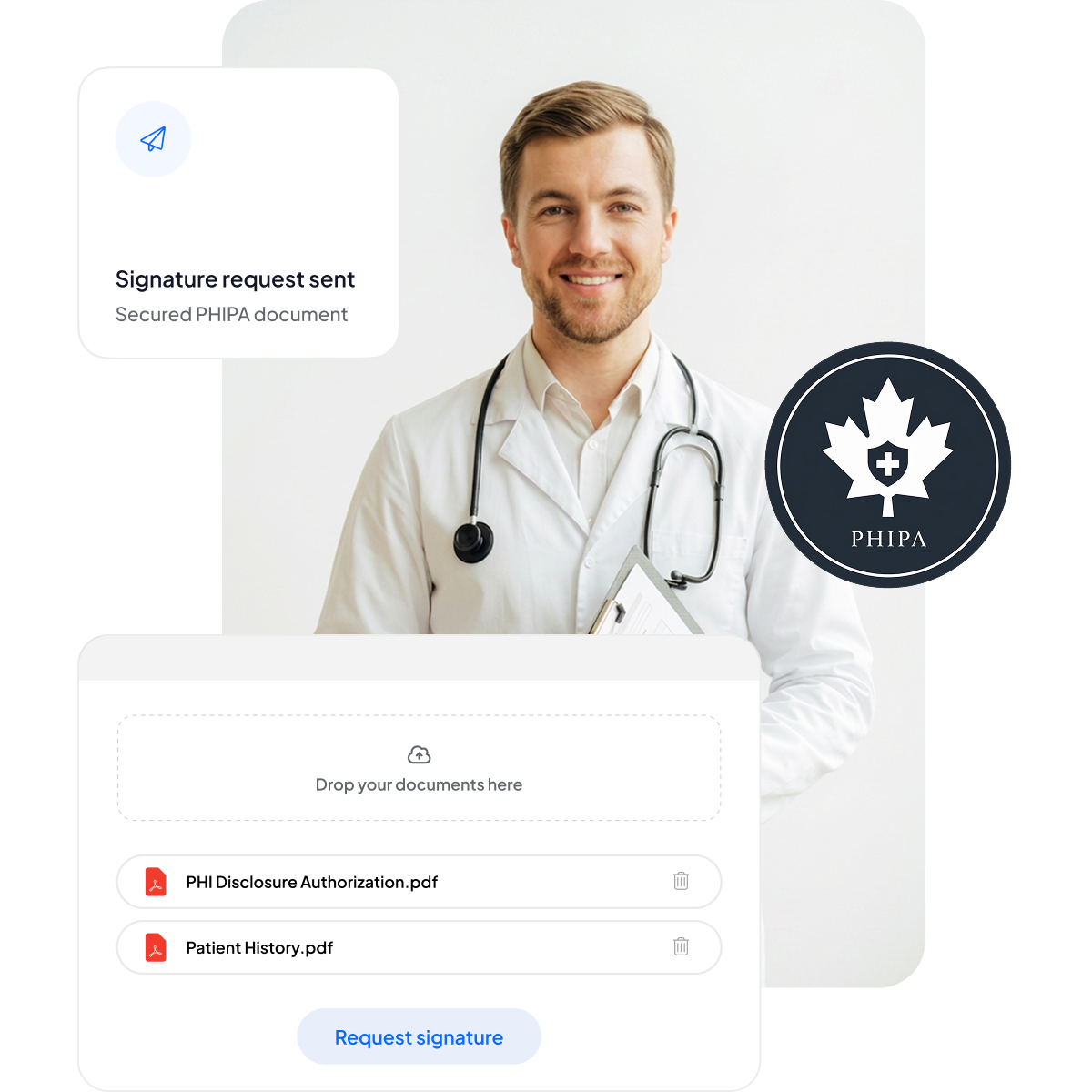






Modernize o consentimento dos pacientes e os formulários de saúde
Ofereça a pacientes e profissionais uma experiência de assinatura segura e otimizada para dispositivos móveis, sem acrescentar papelada nem atrasar os cuidados.
Sem pranchetas: menos papelada e tempos de espera reduzidos.
Assinatura adaptada a dispositivos móveis: prática para pacientes em qualquer dispositivo.
Menos erros: os formulários eletrónicos reduzem os erros de digitação.
Faturação mais rápida: processamento rápido, que garante pagamentos atempados.



Conformidade e segurança PHIPA em detalhe
Controlos integrados alinhados com a PHIPA, incluindo um Acordo de Agente PHIPA assinado nos planos Enterprise elegíveis, modelos de formulários seguros ilimitados, tecnologia avançada de hashing que garante documentos à prova de adulteração, registos de auditoria completos para total transparência e opções de residência de dados no Canadá.

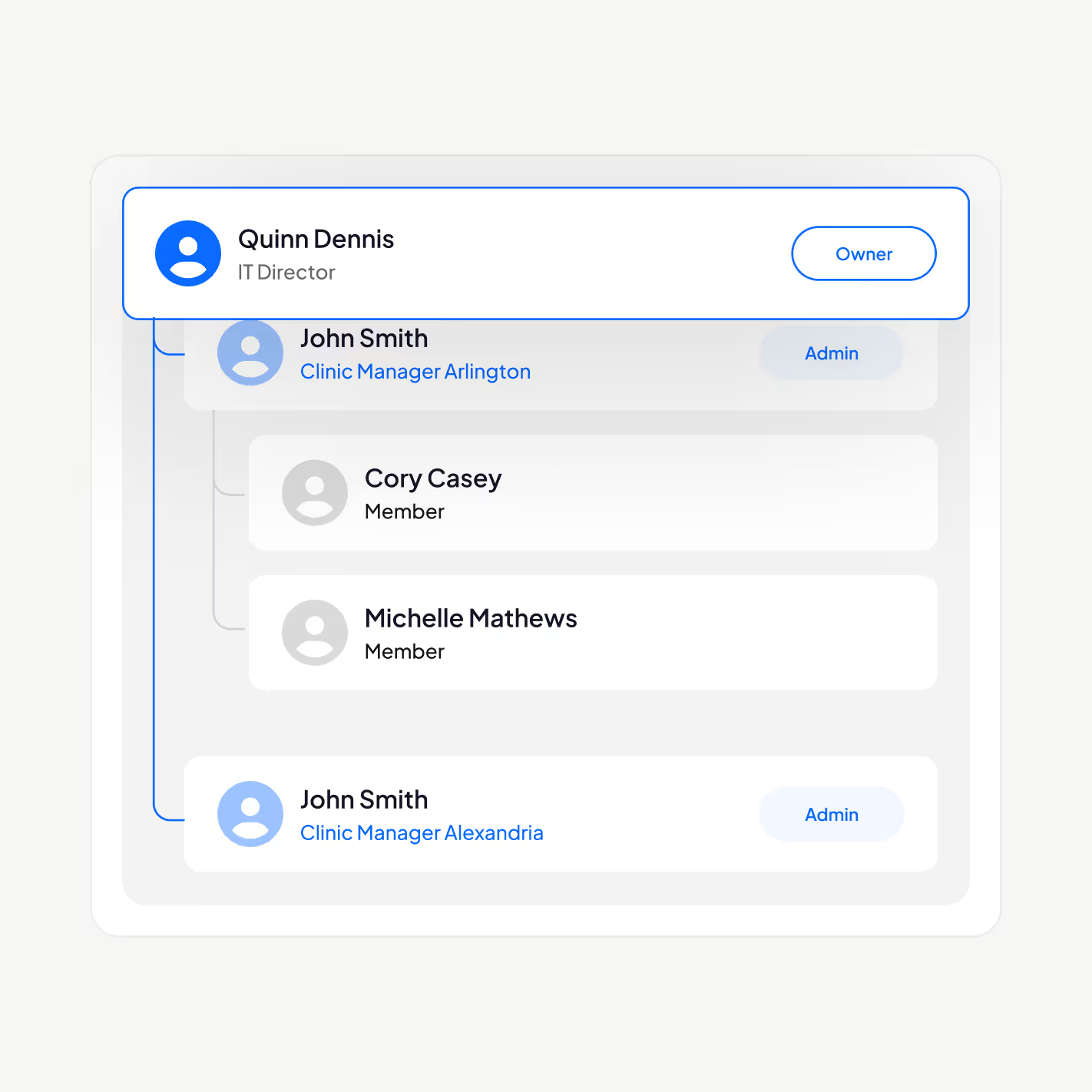
Apenas os profissionais certos acedem aos PHI
Faça a gestão dos seus profissionais de saúde com a nossa plataforma de assinatura eletrónica alinhada com a PHIPA: adicione ou remova utilizadores, estabeleça hierarquias de gestão, imponha a autenticação de dois fatores, ative o Single Sign-On (SSO) e restrinja o acesso às informações de saúde pessoais ao pessoal autorizado, consoante a função.
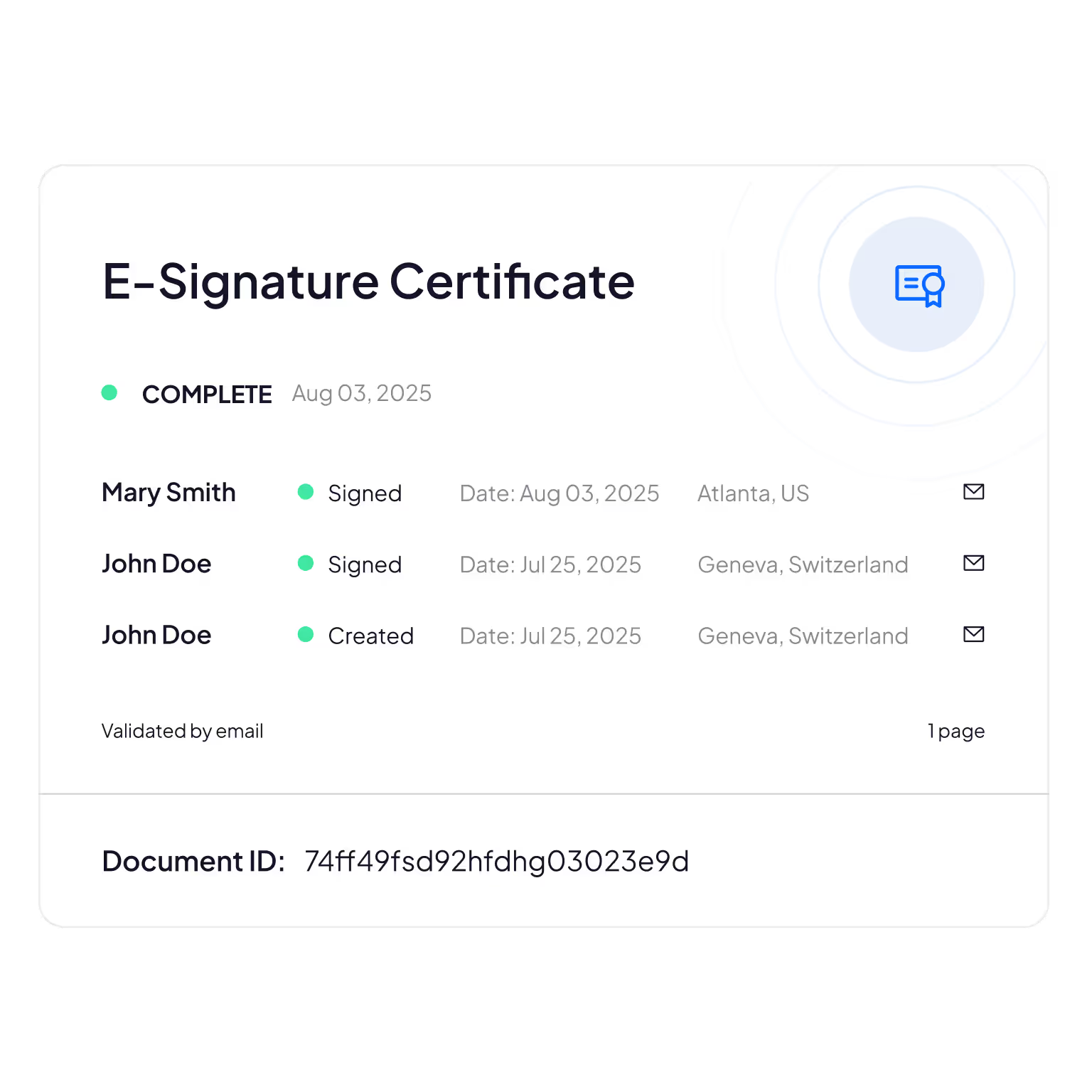
Registos de auditoria à prova de adulteração
Acompanhamento completo de quem consulta, edita ou acede às informações dos pacientes, garantindo responsabilização e verificação da conformidade.
Sign.Plus utiliza métodos criptográficos para confirmar a integridade dos documentos, garantindo que os seus formulários eletrónicos não foram alterados nem adulterados.
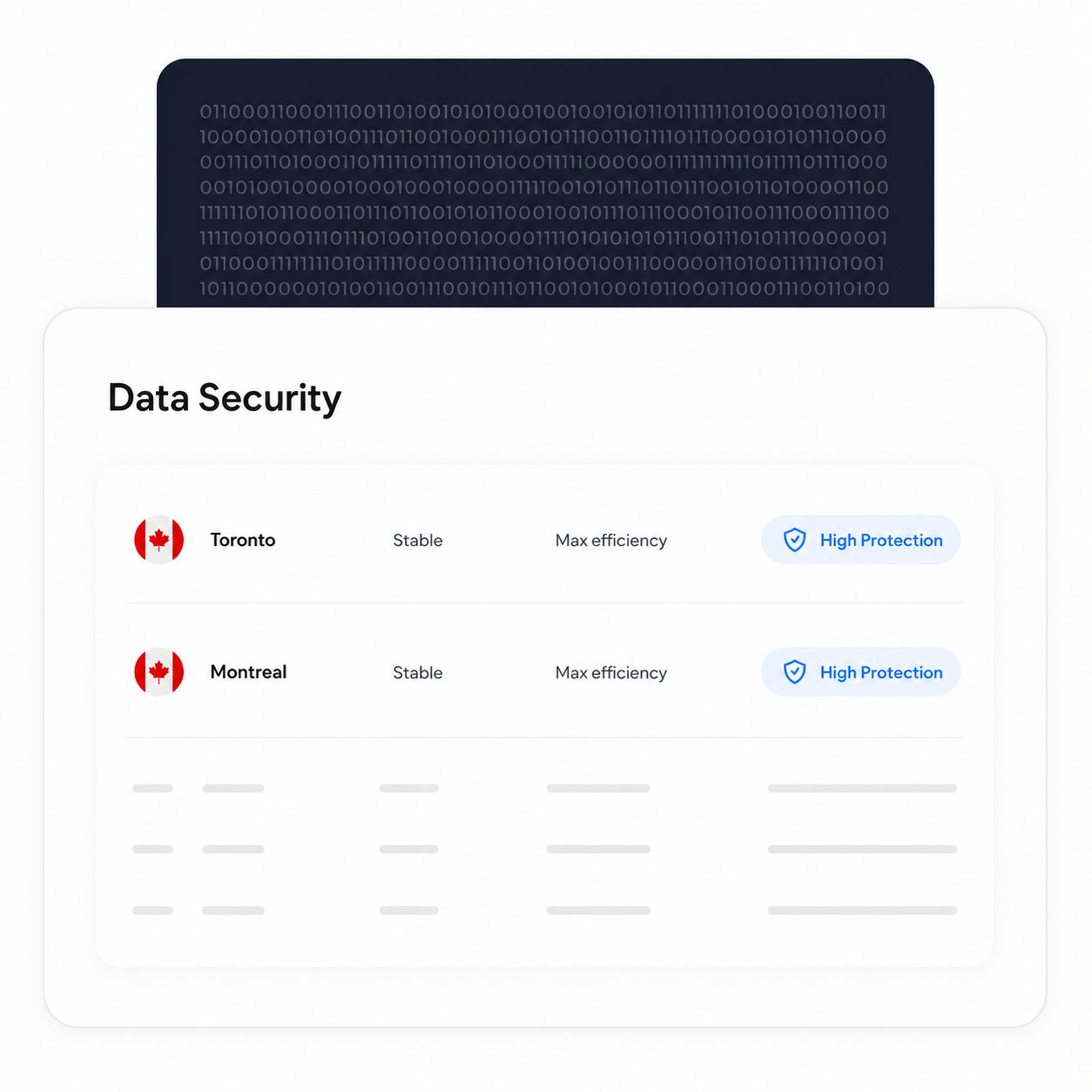
Mantenha o processamento e o armazenamento no Canadá
Os clientes Enterprise elegíveis podem selecionar uma localização canadiana para a residência dos dados, incluindo Toronto. A PHIPA não exige que as informações de saúde pessoais permaneçam em Ontário, pelo que esta é uma opção de configuração que as organizações podem fazer com base nos seus próprios requisitos.
Os processos de cópia de segurança e recuperação mantêm-se em vigor, independentemente da localização de residência selecionada.
Verifique a identidade de cada signatário
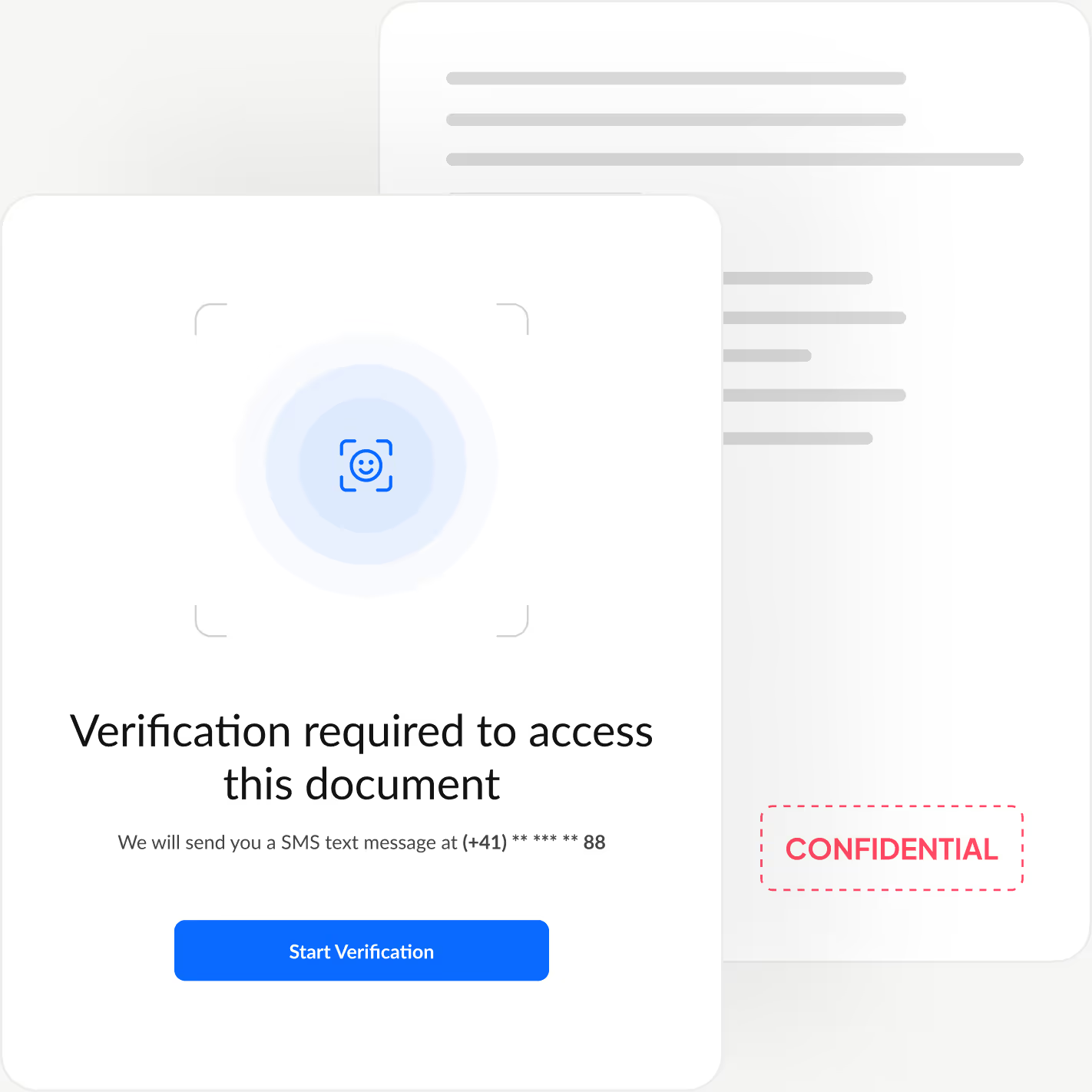
Adicione uma camada extra de autenticação que confirma a identidade de cada signatário antes de este visualizar o documento, bloqueando acessos não autorizados e evitando aprovações fraudulentas.
Sign.Plus oferece três opções de verificação flexíveis: verificação de identificação com correspondência facial, um código de acesso definido pelo remetente ou um código SMS de utilização única, para que possa adaptar a segurança a cada fluxo de trabalho, mantendo a experiência de assinatura rápida e sem esforço.
Como ativar o alinhamento com a PHIPA em Sign.Plus
O alinhamento com a PHIPA utiliza Advanced Security Controls em conjunto com um Acordo de Agente PHIPA para contas Enterprise elegíveis.
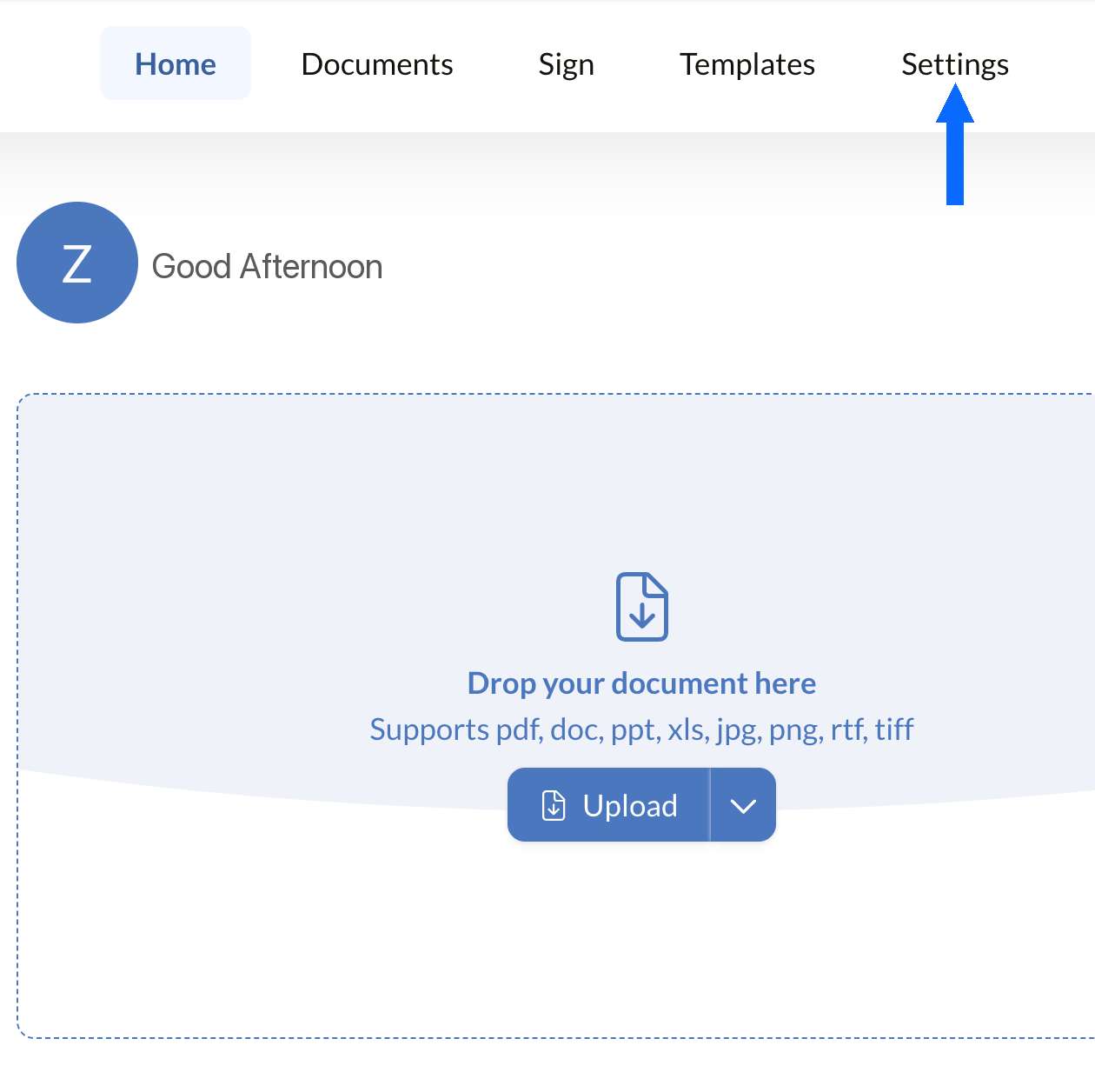
Abrir Definições
Inicie sessão no painel de Sign.Plus e abra as Definições para começar a configurar os controlos de conformidade PHIPA da sua organização.
O alinhamento com a PHIPA só está disponível em contas Enterprise elegíveis com Advanced Security Controls ativados.
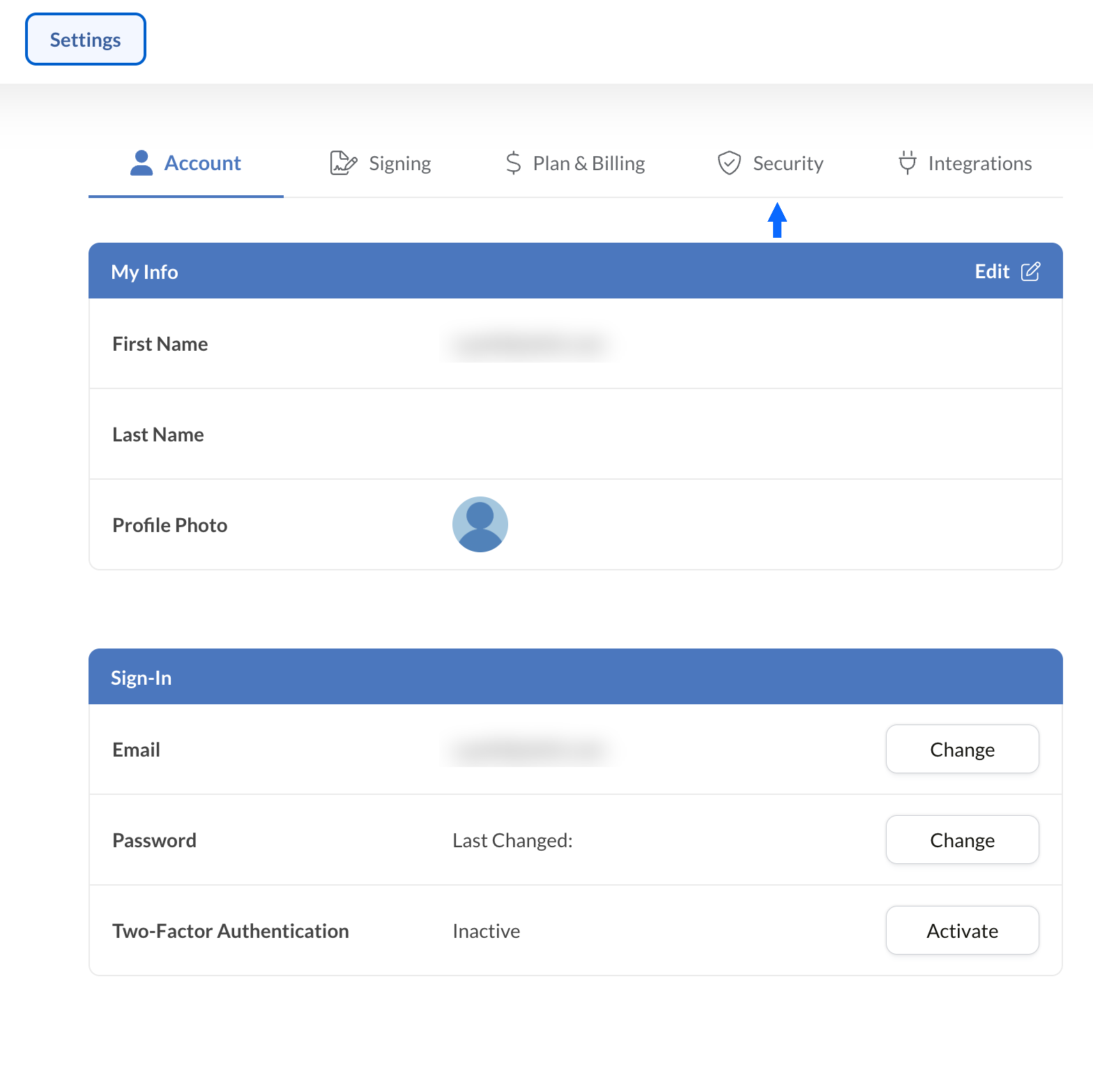
Abrir Segurança
Nas Definições, selecione o separador Segurança para aceder aos controlos de conformidade da sua organização.
Solicitar o Acordo PHIPA
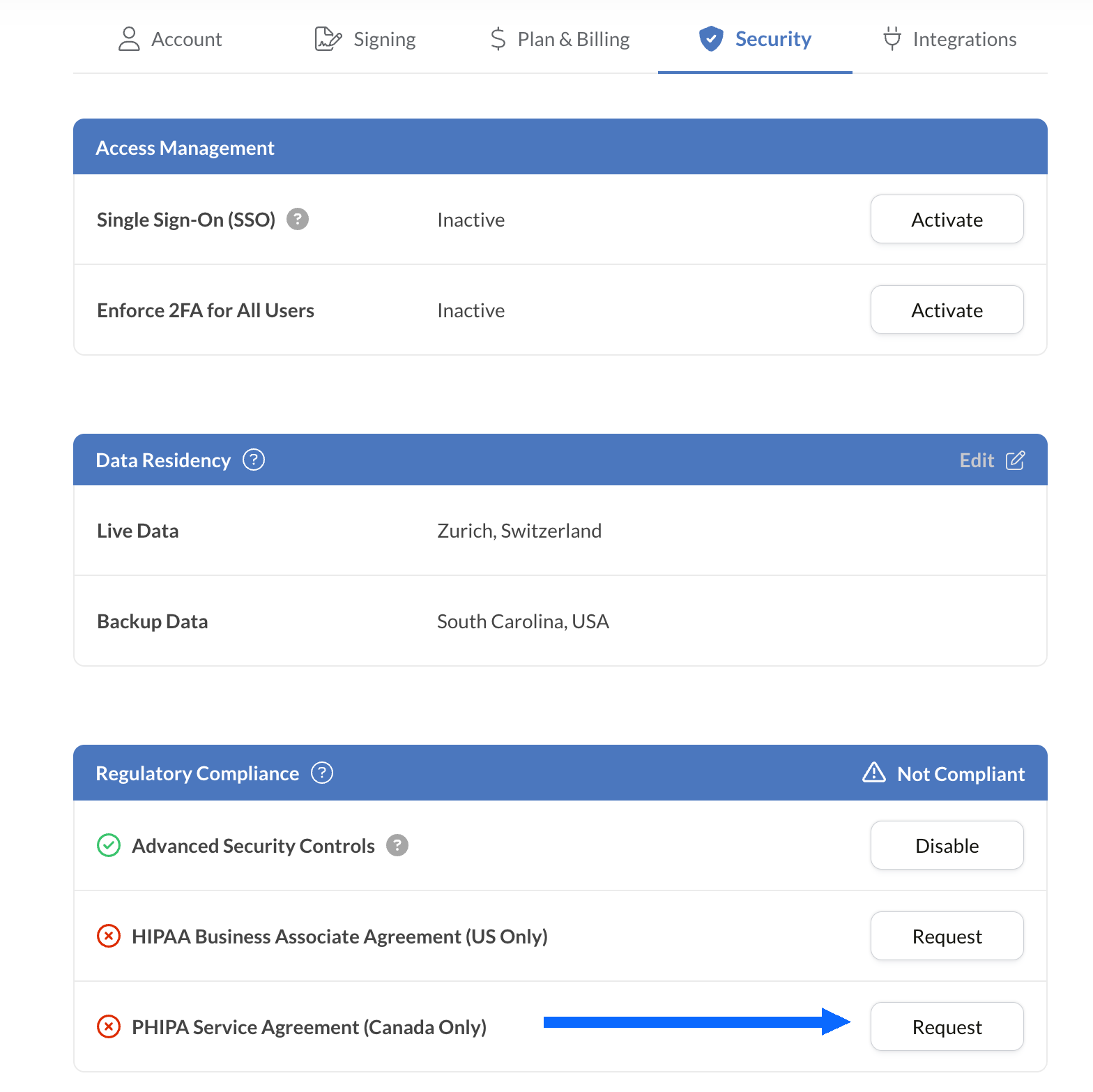
O painel Conformidade regulamentar apresenta todas as opções de conformidade na área da saúde disponíveis para a sua conta, incluindo a PHIPA.
Selecione Solicitar junto a Acordo de Agente PHIPA (apenas Canadá).
Preencha e submeta o acordo para validação. Depois de validado, o estado da PHIPA é refletido no painel Conformidade regulamentar.
Integre assinaturas eletrónicas nas suas ferramentas existentes
Sign.Plus disponibiliza também uma API robusta concebida especificamente para a saúde. Integre funcionalidades de assinatura eletrónica seguras nas suas aplicações de saúde existentes, simplificando os fluxos de trabalho e reforçando a conformidade com o mínimo esforço.


Casos de utilização de assinatura eletrónica PHIPA na saúde em Ontário

Gestão do consentimento de pacientes
Consentimento e autorizações de telessaúde
Pedidos de reembolso e autorizações de seguros
Autorizações de tratamentos e prescrições
Políticas internas e confirmações de formação do pessoal
Consentimento para procedimentos médicos
Perguntas frequentes sobre assinatura eletrónica PHIPA
O que é a PHIPA?

A PHIPA, a Personal Health Information Protection Act, é a lei de privacidade de dados de saúde de Ontário que regula a forma como as informações de saúde pessoais são recolhidas, utilizadas, divulgadas e protegidas.
Sign.Plus está em conformidade com a PHIPA?
Sim, Sign.Plus suporta fluxos de trabalho alinhados com a PHIPA para organizações Enterprise elegíveis que ativem Advanced Security Controls e assinem um Acordo de Agente PHIPA.
Como ativo a conformidade com a PHIPA em Sign.Plus?
Escolha um plano Enterprise, ative os Advanced Security Controls, solicite e assine o Acordo de Agente PHIPA nas definições de Conformidade regulamentar e conclua o processo de validação do acordo. Depois de validado, o estado PHIPA é refletido na sua conta.
Preciso de um BAA para a PHIPA?
Não. Um Business Associate Agreement (BAA) é utilizado para a HIPAA. Para a PHIPA, os clientes elegíveis assinam, em alternativa, um Acordo de Agente PHIPA, que reflete o papel de Sign.Plus como agente ao abrigo da secção 17 da PHIPA.
Sign.Plus oferece residência de dados no Canadá?
Sim. Os clientes Enterprise elegíveis podem selecionar uma localização de residência de dados no Canadá para Sign.Plus, incluindo Toronto. A PHIPA, em geral, não exige que as informações de saúde pessoais permaneçam em Ontário, pelo que as organizações devem escolher as definições de residência com base nos seus próprios requisitos.
Modernize a documentação de saúde de Ontário com assinaturas eletrónicas seguras em conformidade com a PHIPA
Enterprise
Solução à medida
Comece hoje a utilizar assinaturas eletrónicas em conformidade com a PHIPA
Crie uma conta Enterprise, ative os Advanced Security Controls, solicite e assine o seu Acordo de Agente PHIPA e comece a gerir fluxos de assinatura na área da saúde com segurança.




Confédération Suisse
Confederazione Svizzera
Confederaziun Svizra
Confederação Suíça
Innosuisse - Agência Suíça de Inovação



