


Firmas electrónicas conformes con PHIPA para el sector sanitario de Ontario
Proteja la información personal de salud en cada flujo de trabajo de firma
Recopile consentimientos, autorizaciones y formularios sanitarios de pacientes con validez legal mediante flujos de trabajo de firma electrónica seguros y alineados con PHIPA. Disponible en Enterprise con Advanced Security Controls y un Acuerdo de agente PHIPA firmado.
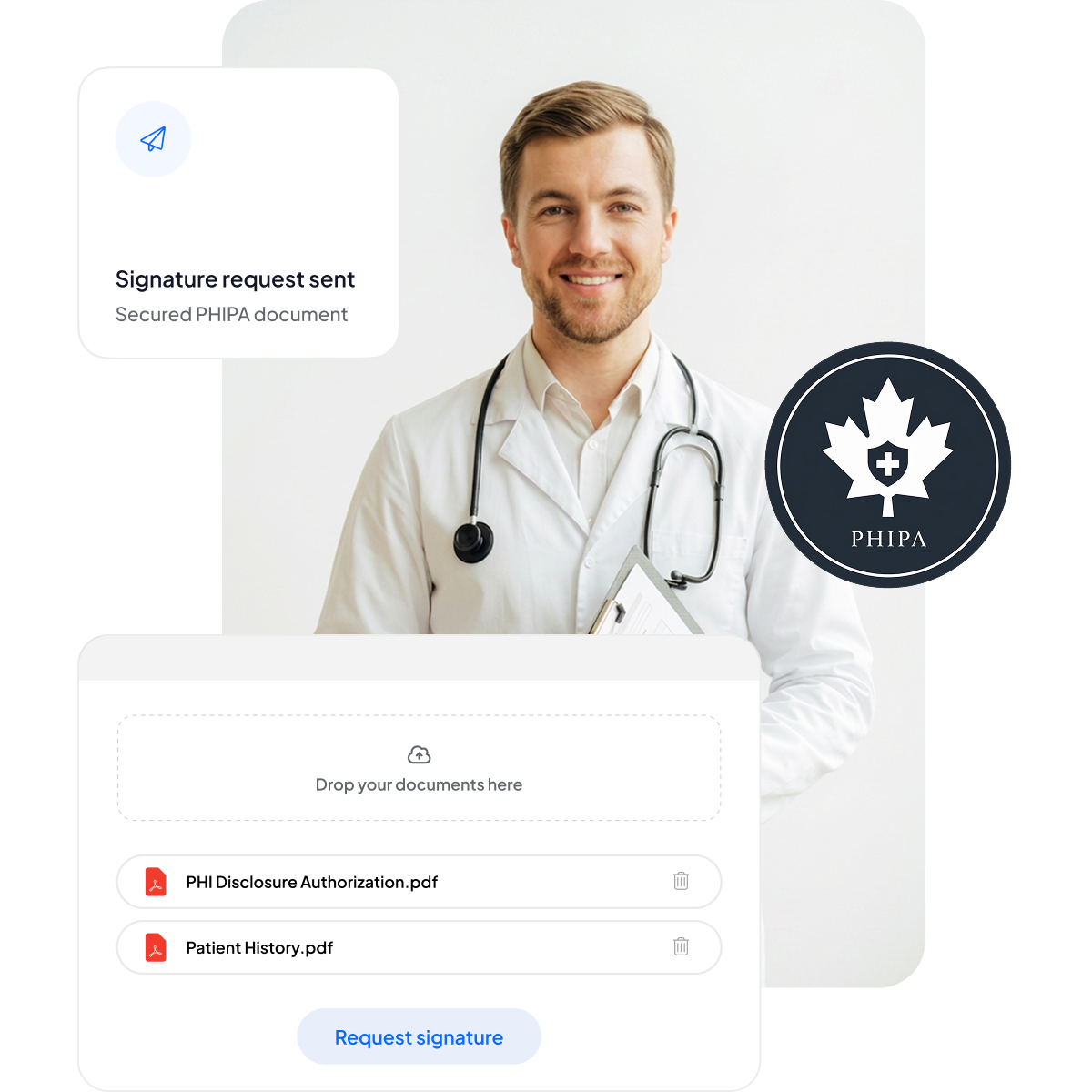






Modernice el consentimiento del paciente y los formularios sanitarios
Ofrezca a pacientes y personal una experiencia de firma segura y adaptada a dispositivos móviles, sin añadir papeleo ni ralentizar la atención.
Sin portapapeles: menos papeleo y menores tiempos de espera.
Firma optimizada para móviles: cómoda para los pacientes en cualquier dispositivo.
Menos errores: los formularios electrónicos reducen los errores de escritura.
Facturación más rápida: procesamiento ágil que garantiza pagos puntuales.



Cumplimiento de PHIPA y seguridad en detalle
Controles integrados alineados con PHIPA, que incluyen un Acuerdo de agente PHIPA firmado en los planes Enterprise elegibles, plantillas de formularios seguras ilimitadas, tecnología avanzada de hash que garantiza documentos a prueba de manipulaciones, registros de auditoría completos para una transparencia total y opciones de residencia de datos en Canadá.

Solo el personal adecuado accede a la PHI
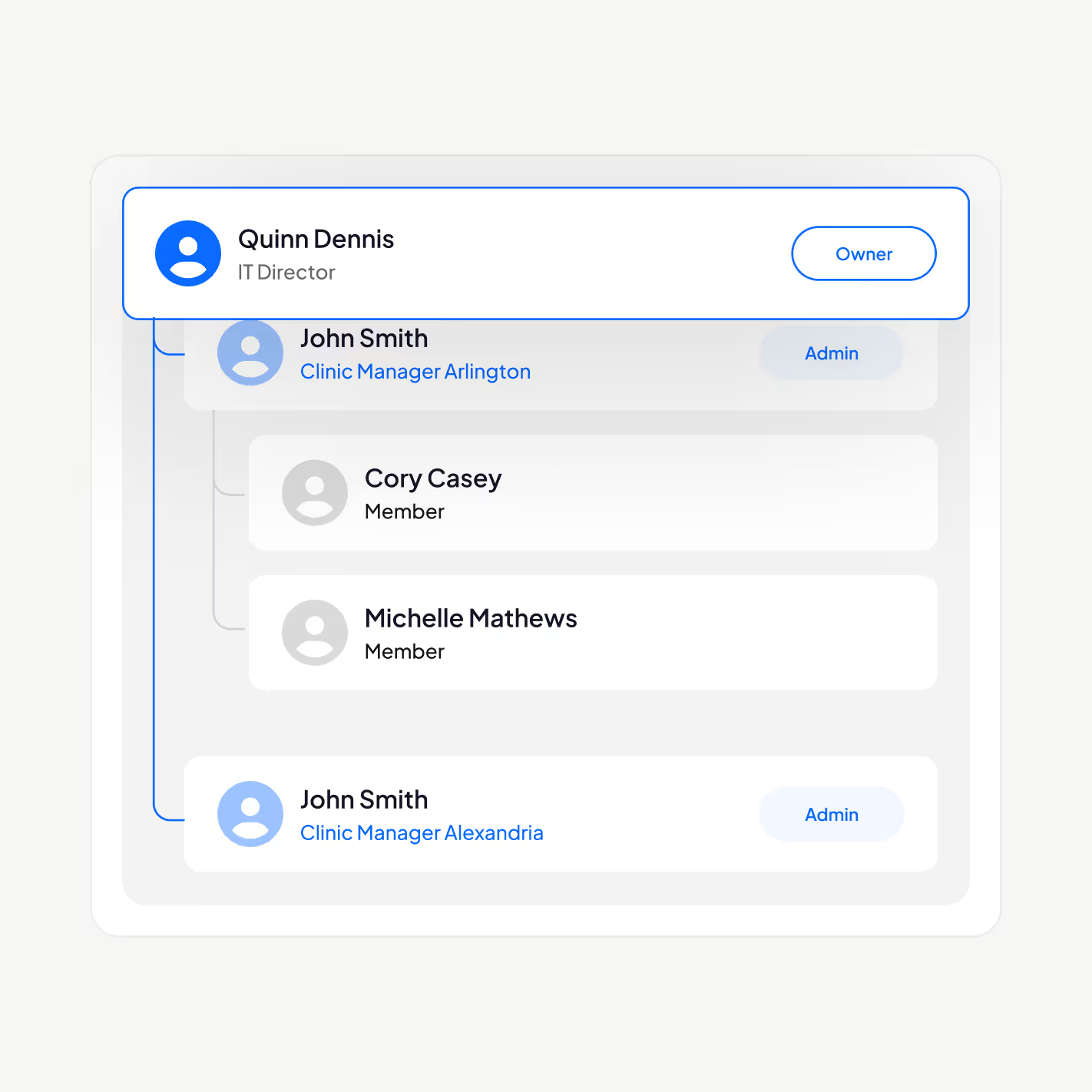
Gestione a su personal sanitario con nuestra plataforma de firma electrónica alineada con PHIPA: añada o elimine usuarios, establezca jerarquías de mando, exija la autenticación de dos factores, active el inicio de sesión único (SSO) y restrinja el acceso a la información personal de salud al personal autorizado según su función.
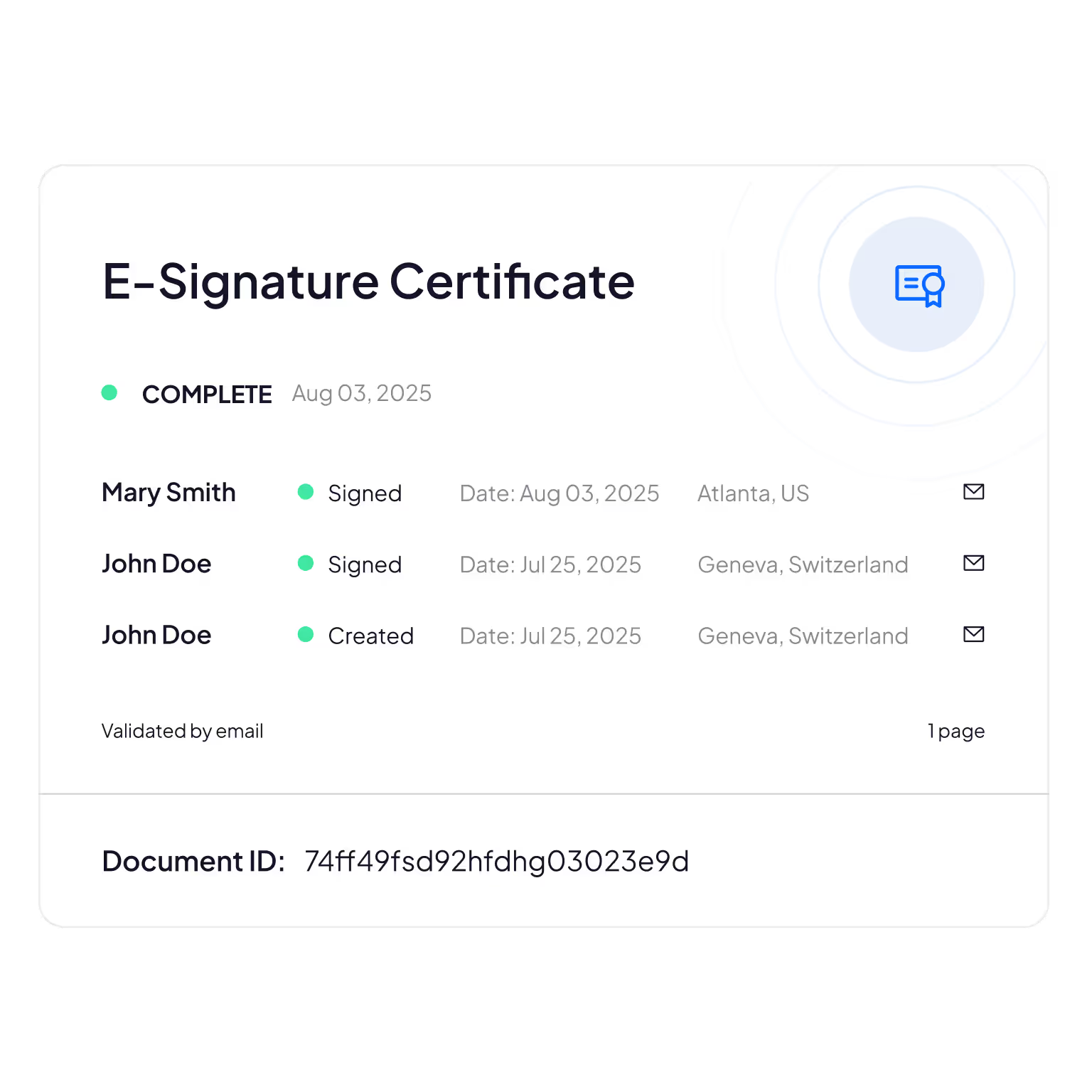
Registros de auditoría a prueba de manipulaciones
Seguimiento exhaustivo de quién consulta, edita o accede a la información de los pacientes, lo que aporta responsabilidad y verificación del cumplimiento.
Sign.Plus utiliza métodos criptográficos para confirmar la integridad de los documentos y garantizar que sus formularios electrónicos no hayan sido alterados ni manipulados.
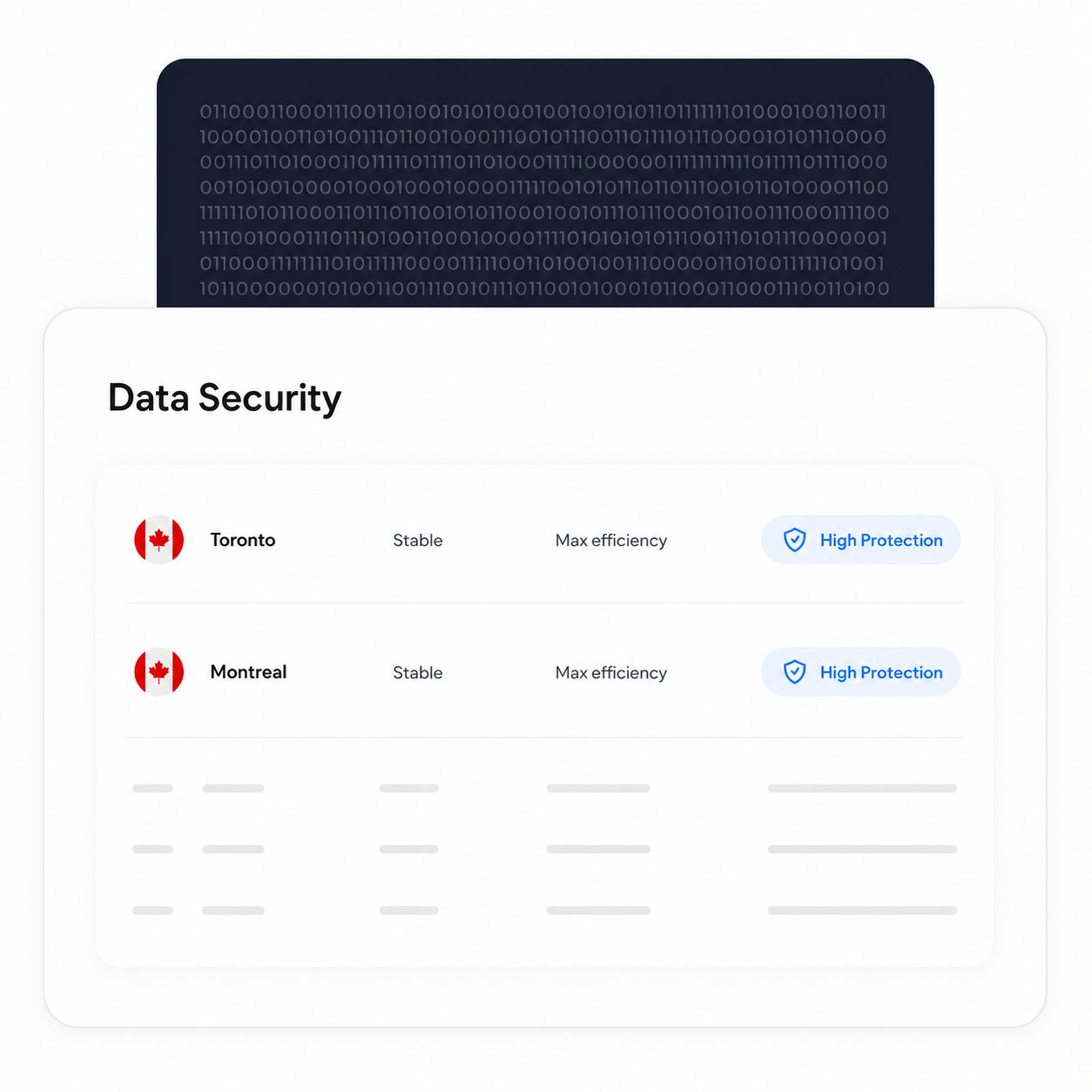
Mantenga el procesamiento y el almacenamiento en Canadá
Los clientes Enterprise elegibles pueden seleccionar una ubicación de residencia de datos en Canadá, incluida Toronto. PHIPA no exige que la información personal de salud permanezca en Ontario, por lo que se trata de una opción de configuración que las organizaciones pueden elegir según sus propios requisitos.
Los procesos de copia de seguridad y recuperación se mantienen independientemente de la ubicación de residencia seleccionada.
Verifique la identidad de cada firmante
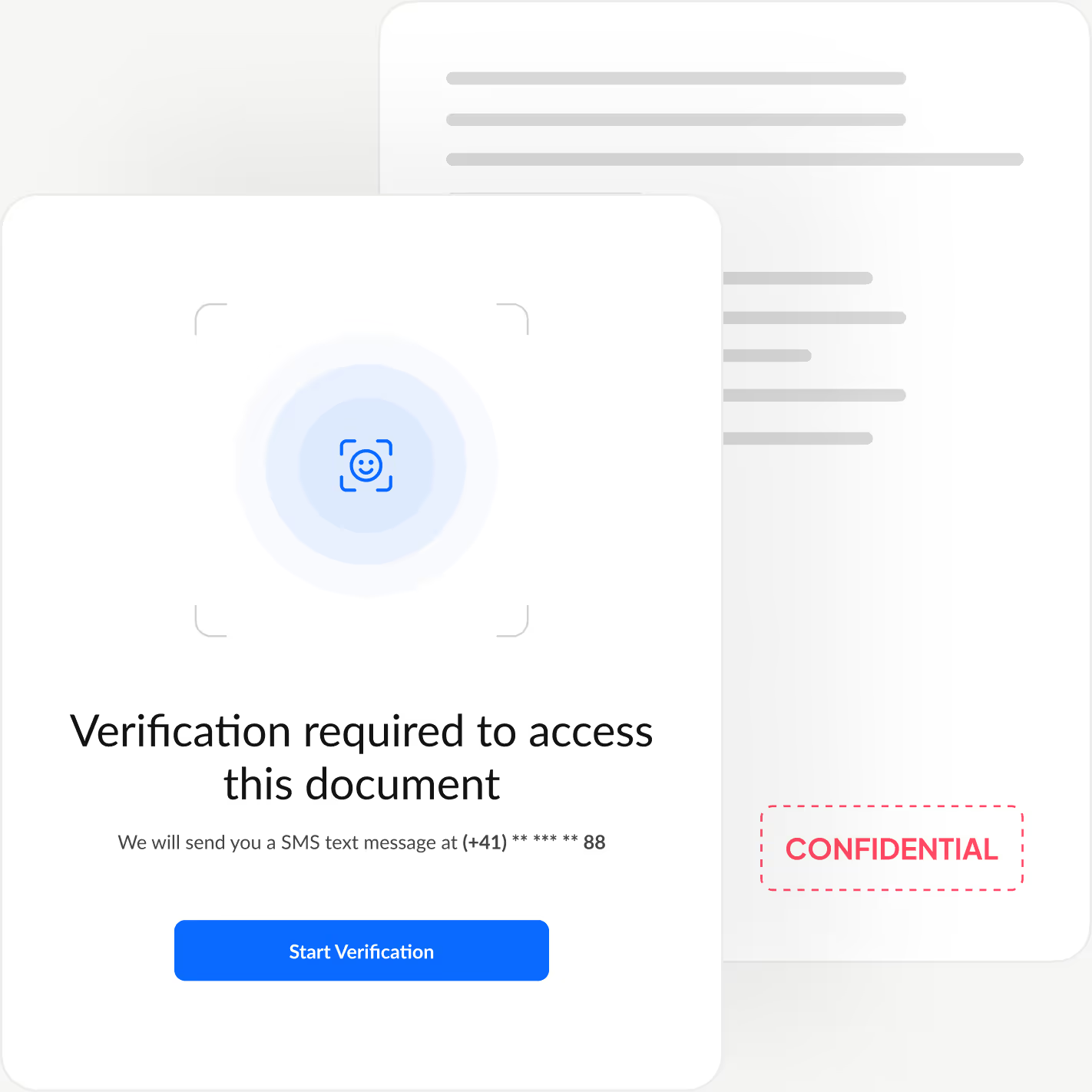
Añada una capa adicional de autenticación que confirme la identidad de cada firmante antes de que vea su documento, bloqueando el acceso no autorizado y evitando aprobaciones fraudulentas.
Sign.Plus le ofrece tres opciones de verificación flexibles: comprobación de identidad con reconocimiento facial, un código de acceso definido por el remitente o un código SMS de un solo uso, de modo que pueda adaptar la seguridad a cada flujo de trabajo y mantener una experiencia de firma rápida y sencilla.
Cómo activar la alineación con PHIPA en Sign.Plus
La alineación con PHIPA utiliza Advanced Security Controls junto con un Acuerdo de agente PHIPA para las cuentas Enterprise elegibles.
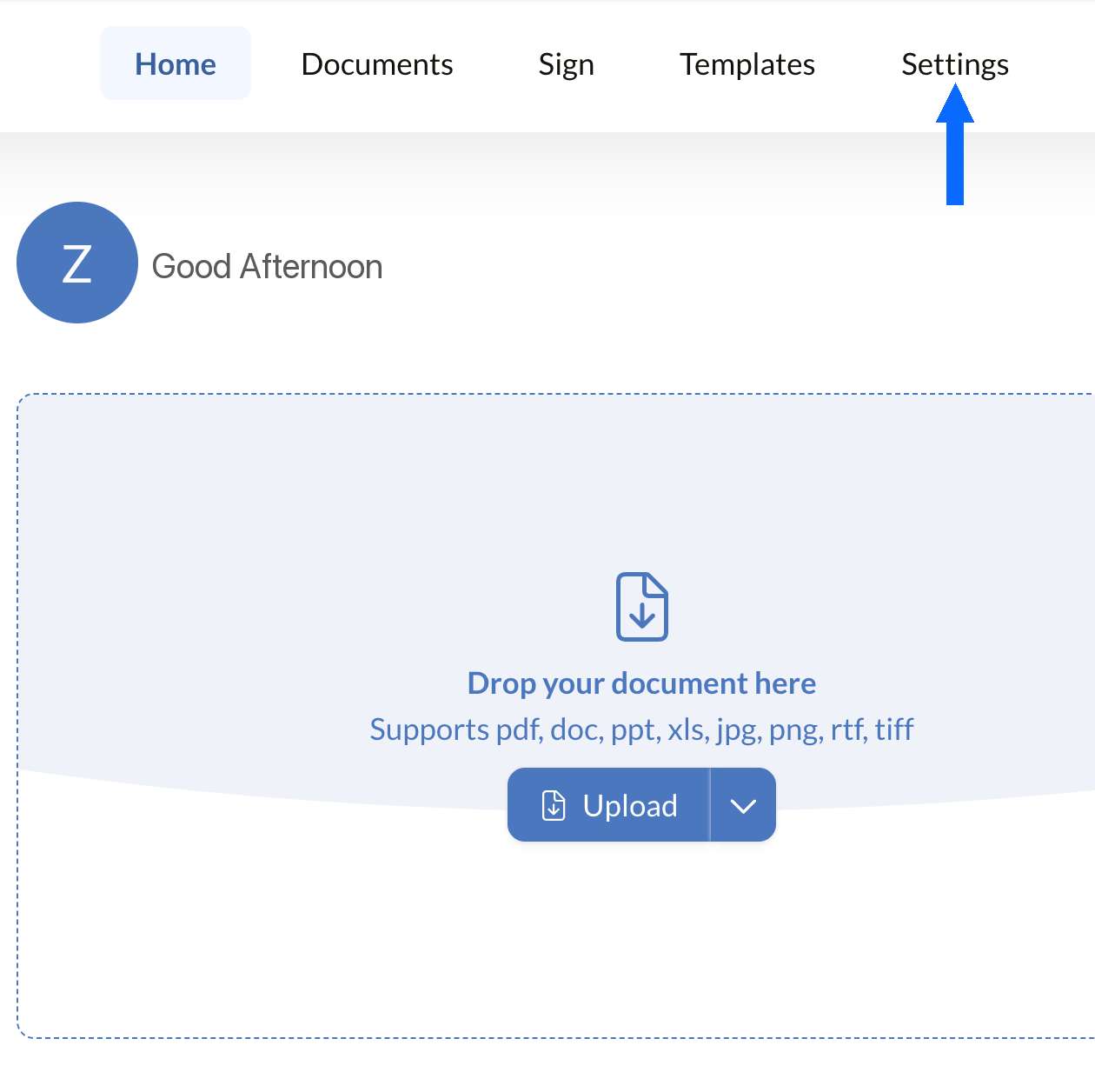
Abra Configuración
Inicie sesión en su panel de Sign.Plus y abra Configuración para comenzar a configurar los controles de cumplimiento de PHIPA de su organización.
La alineación con PHIPA solo está disponible en cuentas Enterprise elegibles que tengan activado Advanced Security Controls.
Abra Seguridad
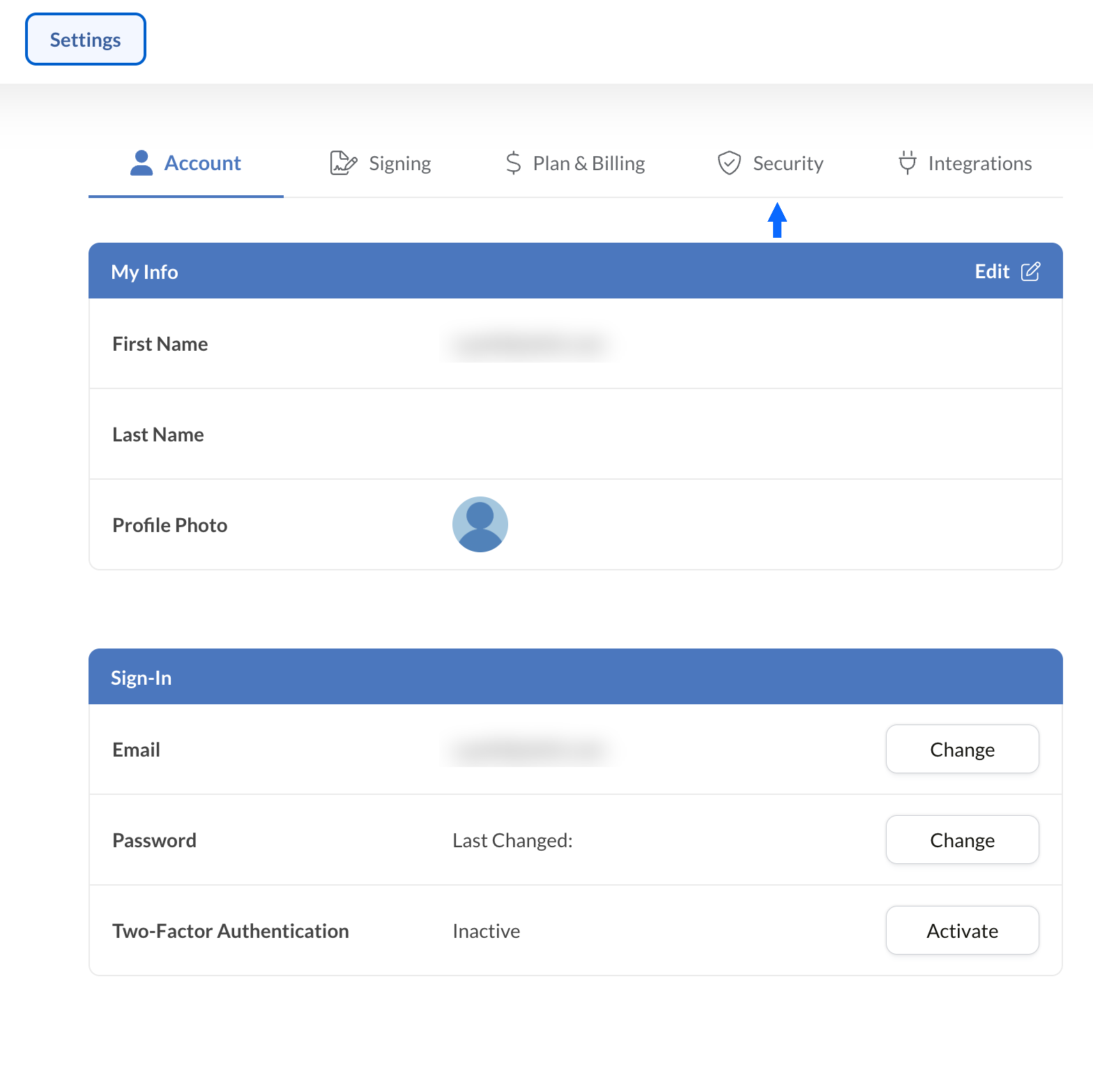
Desde Configuración, seleccione la pestaña Seguridad para acceder a los controles de cumplimiento de su organización.
Solicite el Acuerdo PHIPA
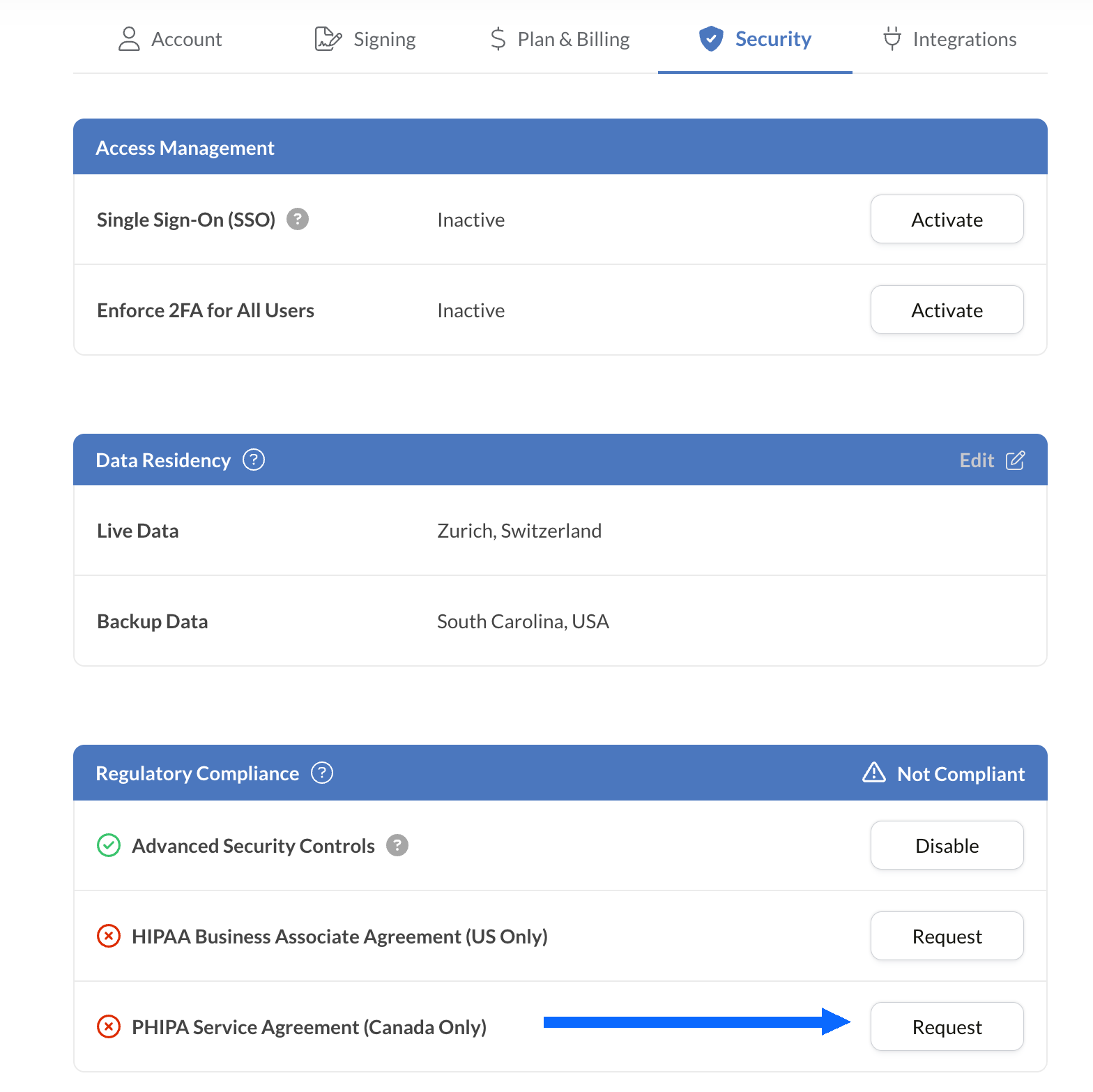
El panel Cumplimiento normativo enumera todas las opciones de cumplimiento sanitario disponibles para su cuenta, incluida PHIPA.
Seleccione Solicitar junto a Acuerdo de agente PHIPA (solo Canadá).
Complete y envíe el acuerdo para su validación. Una vez validado, el estado de PHIPA se reflejará en el panel Cumplimiento normativo.
Integre las firmas electrónicas en sus herramientas actuales
Sign.Plus también ofrece una API sólida diseñada específicamente para el sector sanitario. Integre funciones de firma electrónica segura en sus aplicaciones sanitarias existentes, optimizando los flujos de trabajo y mejorando el cumplimiento normativo con el mínimo esfuerzo.


Casos de uso de firma electrónica PHIPA en el sector sanitario de Ontario

Gestión del consentimiento de pacientes
Consentimientos y autorizaciones de telesalud
Reclamaciones y autorizaciones de seguros
Autorizaciones de tratamientos y recetas
Políticas del personal y confirmaciones de formación
Consentimiento para procedimientos médicos
Preguntas frecuentes sobre la firma electrónica PHIPA
¿Qué es PHIPA?

PHIPA, la Ley de Protección de la Información Personal de Salud (Personal Health Information Protection Act), es la ley de privacidad de datos de salud de Ontario que regula cómo se recopila, utiliza, divulga y protege la información personal de salud.
¿Es Sign.Plus conforme con PHIPA?
Sí, Sign.Plus admite flujos de trabajo alineados con PHIPA para las organizaciones Enterprise elegibles que activen Advanced Security Controls y firmen un Acuerdo de agente PHIPA.
¿Cómo activo el cumplimiento de PHIPA en Sign.Plus?
Elija un plan Enterprise, active Advanced Security Controls, solicite y firme el Acuerdo de agente PHIPA desde la configuración de Cumplimiento normativo y complete el proceso de validación del acuerdo. Una vez validado, el estado de PHIPA se reflejará en su cuenta.
¿Necesito un BAA para PHIPA?
No. Un Business Associate Agreement (BAA) se utiliza para HIPAA. Para PHIPA, los clientes elegibles firman en su lugar un Acuerdo de agente PHIPA, que refleja la función de Sign.Plus como agente conforme a la sección 17 de PHIPA.
¿Ofrece Sign.Plus residencia de datos en Canadá?
Sí. Los clientes Enterprise elegibles pueden seleccionar una ubicación de residencia de datos en Canadá para Sign.Plus, incluida Toronto. En general, PHIPA no exige que la información personal de salud permanezca en Ontario, por lo que las organizaciones deben elegir la configuración de residencia según sus propios requisitos.
Modernice la documentación sanitaria de Ontario con firmas electrónicas seguras conformes con PHIPA
Enterprise
Solución personalizada
Empiece hoy mismo a utilizar firmas electrónicas conformes con PHIPA
Cree una cuenta Enterprise, active Advanced Security Controls, solicite y firme su Acuerdo de agente PHIPA, y comience a gestionar de forma segura los flujos de firma del ámbito sanitario.




Confédération Suisse
Confederazione Svizzera
Confederaziun Svizra
Confederación Suiza
Innosuisse - Agencia Suiza de Innovación



