


Signatures électroniques conformes à la PHIPA pour les soins de santé en Ontario
Protégez les renseignements personnels sur la santé dans chaque flux de signature
Recueillez des consentements, autorisations et formulaires de santé juridiquement contraignants grâce à des flux de signature électronique sécurisés et alignés sur la PHIPA. Disponible avec Enterprise, avec Advanced Security Controls et un PHIPA Agent Agreement signé.
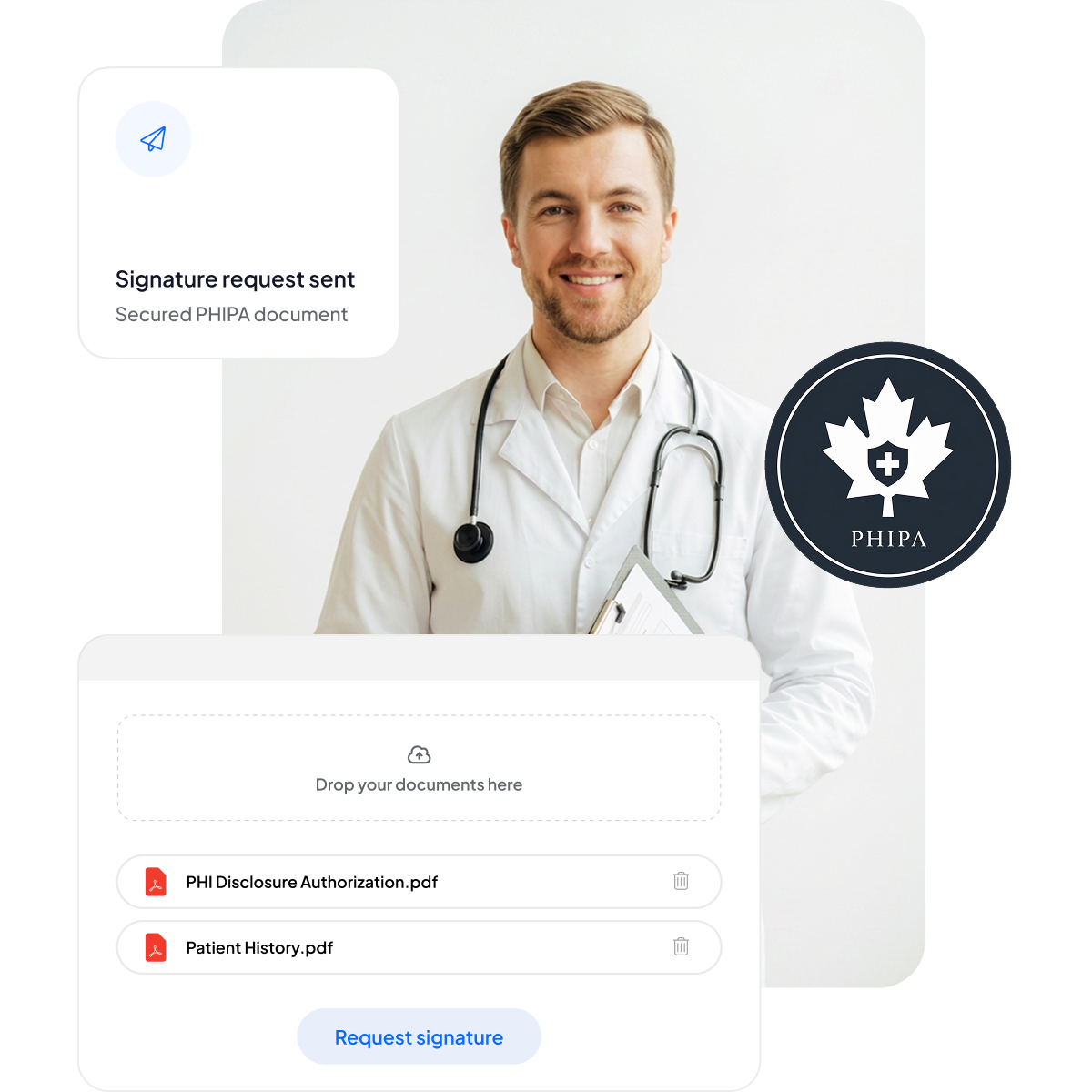






Modernisez les consentements des patients et les formulaires de santé
Offrez aux patients et au personnel une expérience de signature sécurisée et adaptée aux mobiles, sans alourdir la paperasse ni ralentir les soins.
Fini les planchettes : moins de paperasse et des temps d'attente réduits.
Signature adaptée au mobile : pratique pour les patients, quel que soit leur appareil.
Moins d'erreurs : les formulaires électroniques réduisent les erreurs de saisie.
Facturation plus rapide : un traitement rapide pour des paiements dans les délais.



Conformité et sécurité PHIPA : analyse approfondie
Des contrôles intégrés alignés sur la PHIPA, dont un PHIPA Agent Agreement signé sur les plans Enterprise éligibles, des modèles de formulaires sécurisés illimités, une technologie de hachage avancée garantissant des documents infalsifiables, des pistes d'audit complètes pour une transparence totale et des options de résidence des données au Canada.

Seul le personnel autorisé accède aux PHI
Gérez le personnel de santé avec notre plateforme de signature électronique alignée sur la PHIPA : ajoutez ou supprimez des utilisateurs, définissez des hiérarchies de gestion, imposez l'authentification à deux facteurs, activez l'authentification unique (SSO) et limitez l'accès aux renseignements personnels sur la santé au personnel autorisé selon son rôle.

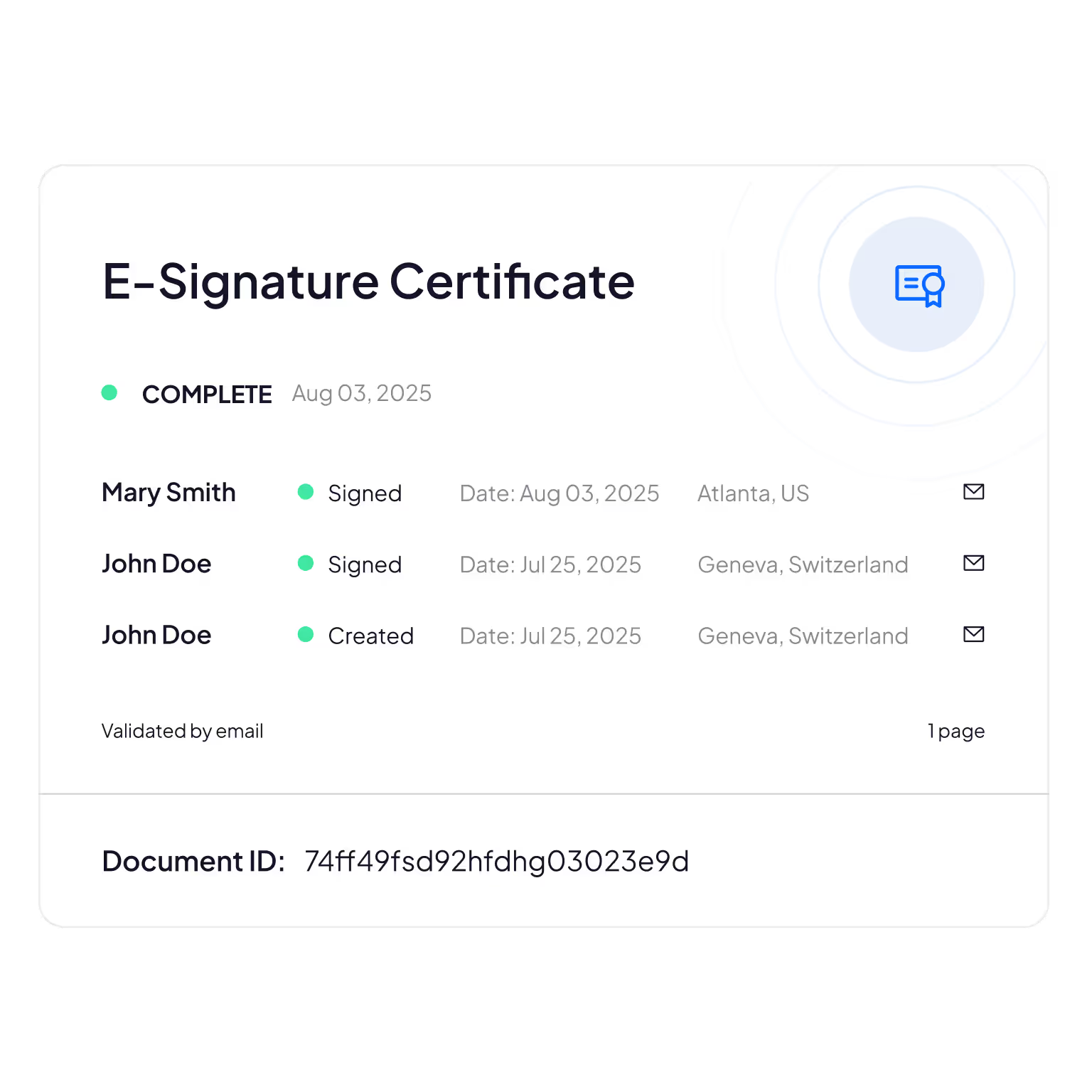
Pistes d'audit infalsifiables
Un suivi complet de qui consulte, modifie ou accède aux informations des patients, pour garantir la responsabilité et la vérification de la conformité.
Sign.Plus utilise des méthodes cryptographiques pour confirmer l'intégrité des documents et s'assurer que vos formulaires électroniques n'ont été ni altérés ni falsifiés.
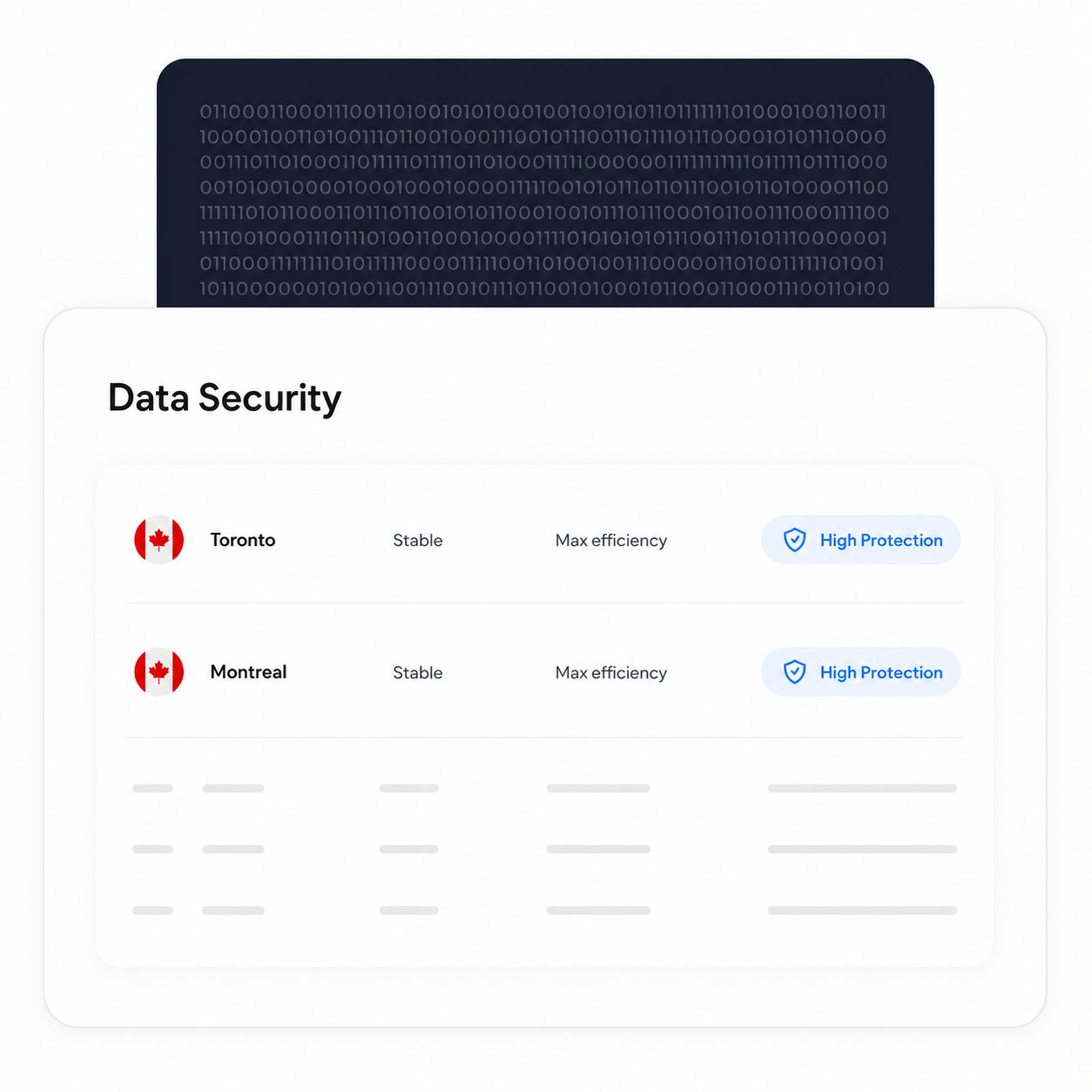
Conservez le traitement et le stockage des données au Canada
Les clients Enterprise éligibles peuvent choisir un emplacement de résidence des données au Canada, notamment Toronto. La PHIPA n'exige pas que les renseignements personnels sur la santé restent en Ontario : il s'agit donc d'un choix de configuration que les organisations peuvent faire selon leurs propres exigences.
Les processus de sauvegarde et de récupération restent en place, quel que soit l'emplacement de résidence sélectionné.
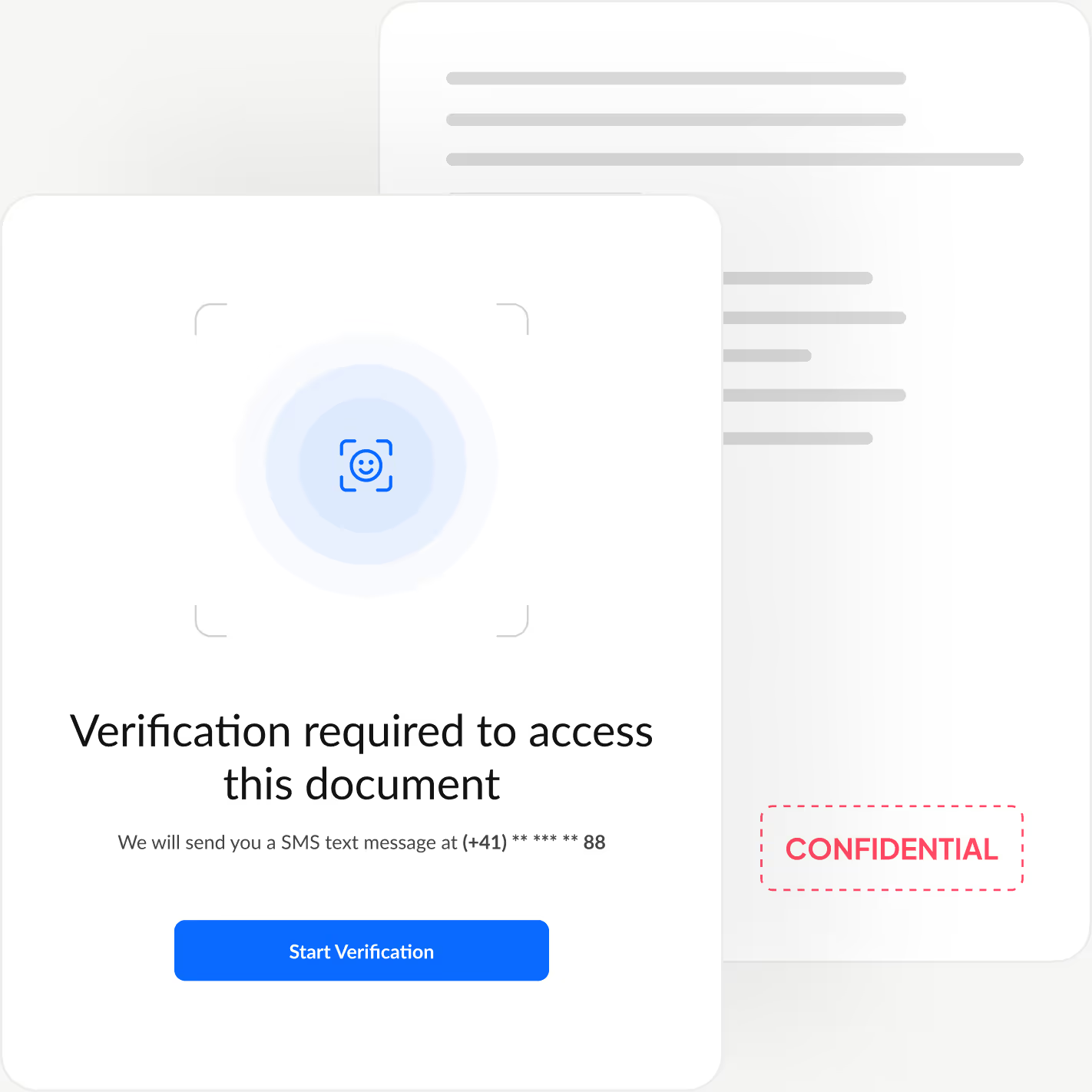
Vérifiez l'identité de chaque signataire
Ajoutez une couche d'authentification supplémentaire qui confirme l'identité de chaque signataire avant qu'il ne consulte votre document, afin de bloquer les accès non autorisés et d'empêcher les approbations frauduleuses.
Sign.Plus vous propose trois options de vérification flexibles : contrôle d'identité avec reconnaissance faciale, code d'accès défini par l'expéditeur ou code SMS à usage unique. Vous adaptez ainsi la sécurité à chaque flux de travail, tout en gardant une signature rapide et fluide.
Comment activer l'alignement PHIPA dans Sign.Plus
L'alignement PHIPA repose sur Advanced Security Controls, associé à un PHIPA Agent Agreement, pour les comptes Enterprise éligibles.
Ouvrir les Paramètres
Connectez-vous à votre tableau de bord Sign.Plus, puis ouvrez les Paramètres pour commencer à configurer les contrôles de conformité PHIPA de votre organisation.
L'alignement PHIPA est disponible uniquement sur les comptes Enterprise éligibles pour lesquels Advanced Security Controls est activé.
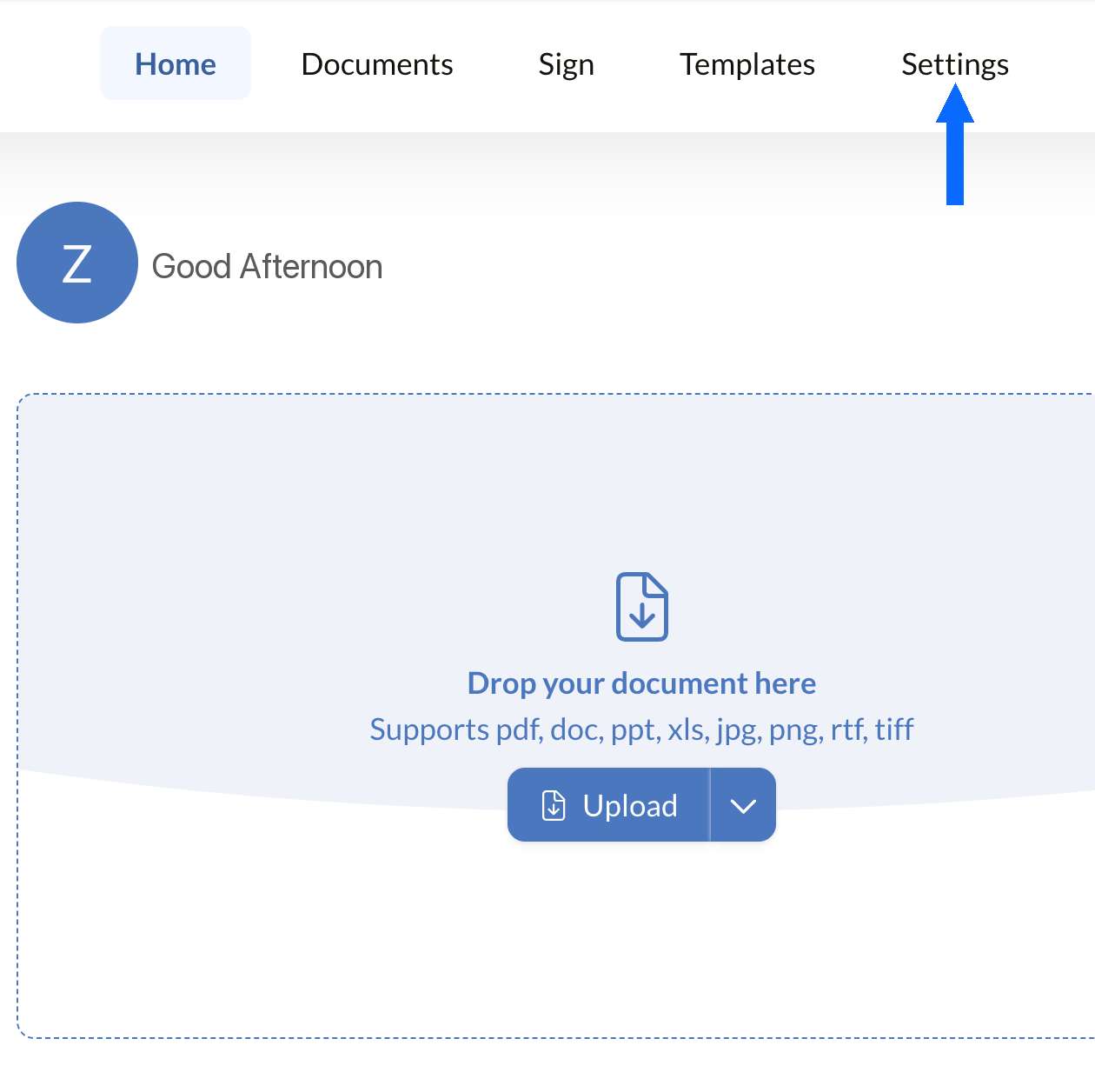
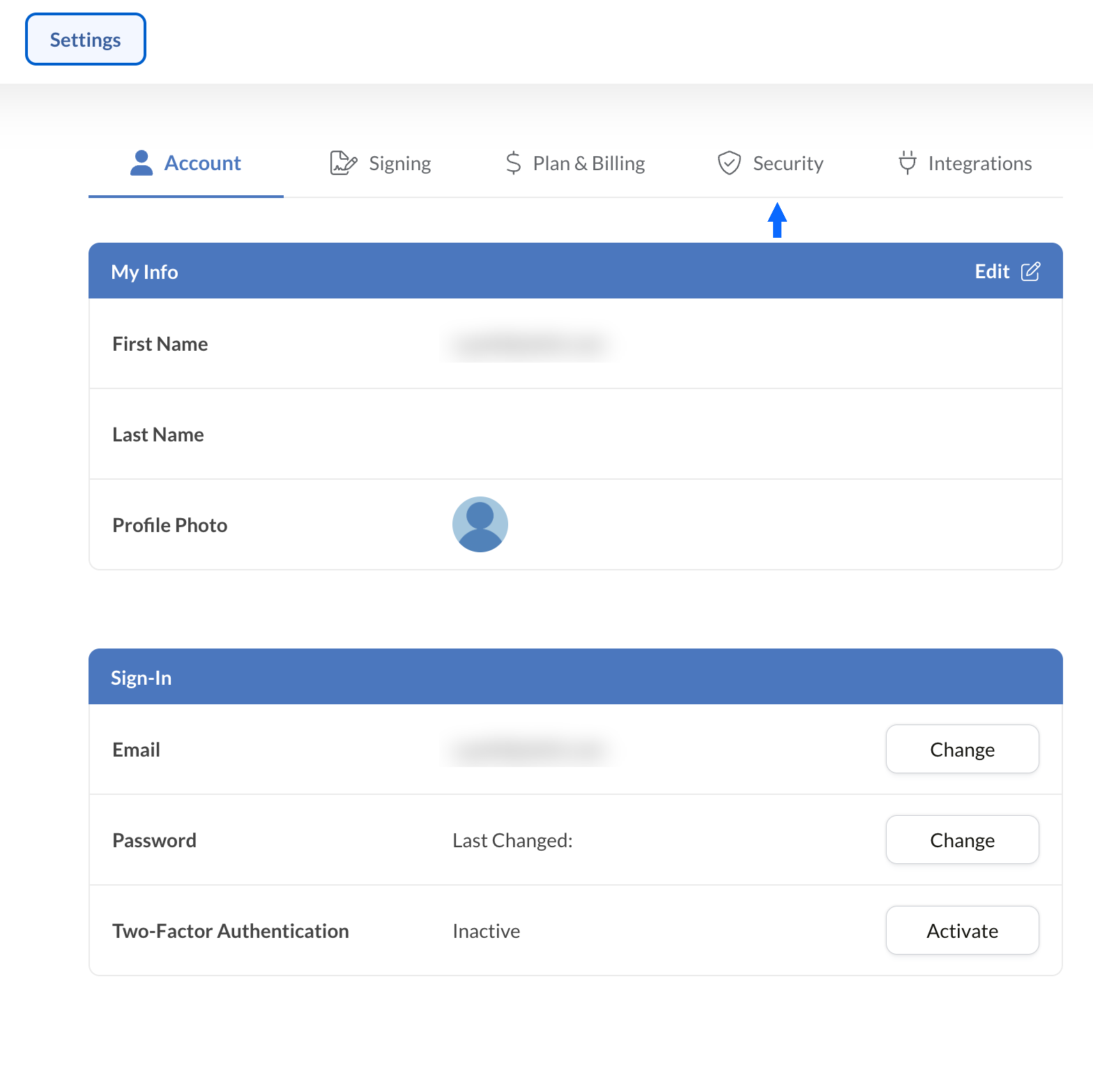
Ouvrir Sécurité
Dans les Paramètres, sélectionnez l'onglet Sécurité pour accéder aux contrôles de conformité de votre organisation.
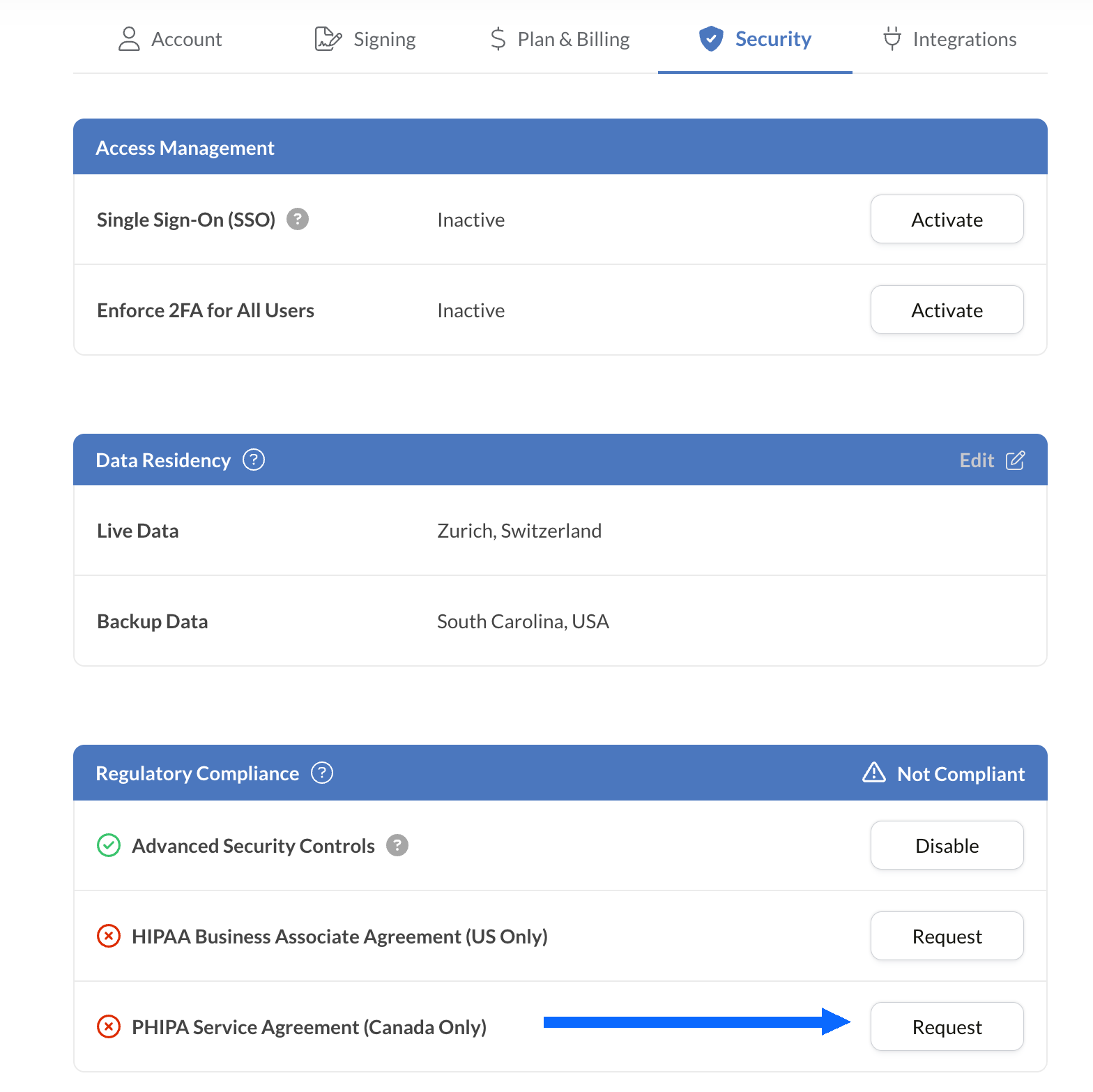
Demander le PHIPA Agreement
Le panneau Regulatory Compliance répertorie toutes les options de conformité du secteur de la santé disponibles pour votre compte, dont la PHIPA.
Sélectionnez Request en regard de PHIPA Agent Agreement (Canada Only).
Remplissez l'accord et soumettez-le pour validation. Une fois validé, le statut PHIPA s'affiche dans le panneau Regulatory Compliance.
Intégrez les signatures électroniques à vos outils existants
Sign.Plus propose également une API robuste conçue spécialement pour le secteur de la santé. Intégrez des fonctionnalités de signature électronique sécurisée à vos applications de santé existantes pour simplifier vos flux de travail et renforcer la conformité, sans effort.


Cas d'usage de la signature électronique PHIPA dans les soins de santé en Ontario

Gestion du consentement des patients
Consentements et autorisations en télésanté
Demandes de remboursement et autorisations d'assurance
Autorisations de traitement et d'ordonnance
Politiques internes et attestations de formation du personnel
Consentement aux actes médicaux
FAQ sur la signature électronique PHIPA
Qu'est-ce que la PHIPA ?

La PHIPA (Loi sur la protection des renseignements personnels sur la santé) est la loi ontarienne sur la confidentialité des données de santé. Elle encadre la collecte, l'utilisation, la divulgation et la protection des renseignements personnels sur la santé.
Sign.Plus est-il conforme à la PHIPA ?
Oui, Sign.Plus prend en charge des flux de travail alignés sur la PHIPA pour les organisations Enterprise éligibles qui activent Advanced Security Controls et signent un PHIPA Agent Agreement.
Comment activer la conformité PHIPA dans Sign.Plus ?
Choisissez un plan Enterprise, activez Advanced Security Controls, demandez et signez le PHIPA Agent Agreement depuis les paramètres Regulatory Compliance, puis suivez le processus de validation de l'accord. Une fois la validation effectuée, le statut PHIPA apparaît dans votre compte.
Un BAA est-il nécessaire pour la PHIPA ?
Non. Un Business Associate Agreement (BAA) s'applique à HIPAA. Pour la PHIPA, les clients éligibles signent à la place un PHIPA Agent Agreement, qui reflète le rôle d'agent de Sign.Plus au titre de l'article 17 de la PHIPA.
Sign.Plus propose-t-il une résidence des données au Canada ?
Oui. Les clients Enterprise éligibles peuvent choisir un emplacement de résidence des données au Canada pour Sign.Plus, notamment Toronto. La PHIPA n'exige généralement pas que les renseignements personnels sur la santé restent en Ontario : les organisations doivent donc choisir leurs paramètres de résidence des données en fonction de leurs propres exigences.
Modernisez les démarches administratives de santé en Ontario grâce à des signatures électroniques sécurisées conformes à la PHIPA
Enterprise
Solution sur mesure
Adoptez dès aujourd'hui les signatures électroniques conformes à la PHIPA
Créez un compte Enterprise, activez Advanced Security Controls, demandez et signez votre PHIPA Agent Agreement, puis gérez en toute sécurité vos flux de signature dans le domaine de la santé.




Confédération Suisse
Confederazione Svizzera
Confederaziun Svizra
Confédération suisse
Innosuisse - Agence suisse pour l'encouragement de l'innovation



