


オンタリオ州の医療機関向けPHIPA準拠電子署名
あらゆる署名ワークフローで個人健康情報を保護
PHIPAに沿った安全な電子署名ワークフローで、法的拘束力のある患者の同意書、承認書、医療フォームを収集できます。Advanced Security Controlsを有効にしたEnterpriseプランで、署名済みのPHIPA Agent Agreementとともにご利用いただけます。
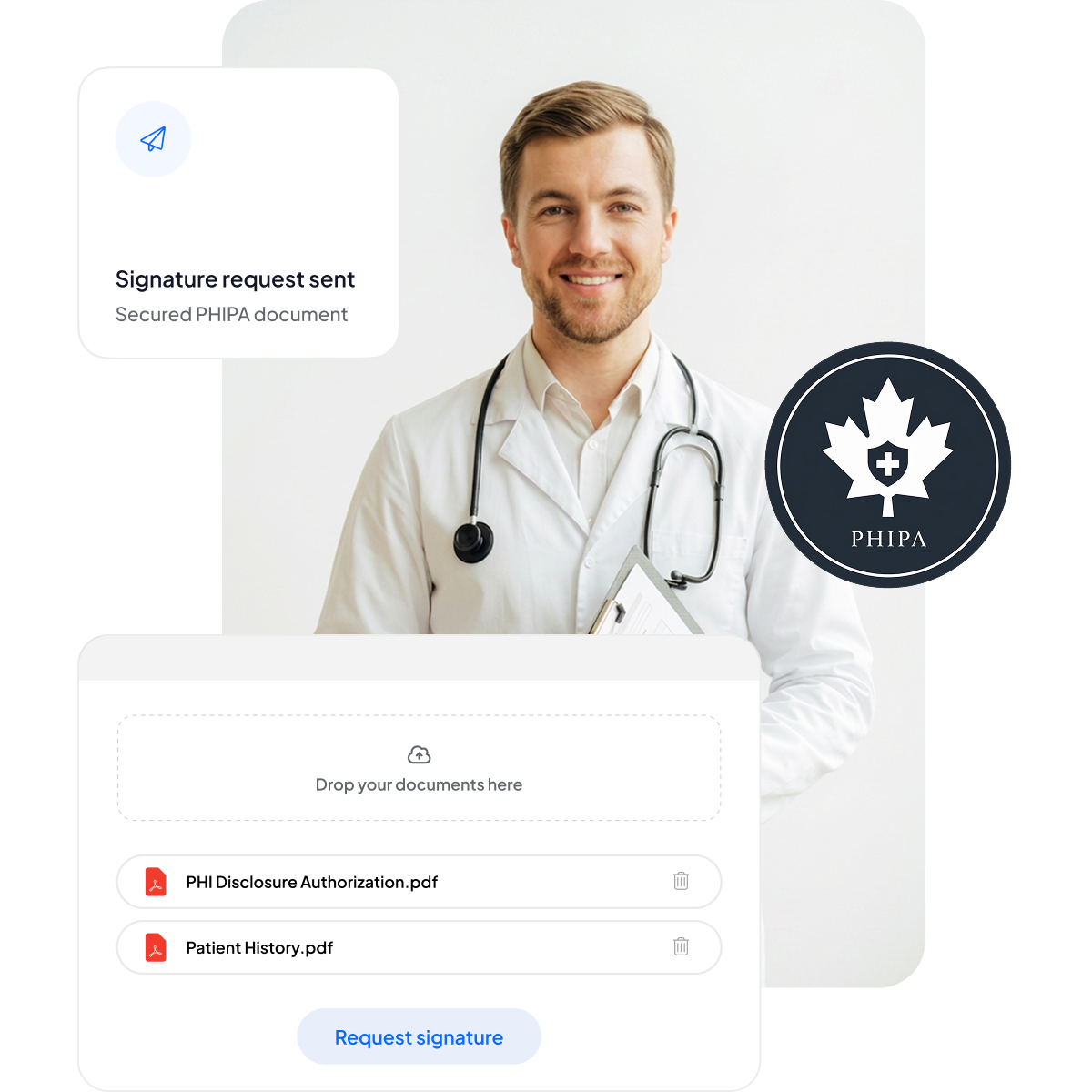






患者の同意書と医療フォームを近代化
書類作業を増やしたり診療を遅らせたりすることなく、患者とスタッフに安全でモバイルにも対応した署名体験を提供します。
クリップボード不要:書類作業が減り、待ち時間も短縮されます。
モバイル対応の署名:患者さんはどのデバイスからでも手軽に署名できます。
ミスの削減:電子フォームにより入力ミスを減らせます。
請求の迅速化:迅速に処理されるため、期日どおりの支払いにつながります。



PHIPAコンプライアンスとセキュリティの詳細
PHIPAに沿った管理機能を標準搭載しています。対象となるEnterpriseプランでは署名済みのPHIPA Agent Agreement、無制限の安全なフォームテンプレート、改ざんを検知できる高度なハッシュ技術、完全な透明性を実現する包括的な監査証跡、カナダ国内のデータレジデンシーのオプションが含まれます。

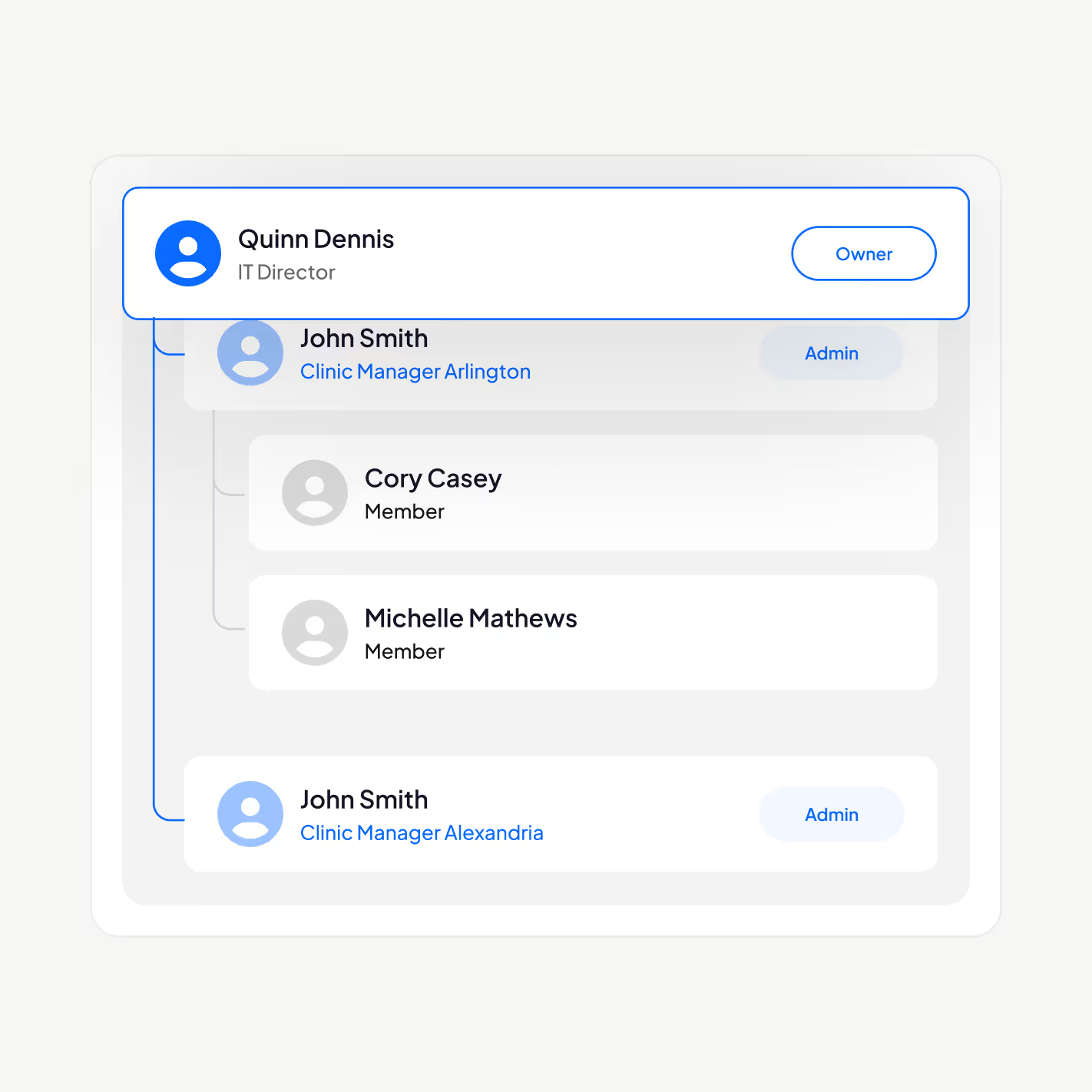
PHIにアクセスできるのは適切なスタッフのみ
PHIPAに沿った電子署名プラットフォームで医療従事者を管理できます。ユーザーの追加と削除、管理階層の設定、二要素認証の強制、シングルサインオン(SSO)の有効化、役割に応じた個人健康情報へのアクセスを許可された担当者のみへの制限が可能です。
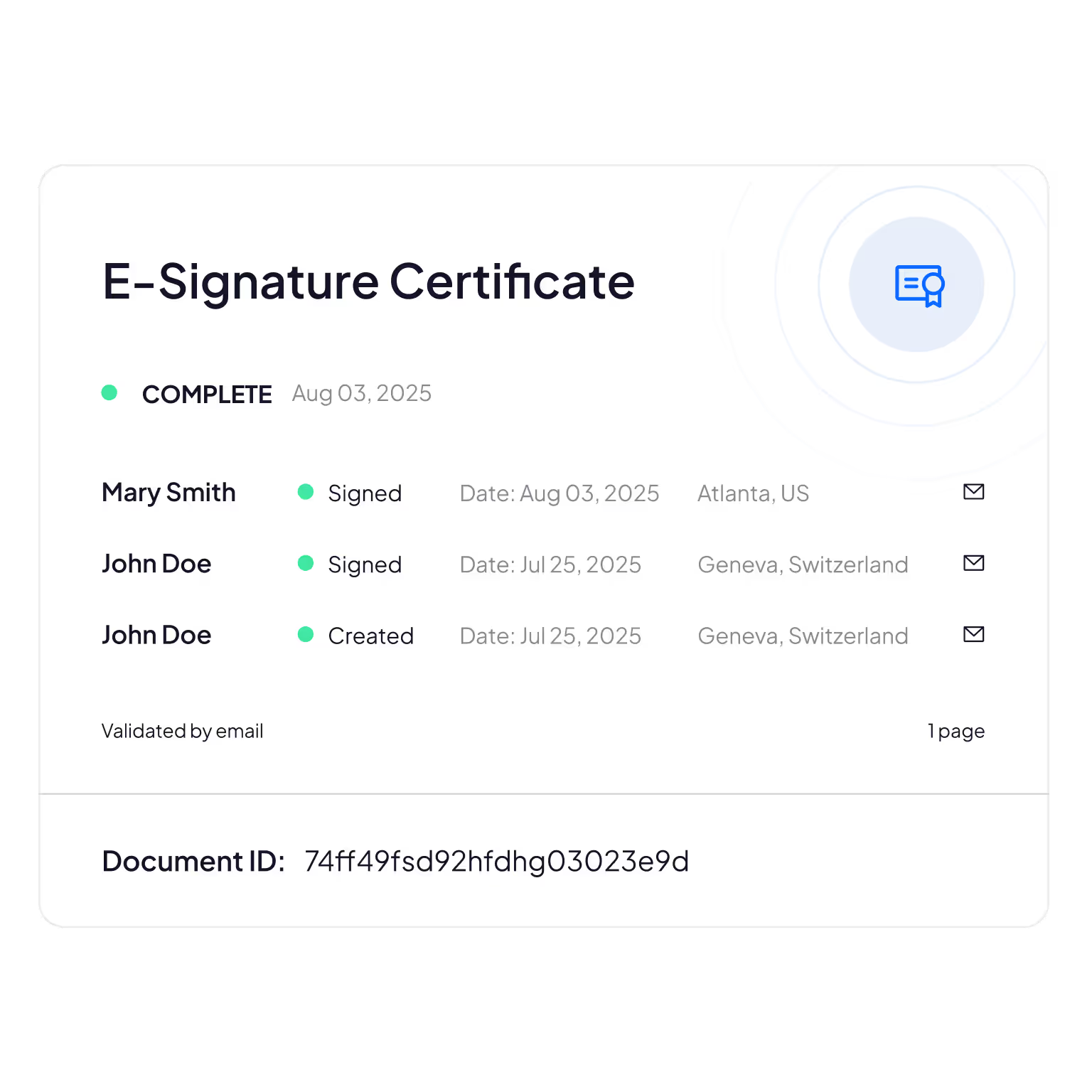
改ざん防止の監査証跡
患者情報を誰が閲覧・編集・アクセスしたかを包括的に追跡し、説明責任とコンプライアンスの確認を支援します。
Sign.Plusは暗号技術を用いて文書の完全性を確認し、電子フォームが変更・改ざんされていないことを保証します。
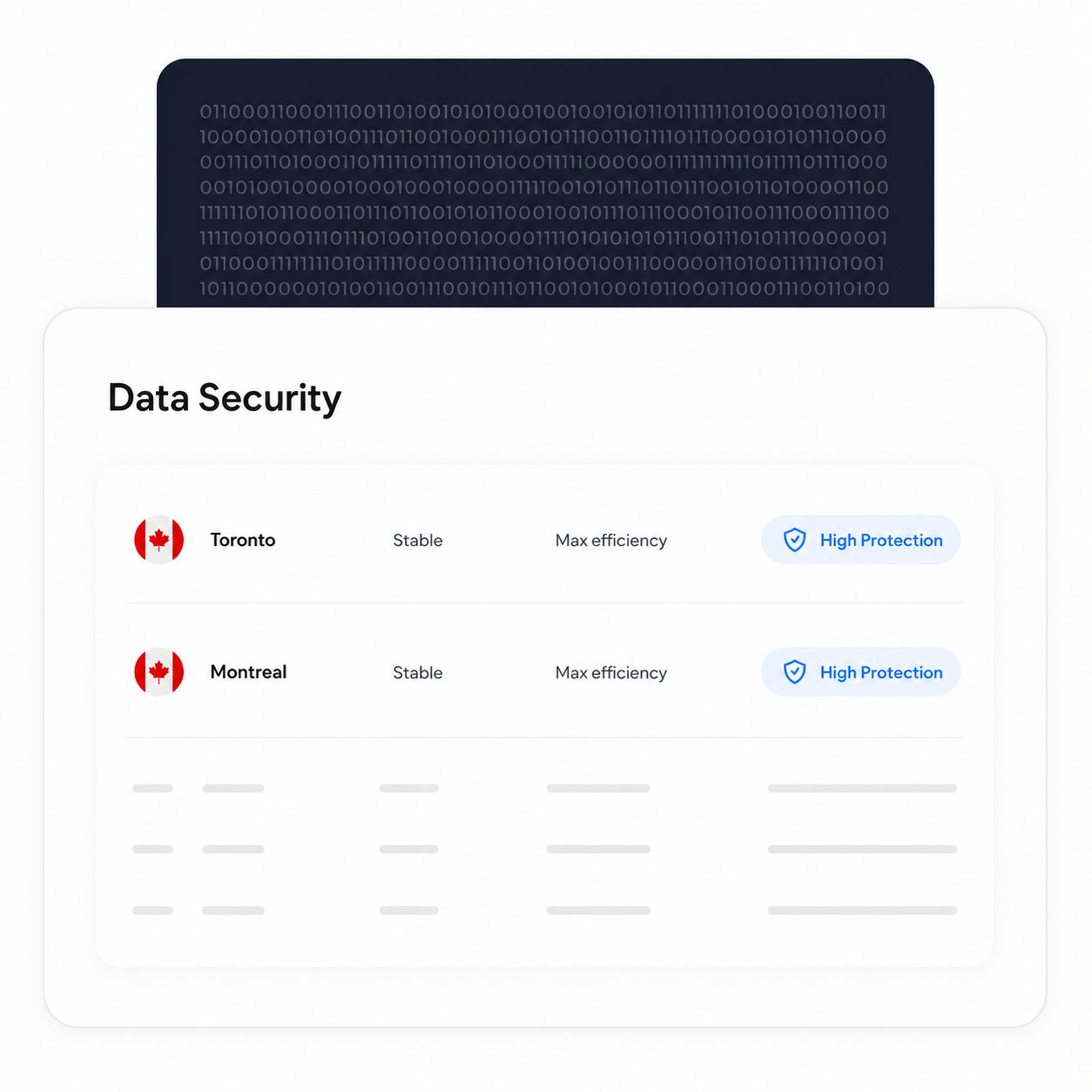
処理と保管をカナダ国内で維持
対象となるEnterpriseのお客様は、トロントを含むカナダ国内のデータレジデンシーの所在地を選択できます。PHIPAは個人健康情報をオンタリオ州内に保持することを義務付けていないため、これは各組織が自身の要件に基づいて行える設定上の選択です。
選択したデータレジデンシーの所在地にかかわらず、バックアップと復旧のプロセスは維持されます。
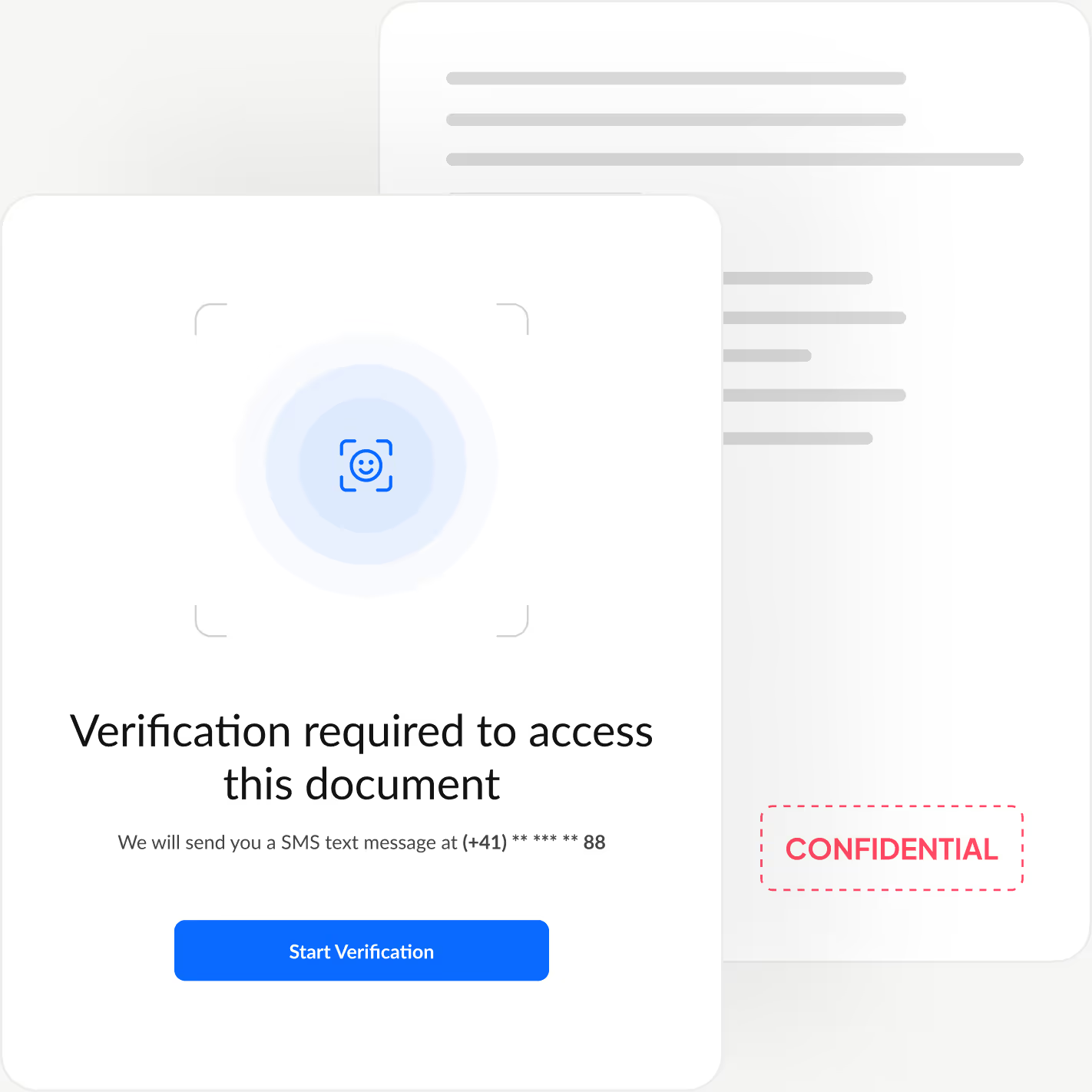
すべての署名者の本人確認を実施
署名者が文書を閲覧する前に本人確認を行う認証レイヤーを追加し、不正アクセスや不正な承認を防ぎます。
Sign.Plusでは、顔照合による身分証明書の確認、送信者が設定するパスコード、ワンタイムSMSコードの3つの柔軟な認証方法から選べます。署名の手軽さと速さを保ちながら、ワークフローごとに最適なセキュリティを設定できます。
Sign.PlusでPHIPA対応を有効にする方法
PHIPA対応は、対象となるEnterpriseアカウントで、Advanced Security ControlsとPHIPA Agent Agreementを併せて利用することで実現します。
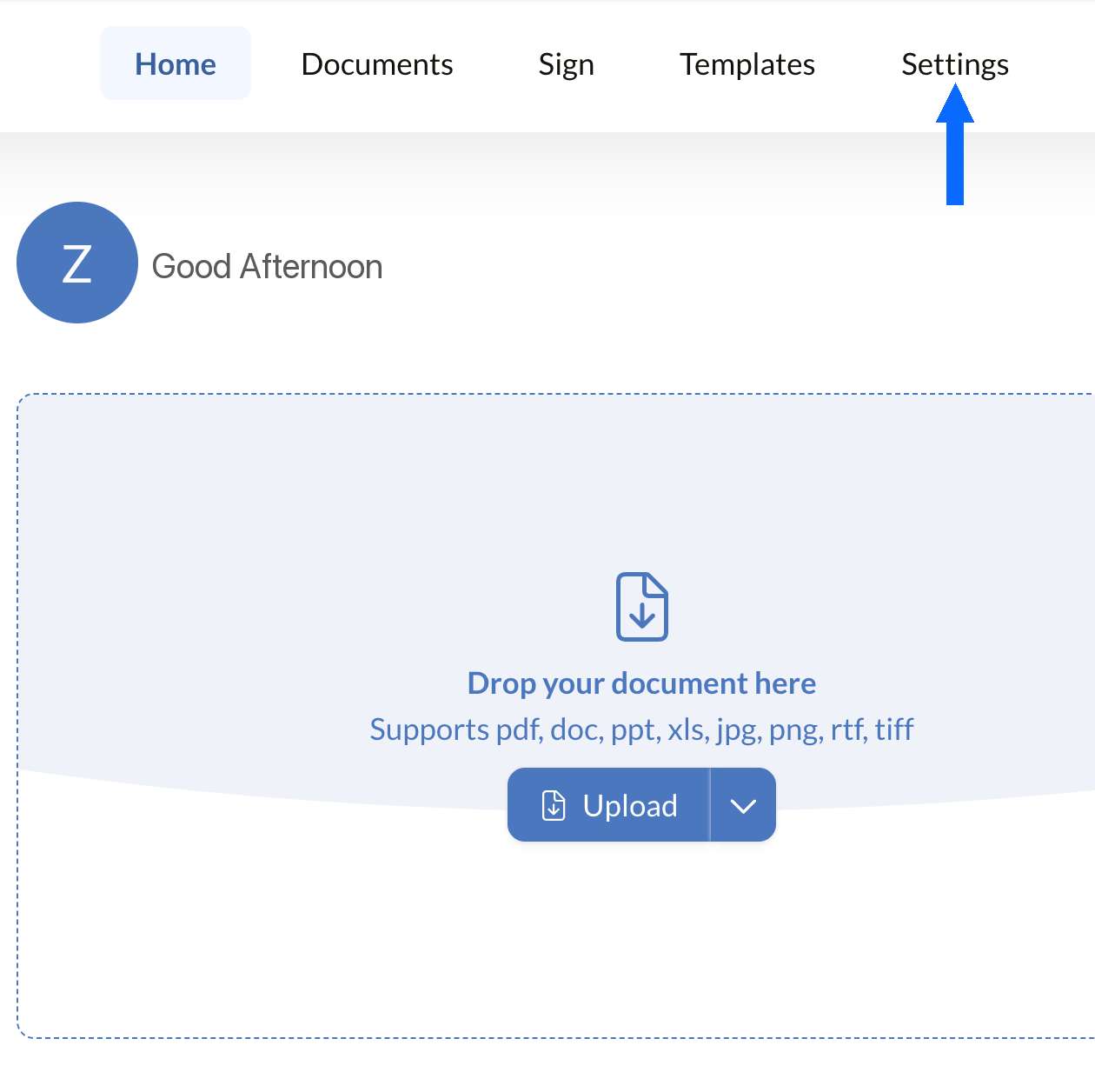
設定を開く
Sign.Plusのダッシュボードにログインし、設定を開いて、組織のPHIPAコンプライアンス管理の設定を始めます。
PHIPA対応は、Advanced Security Controlsが有効になっている対象のEnterpriseアカウントでのみ利用できます。
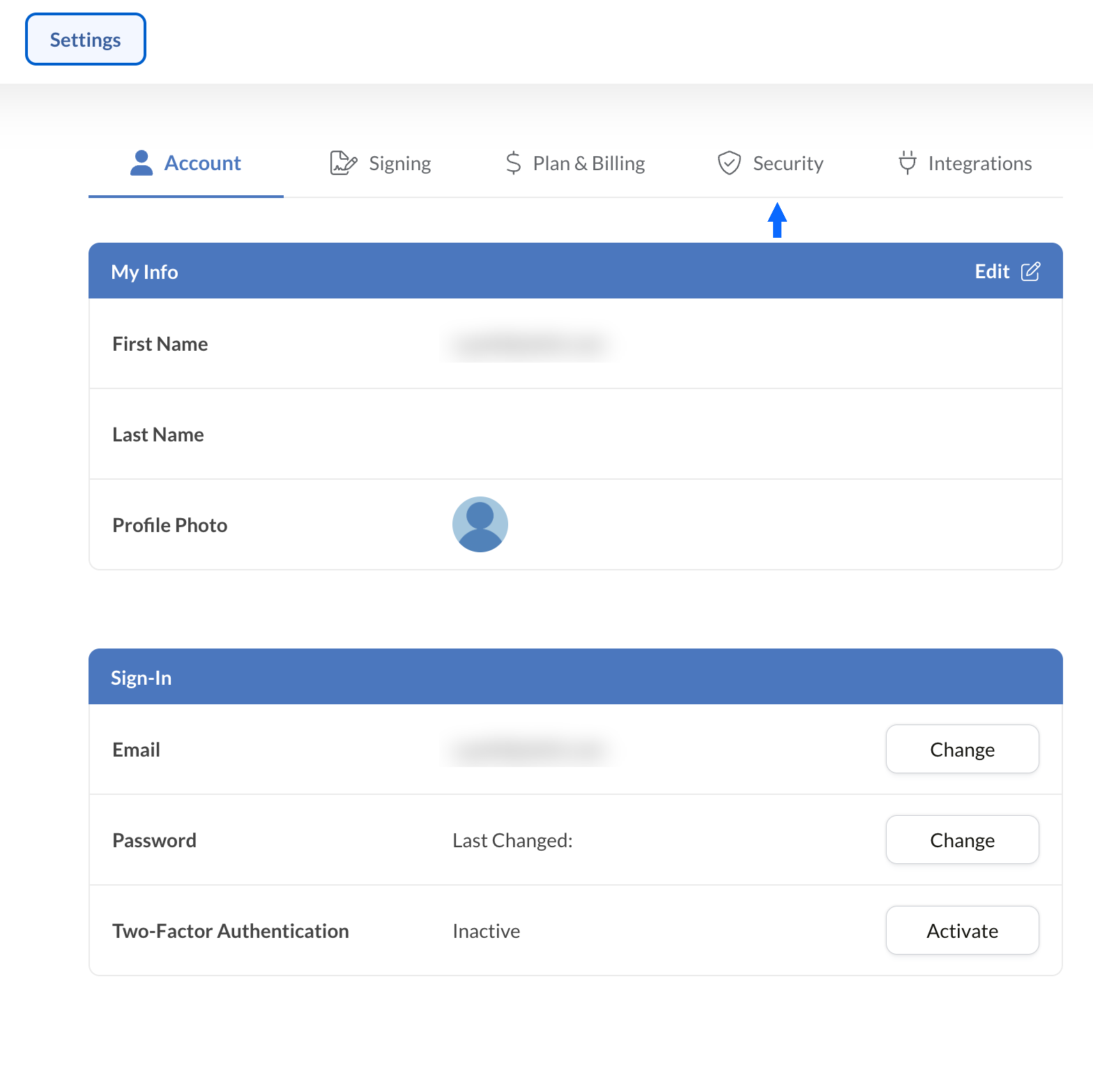
セキュリティを開く
設定から「セキュリティ」タブを選択し、組織のコンプライアンス管理にアクセスします。
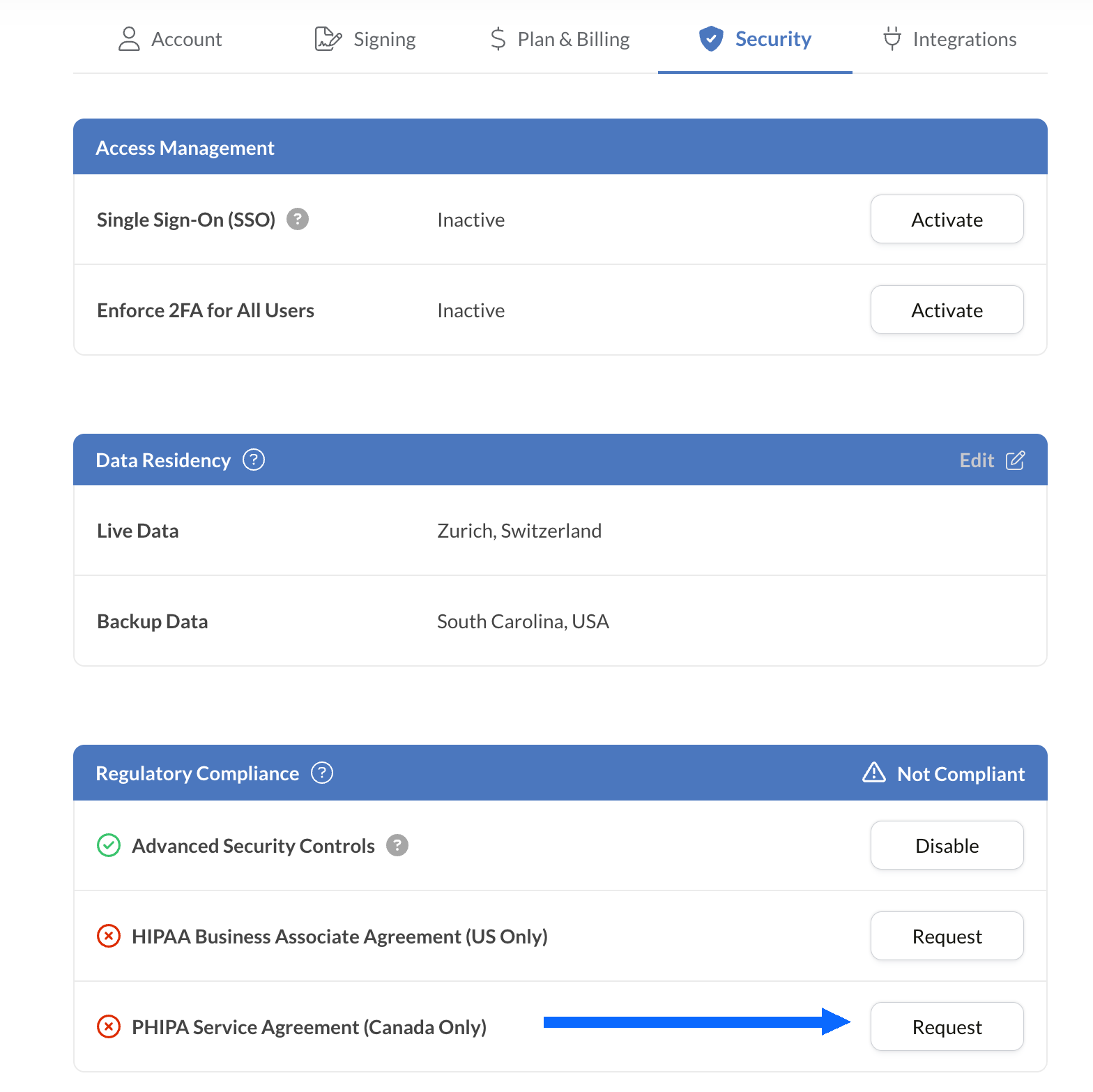
PHIPA契約をリクエストする
「規制コンプライアンス」パネルには、PHIPAを含め、お使いのアカウントで利用可能なすべての医療向けコンプライアンスオプションが一覧表示されます。
PHIPA Agent Agreement(カナダのみ)の横にある「リクエスト」を選択します。
契約書に必要事項を記入し、検証のために送信します。検証が完了すると、PHIPAのステータスが「規制コンプライアンス」パネルに反映されます。
既存のツールに電子署名を組み込む
Sign.Plusは、医療向けに特化した堅牢なAPIも提供しています。安全な電子署名機能を既存の医療アプリケーションに統合し、最小限の手間でワークフローの効率化とコンプライアンス強化を実現できます。


オンタリオ州の医療機関向けPHIPA電子署名の活用例

患者の同意管理
遠隔医療の同意書と承認書
保険請求と承認
治療および処方の承認書
スタッフ向けポリシーと研修の確認書
医療処置の同意
PHIPA電子署名に関するよくある質問
PHIPAとは何ですか?

PHIPA(Personal Health Information Protection Act)は、個人健康情報の収集、利用、開示、保護の方法を定めた、オンタリオ州の健康データのプライバシー法です。
Sign.PlusはPHIPAに準拠していますか?
はい。Sign.Plusは、Advanced Security Controlsを有効にし、PHIPA Agent Agreementに署名した対象のEnterprise組織に対して、PHIPAに沿ったワークフローをサポートしています。
Sign.PlusでPHIPAコンプライアンスを有効にするにはどうすればよいですか?
Enterpriseプランを選択し、Advanced Security Controlsを有効にして、規制コンプライアンス設定からPHIPA Agent Agreementをリクエストして署名し、契約の検証プロセスを完了してください。検証が完了すると、PHIPAのステータスがアカウントに反映されます。
PHIPAにBAAは必要ですか?
いいえ。Business Associate Agreement(BAA)はHIPAAで使用されるものです。PHIPAでは、対象のお客様は代わりにPHIPA Agent Agreementに署名します。これは、PHIPA第17条に基づくエージェントとしてのSign.Plusの役割を反映したものです。
Sign.Plusはカナダ国内でのデータレジデンシーの指定に対応していますか?
はい。対象のEnterpriseのお客様は、トロントを含むカナダ国内のデータレジデンシーをSign.Plus用に選択できます。PHIPAでは、個人健康情報をオンタリオ州内に保管することが一般的に義務付けられているわけではないため、各組織は自らの要件に基づいてデータレジデンシーの設定を選択してください。
PHIPAに準拠した安全な電子署名で、オンタリオ州の医療関連の書類業務を近代化
Enterprise
カスタムソリューション
PHIPAに準拠した電子署名を今すぐ始めましょう
Enterpriseアカウントを作成し、Advanced Security Controlsを有効にして、PHIPA Agent Agreementをリクエストして署名すれば、医療関連の署名ワークフローを安全に管理できます。




Confédération Suisse
Confederazione Svizzera
Confederaziun Svizra
スイス連邦
Innosuisse - スイスイノベーション機関



